
Tin nhắn giữ chân người dùng
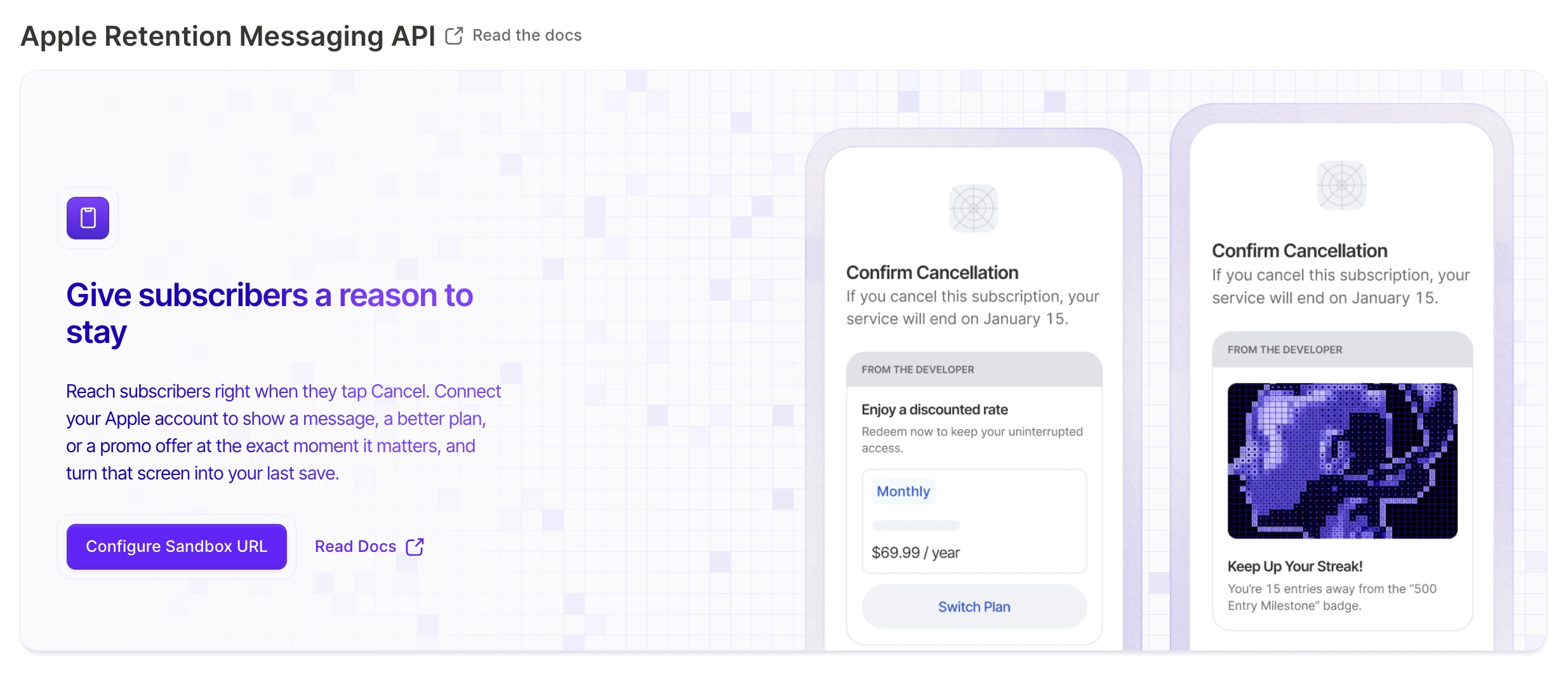
Retention Messaging là tính năng của Apple hiển thị thông điệp tùy chỉnh cho người dùng trên màn hình Cancel Subscription của iOS, ngay trước khi họ xác nhận hủy. Dùng tính năng này để giảm tỷ lệ hủy gói đăng ký bằng cách đưa ra lý do — hoặc một ưu đãi — để người dùng ở lại.
Adapty kết nối với Apple’s Retention Messaging API, vì vậy Apple sẽ yêu cầu đúng thông điệp theo thời gian thực mỗi khi người dùng nhấn vào Cancel Subscription. Adapty vận hành endpoint đó cho bạn: bạn soạn, bản địa hóa và kiểm thử thông điệp ngay trong Adapty Dashboard, và Adapty sẽ tự động phản hồi Apple. Không cần xây dựng backend, không cần phát hành ứng dụng.
Có hai loại thông điệp. Thông điệp mặc định là văn bản thông thường, đóng vai trò dự phòng khi không thể hiển thị thông điệp promo. Thông điệp promo bổ sung thêm một ưu đãi cụ thể: giảm giá, dùng thử miễn phí, hoặc chuyển sang gói phù hợp hơn. Apple hiển thị cho mỗi người đăng ký thông điệp phù hợp với sản phẩm và ngôn ngữ của họ.
Thiết lập Retention Messaging
Kết nối Adapty với Retention Messaging của Apple: yêu cầu quyền truy cập từ Apple, cấu hình trong sandbox, vượt qua bài kiểm tra hiệu suất của Apple, sau đó chuyển sang môi trường production.
Tạo retention message
Tạo thông điệp giữ chân mặc định và promo trong Adapty. Viết nội dung, thêm ưu đãi hoặc chuyển đổi gói, bản địa hóa và gửi để Apple xem xét.
Theo dõi hiệu suất tin nhắn
Đọc các cột Shown, Retained và Retention rate trong bảng Retention Messaging của Adapty, và tìm hiểu lý do tại sao Retained thường chậm hơn Shown.
Bắt đầu nhanh
Trước khi bắt đầu, bạn cần:
- Một App Store Connect API key trong Adapty.
- Được Apple phê duyệt cho app của bạn. Apple xét duyệt mất đến một tháng, vì vậy hãy gửi yêu cầu sớm.
- Ít nhất một sản phẩm để thông điệp của bạn bao gồm.
Sau đó:
- Kết nối Adapty với Retention Messaging API ở chế độ sandbox.
- Mua sản phẩm có thời hạn dài nhất bằng tài khoản sandbox hoặc qua TestFlight, và giữ gói đăng ký đó ở trạng thái hoạt động.
- Vượt qua bài kiểm tra hiệu năng của Apple. Quá trình này có thể mất đến một giờ.
- Chuyển sang chế độ production.
- Tạo tin nhắn production của bạn — trước tiên là tin nhắn mặc định, sau đó là tin nhắn promo — và gửi từng tin nhắn để Apple xem xét.
- Theo dõi hiệu quả của từng tin nhắn sau khi Apple phê duyệt.