
Retention Messaging
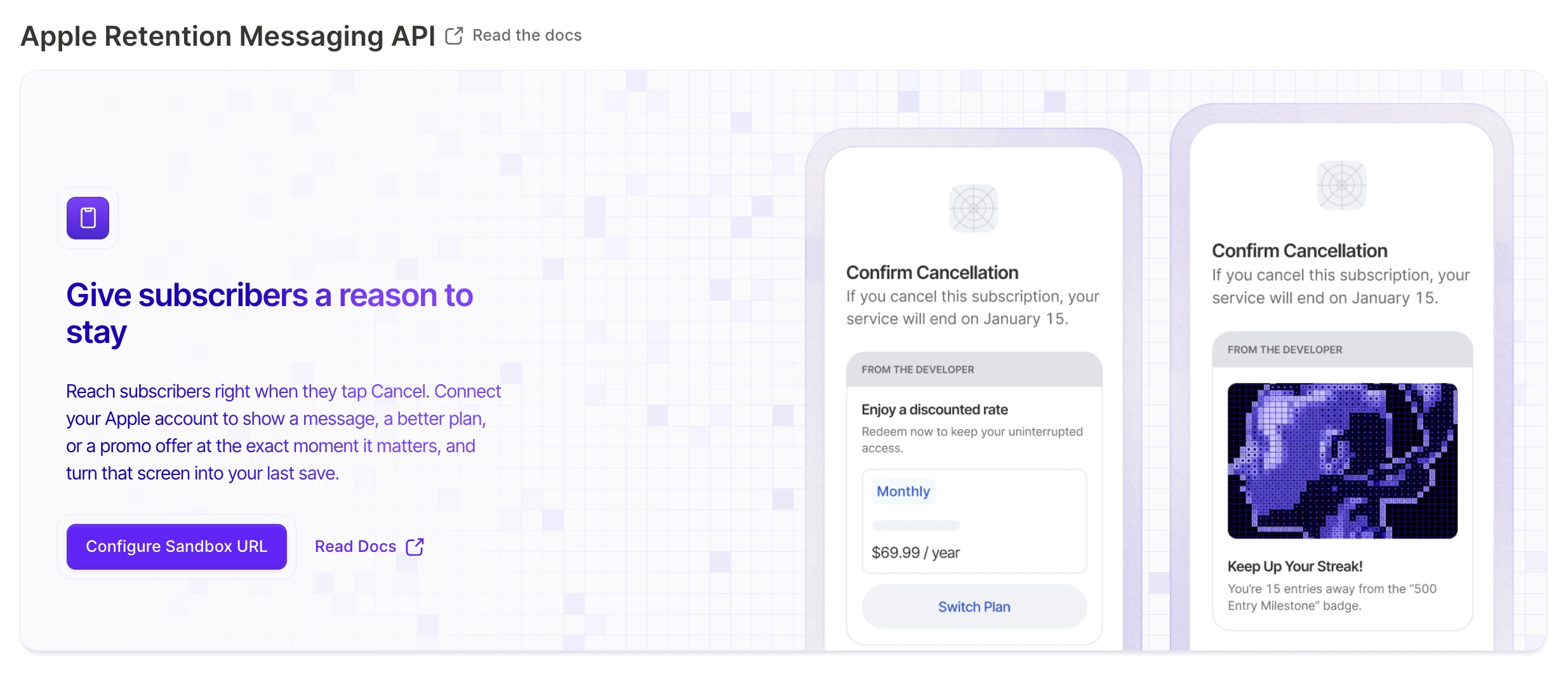
Retention Messaging is an Apple feature that shows subscribers a custom message on the iOS Cancel Subscription screen, right before they confirm. Use it to cut subscription churn by giving people a reason — or an offer — to stay.
Adapty connects to Apple’s Retention Messaging API, so Apple requests the right message in real time whenever a subscriber taps Cancel Subscription. Adapty runs that endpoint for you: you write, localize, and test messages in the Adapty Dashboard, and Adapty answers Apple automatically. No backend to build, no app release.
There are two message types. A default message is plain copy, and serves as the fallback whenever a promo message can’t be shown. A promo message adds a concrete incentive on top: a discount, a free trial, or a switch to a more fitting plan. Apple shows each subscriber the message that matches their product and language.
Set up Retention Messaging
Connect Adapty to Apple's Retention Messaging: request access from Apple, configure it in sandbox, pass Apple's performance test, then switch to production.
Create a retention message
Create default and promo retention messages in Adapty. Write the content, add an offer or plan switch, localize it, and submit it for Apple's review.
Track message performance
Read the Shown, Retained, and Retention rate columns in Adapty's Retention Messaging table, and learn why Retained lags behind Shown.
Quickstart
Before you start, you need:
- An App Store Connect API key in Adapty.
- Apple’s approval for your app. Apple’s review takes up to a month, so submit the request early.
- At least one product for your messages to cover.
Then:
- Connect Adapty to the Retention Messaging API in sandbox mode.
- Purchase your longest-duration product with a sandbox account or through TestFlight, and keep the subscription active.
- Pass Apple’s performance test. It can take up to an hour.
- Switch to production mode.
- Create your production messages — first, default messages, then promo messages — and submit each for Apple’s review.
- Track how each message performs once Apple approves it.