
AI Agent in Adapty Ads Manager
The AI Agent is a chat assistant in Adapty Ads Manager that answers questions about your Apple Ads account in plain language.
It draws on your full funnel — impression, install, trial, subscription, and revenue — so it reasons about revenue and ROAS, not just clicks. Adapty’s built-in attribution makes this funnel data available to the agent in near real time.
The agent is advisory: it analyzes your account and recommends what to do, but does not change campaigns, bids, or budgets for you.
To have an AI tool carry out the changes as well as recommend them, install the Apple Ads plugin in Claude Code, Copilot CLI, Codex, or Gemini CLI. It works through the Adapty CLI in your terminal, so it can act on your account.
What you can ask
Ask the agent about any part of your Apple Ads account. The agent can:
- Account overview: Summarize what is happening across your account and what needs attention first.
- Underperforming objects: Find campaigns that are not paying off and keywords that bring no conversions.
- Budget: Identify campaigns that hit their daily budget cap and advise whether to raise it.
- Bid and pause decisions: Recommend whether to raise a bid or hold, and whether to pause a campaign or keep it running.
- Geo performance: Show which countries over- and under-perform and where to reallocate budget.
Example questions
The agent gives the most useful answers when you name a metric, a time window, and the decision you are weighing. For example:
- Which keywords have the highest ROAS, and how should I reallocate budget toward them?
- Which keywords have high spend but no trials or subscriptions in the last 30 days, and which should I pause?
- Which campaigns hit their daily budget cap while staying profitable, and how much should I raise each?
- Compare my countries by ROAS and cost per subscription — where should I move budget?
- Should I lower the bid on this keyword, pause it, or give it more time? Show the funnel data behind your answer.
- Which keywords drive cheap installs that rarely convert to paid subscriptions?
Open the AI Agent
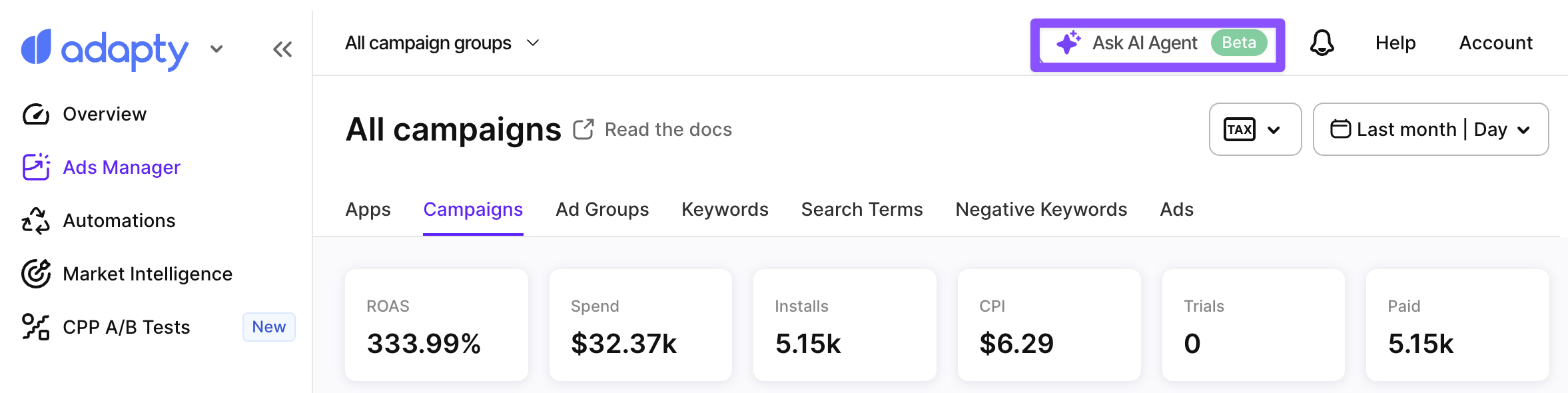
To open the agent, click Ask AI Agent in the account header.
Before you ask anything, select an app to set the agent’s scope. Then type your question and send it.
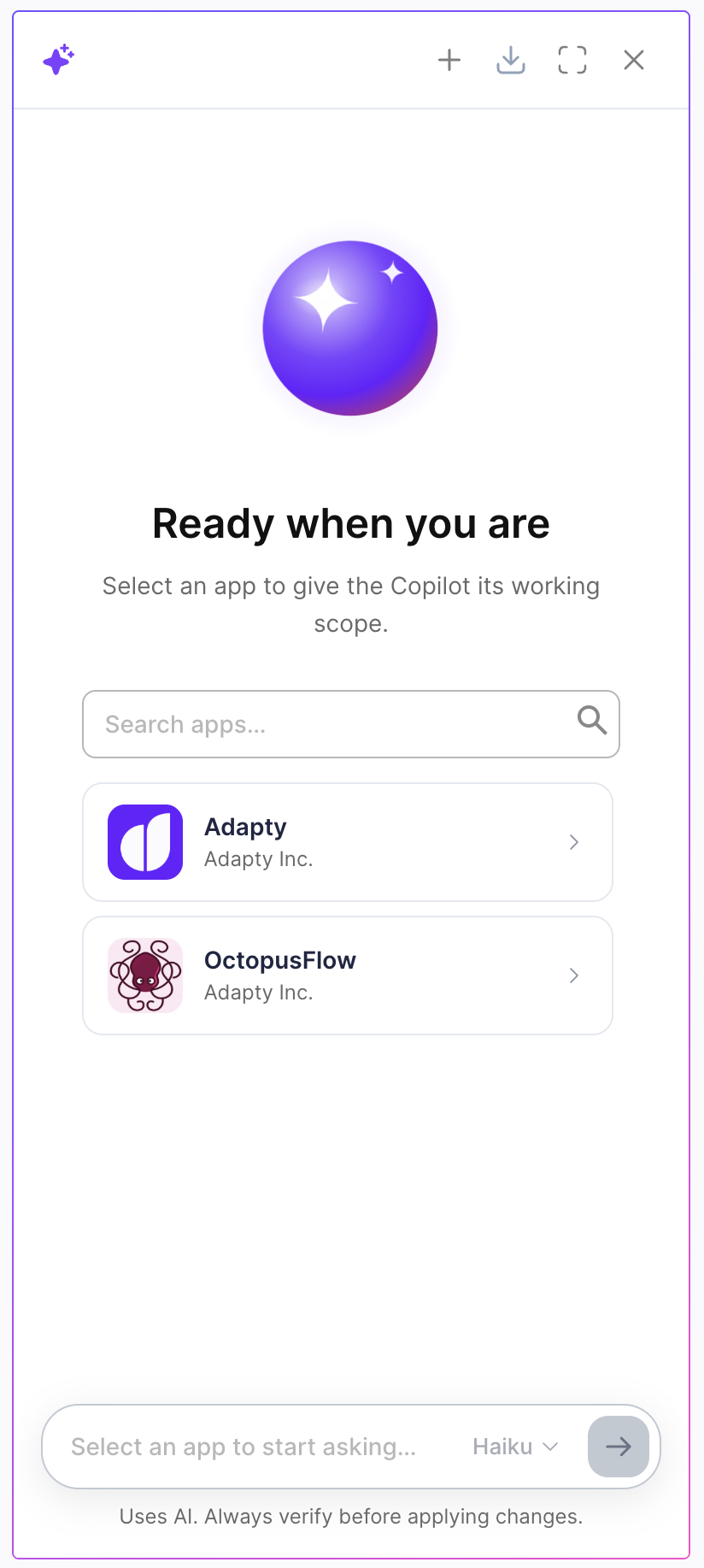
The agent runs tasks in the background, so you can keep working in Adapty Ads Manager while it prepares an answer.
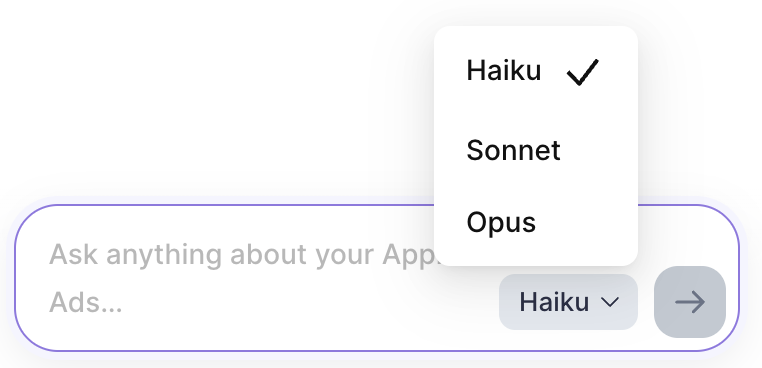
To change which model answers your questions, use the selector next to the message input.
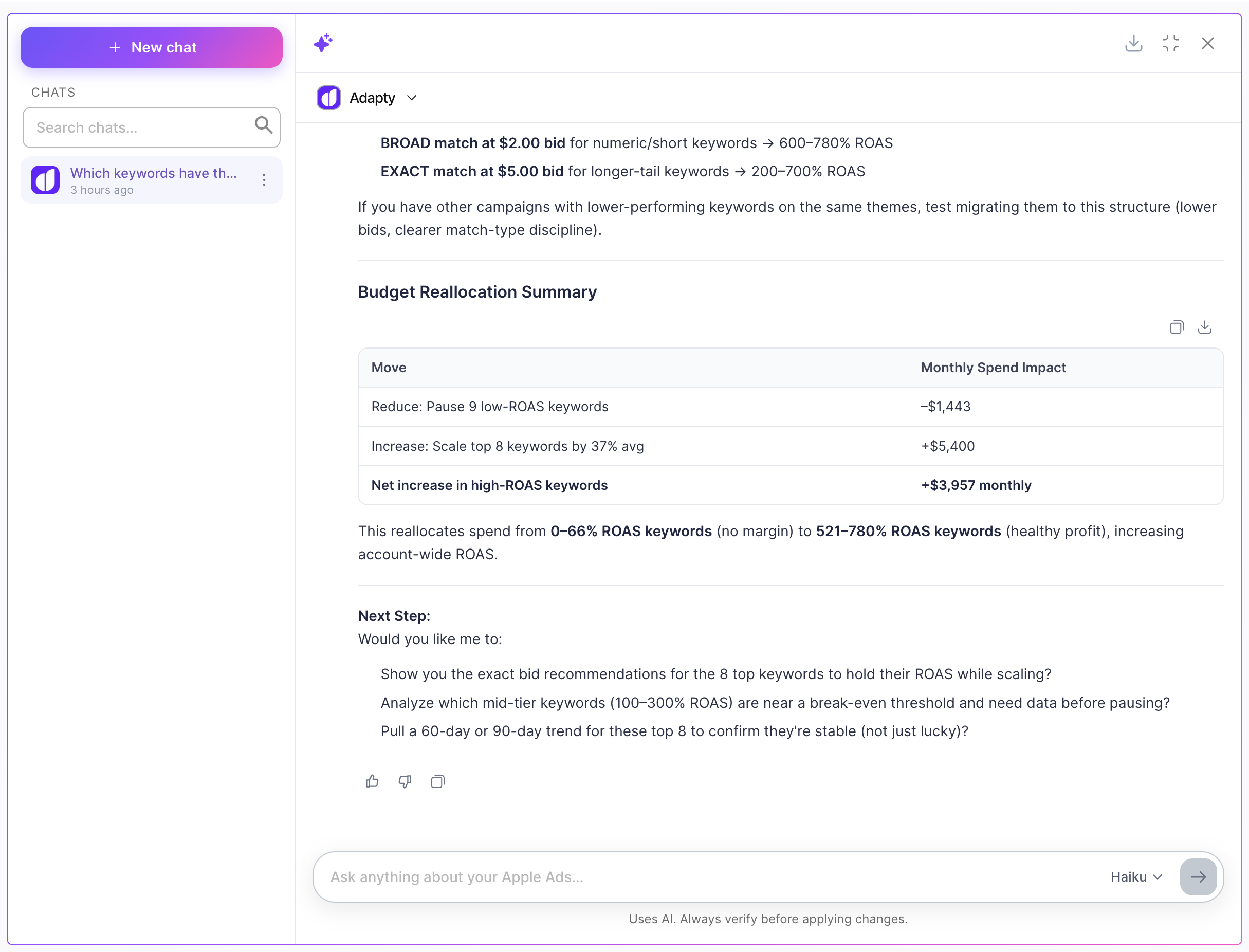
Access previous chats
The compact panel shows only your current conversation. To revisit earlier chats, click the expand button at the top of the panel to enter full-screen mode. A Chats list opens on the left, where you can search past conversations or start a new one with New chat.
Limitations
The AI Agent is advisory. It recommends actions but does not apply them for you. Review its recommendations, then apply changes yourself when managing campaigns and keywords.