
Assign access level to product
Every product requires an associated access level. For subscriptions and lifetime products, the purchase activates that access level: Adapty determines the subscription duration and uses it as the access level’s expiration date, and a lifetime purchase leaves the access level active with no expiration date.
Consumable and non-subscription purchases don’t activate an access level, even though the product still carries one. Those purchases appear in the nonSubscriptions array of the user profile, and your app decides what to unlock.
Each product has exactly one access level. To unlock several sets of features with one subscription or lifetime purchase, create a combined access level (for example, premium_extra) and assign it to that product. In your app, treat an active premium_extra access level as unlocking every set of features it covers.
To link an access level to a product:
- While configuring a product, select the access level from the Access Level ID list.
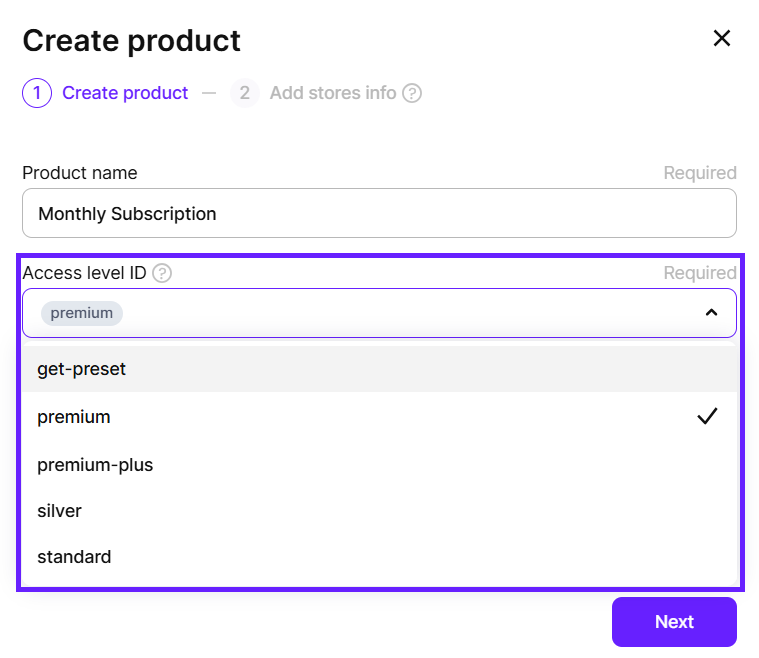
- Click Save.