
Apple App Store credentials
The iOS SDK tab in App settings holds the App Store credentials of your app. To enter them all, follow Configure App Store integration.
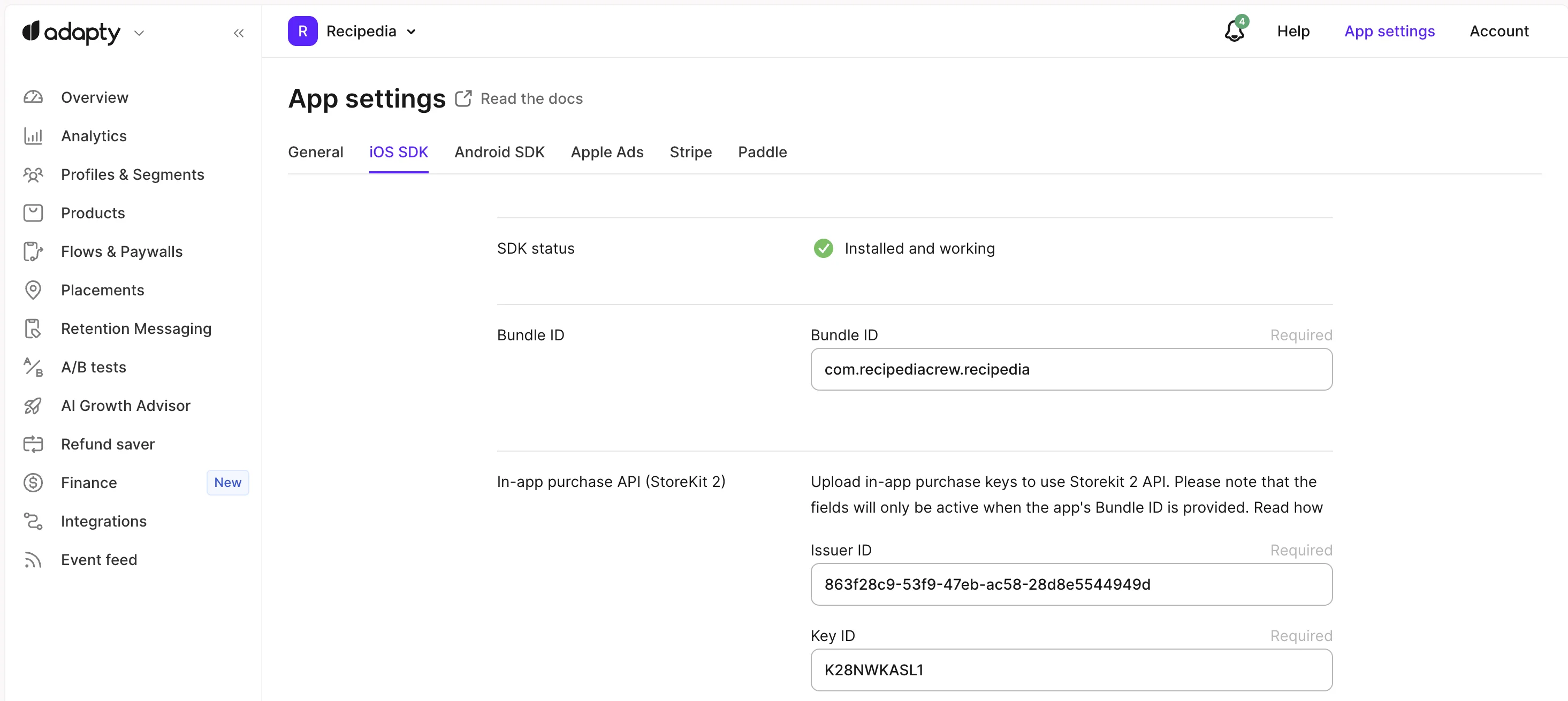
| Section | What it holds, and why Adapty needs it | Where to set it up |
|---|---|---|
| SDK status | Whether the Adapty SDK is installed in your app | Installation of Adapty SDK |
| Bundle ID | The Bundle ID of your app, to process purchases | Enter the Bundle ID and Apple App ID |
| In-app purchase API (StoreKit 2) | The In-App Purchase key, to validate purchases | Add the In-App Purchase key to Adapty |
| App Store Connect shared secret | The app-specific shared secret, to validate purchase receipts and create products in App Store Connect | Enter the app-specific shared secret |
| App Store server notifications | The URL that receives subscription events from Apple, and an optional URL of your server, where Adapty forwards them | Enable App Store server notifications |
| Apple Retention Messaging API | The URL you submit to Apple when you request access to the Retention Messaging API | Set up Retention Messaging |
| App Store promotional offers | The ID and file of the In-App Purchase key, to sign promotional offers | Add the In-App Purchase key to Adapty |
| App Store Connect API key | A key from the Team Keys tab in App Store Connect, to create products there and sync their status and prices | Add the App Store Connect API key to Adapty |
| Apple App ID | The Apple ID of your app, to find and create products in App Store Connect, among other uses | Enter the Bundle ID and Apple App ID |