
Tracking links in Adapty Attribution
Tracking links help Adapty attribute app installs. If your ad sends people to a web funnel, tag its URL with Adapty’s parameters instead.
Your ad’s destination is usually your App Store or Google Play page. That page belongs to the store, not you, so it cannot report clicks to Adapty.
Use a tracking link as the destination instead. Adapty captures the campaign, ad set, and ad before redirecting the user to the store — then matches that click to the install the SDK reports. Your Adapty Attribution analytics show which ads drive revenue.
Adapty generates the links for Meta Ads and TikTok for Business campaigns, and a tracking template for Google Ads campaigns. For every other ad network, create a custom tracking link with the Custom integration in the Dashboard.
Tracking link types
Adapty generates two kinds of tracking link:
- Platform-specific links — a separate link for each store. They can lead users to customized store listings, which match your campaign.
- One Link — a single link for both stores, matched to the user’s platform at click time.
One tracking link page holds the links for every store you configure, so you never set up a second one per store. For greater flexibility, we recommend platform-specific links.
Custom tracking links
Apple Search Ads needs no tracking link. Adapty receives Apple Search Ads attribution without one, and you manage those campaigns in Adapty Ads Manager.
To create a custom tracking link:
- In the Adapty Attribution dashboard, open Integrations and select the Custom card in the Network group.
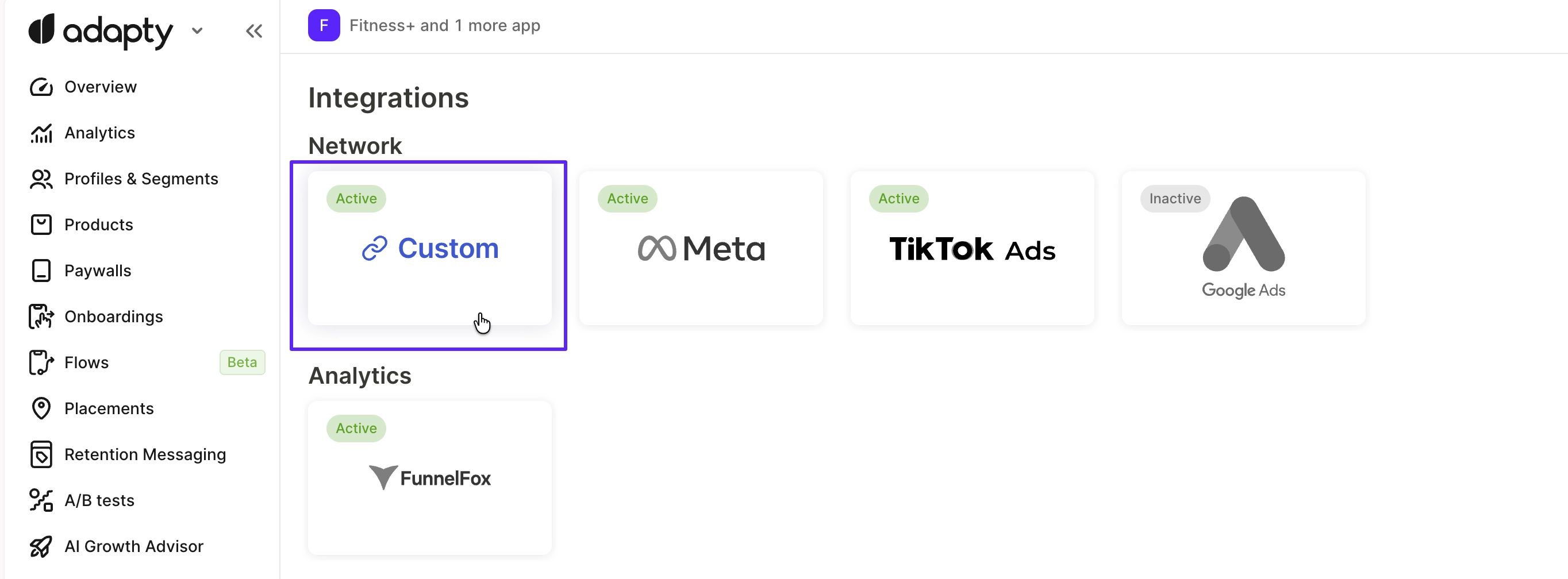
- Click Create link.

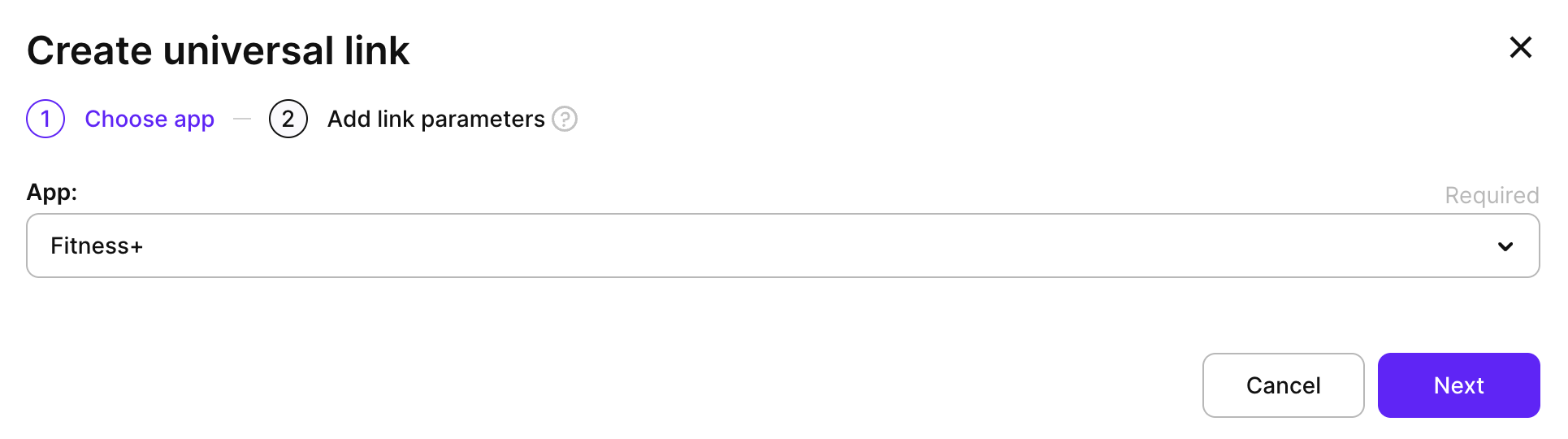
- Select your app from the list and click Next.
- Fill in the link parameters to match the link to a particular campaign and ad.
| Parameter | Description |
|---|---|
| Name | The internal tracking link name. |
| Channel | The source of traffic, such as Meta, Reddit, or TikTok. Used to group campaigns in analytics. |
| Campaign ID | The unique identifier of the campaign in your ad platform. |
| Campaign name | The readable name of the campaign. |
| Ad set ID | The unique identifier of the ad set (ad group) in your ad platform. |
| Ad set name | The name of the ad set. |
| Ad ID | The unique identifier of the individual ad creative. |
| Ad name | The name of the ad creative or variation. |
- By default, you are creating a One Link. To add platform-specific links instead, deselect the One Link checkbox.
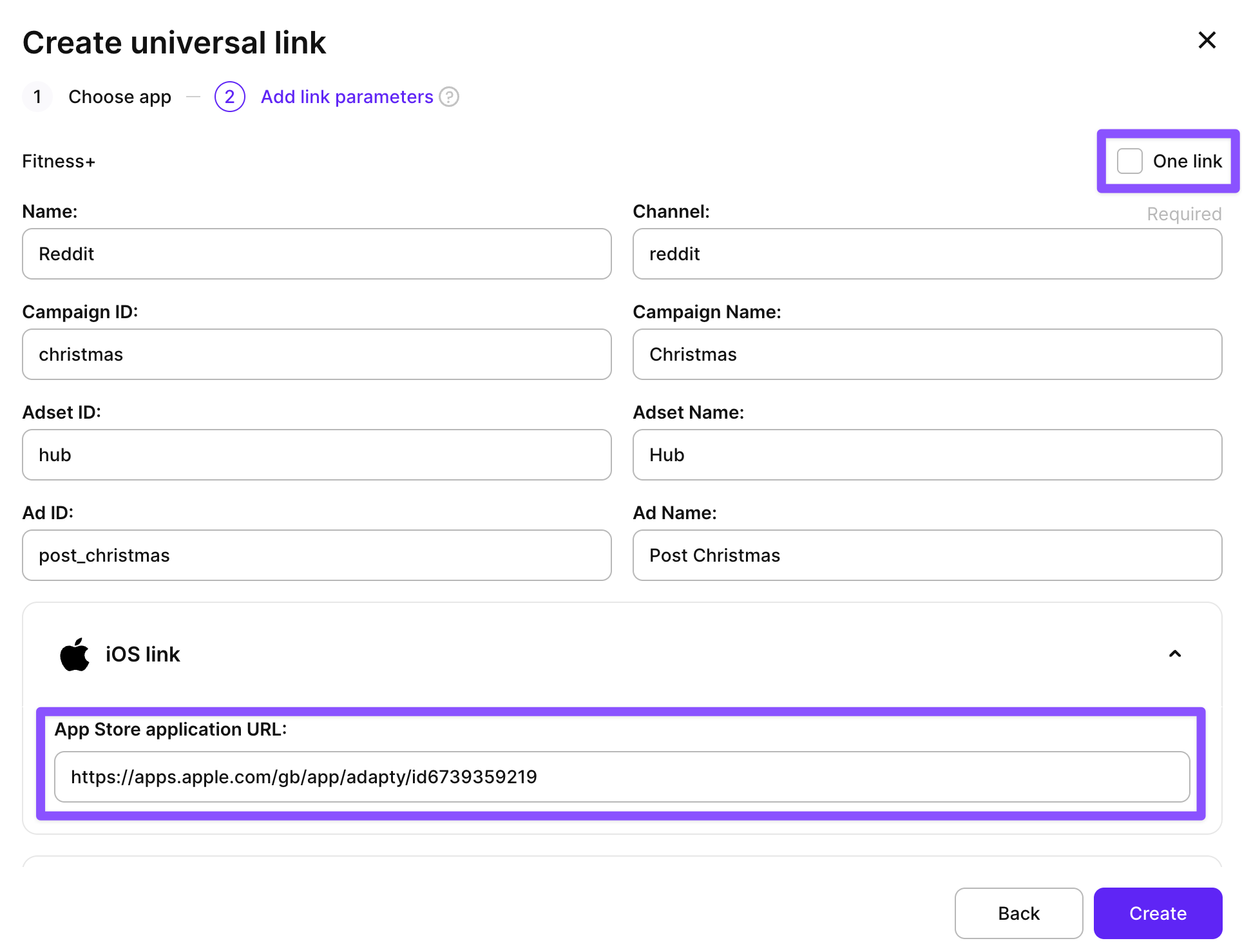
- Click Create.
- Open your tracking link page. In the section for your link type, copy the Click link value.
You can also set additional link parameters to work with deferred data. For example, you can implement deferred deep linking.
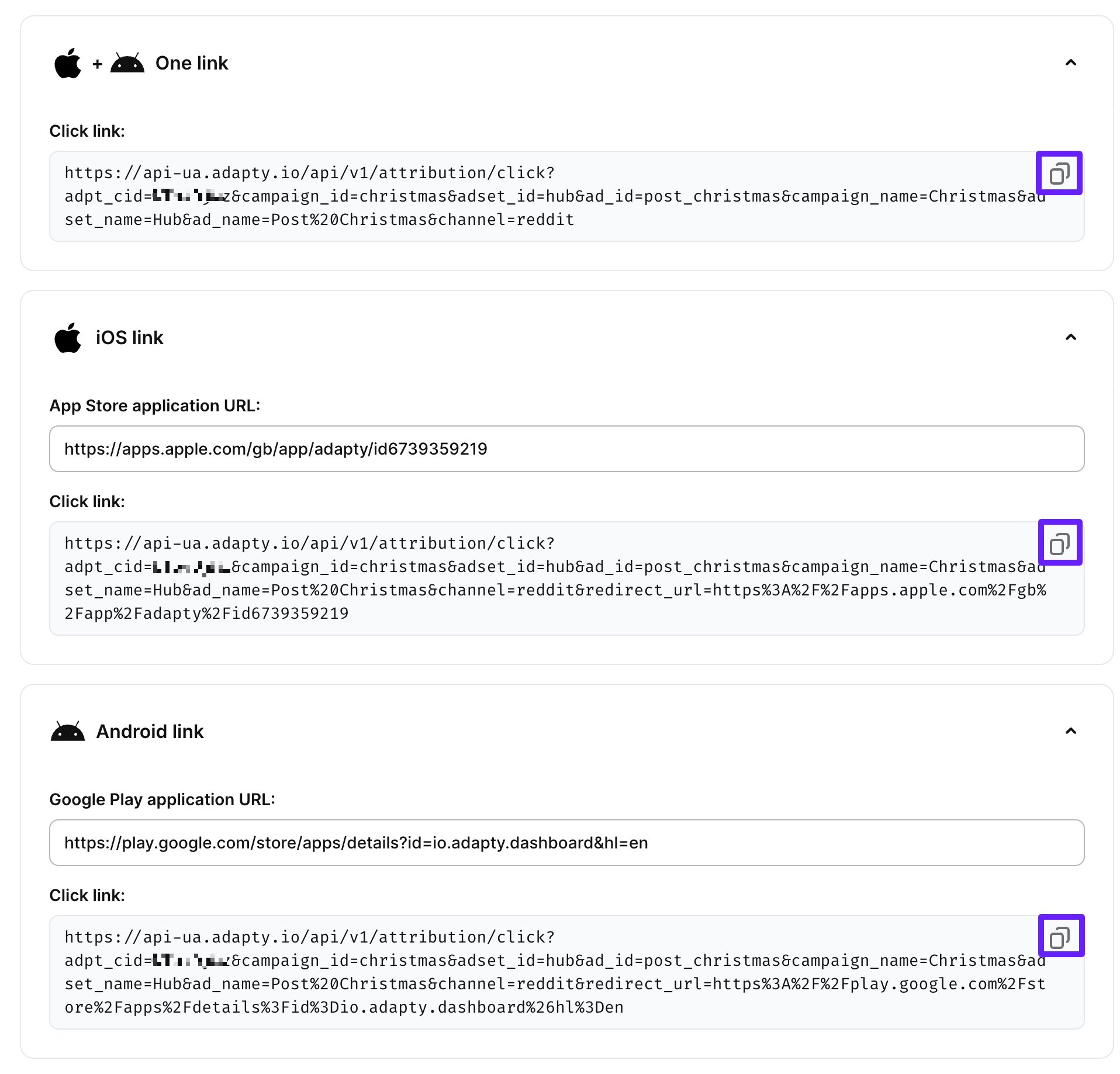
- Go to your ad platform and use the link as the ad’s destination URL.