
Deferred deeplinks in Adapty Attribution
Deferred deeplinks allow you to pass custom data to your app when users install it after clicking your ads. For example, you can navigate them to a specific location in your app right after they install and launch it.
Important
Starting from Adapty SDK version 4.1, Adapty Attribution is disabled by default. The onInstallationDetailsSuccess callback fires only after you enable Adapty Attribution when activating the SDK.
Here’s how it works:
- When a user clicks your ad, Adapty saves the click data.
- When Adapty registers the install event, it gets deferred data from the click.
- After the user installs your app, and it launches for the first time, Adapty retrieves the stored data and your app receives the custom parameters, allowing you to react to different values in the app code.
Adapty supports the following deferred data parameters:
ios_deferred_dataandroid_deferred_datadeferred_data_sub[1-10]
To add deferred data parameters, append them to your link in your campaign settings:
- If your campaign runs on Meta Ads or TikTok, find your tracking link in Integrations > Meta Ads or TikTok Ads. If your campaign targets a different platform, open Integrations > Custom. Then copy the link you want to use.
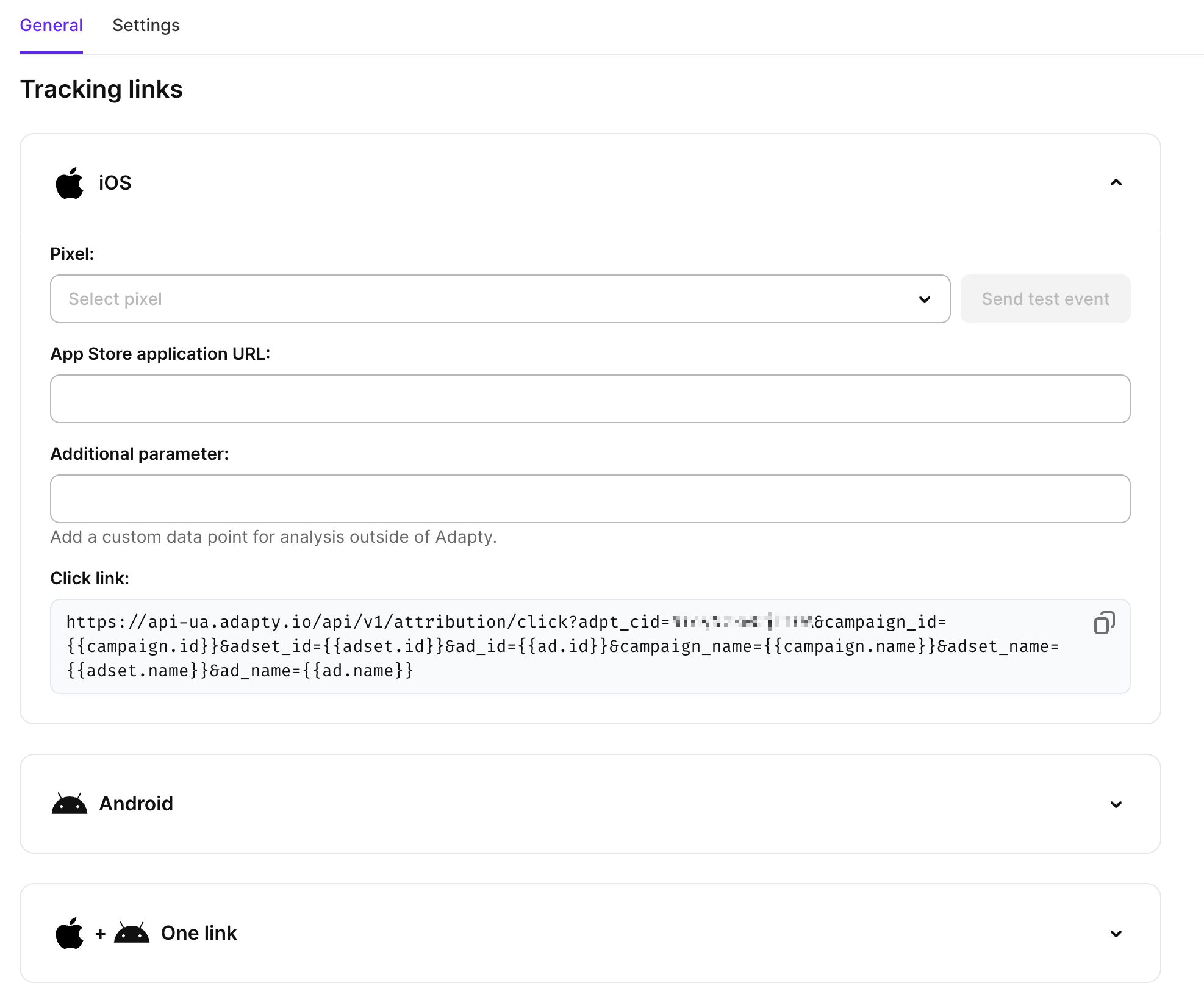
- In your ad platform (Meta, TikTok, Google Ads, etc.), paste the link into the ad destination URL field, then append the deferred data parameters to it as extra query parameters — each prefixed with
&. For example, to send iOS users to a ‘Welcome’ screen after install, add&ios_deferred_data=welcome. The final destination URL will look like this:
https://api-ua.adapty.io/api/v1/attribution/c/YOUR_CODE?campaign_id=__CAMPAIGN_ID__&adset_id=__AID__&ad_id=__CID__&campaign_name=__CAMPAIGN_NAME__&adset_name=__AID_NAME__&ad_name=__CID_NAME__&redirect_url=__APP_LINK__&ios_deferred_data=welcome- Respond to parameters in your app code. Note that deferred data parameters are in the
payloadparameter, and thepayloadparameter is an escaped JSON, so you need to parse it in your app code.
For example, here is how you can handle installations where ios_deferred_data is welcome: