
Export placement
When you work with multiple flows, paywalls, and onboardings, it’s important to track which ones are shown to which users. You can export all your placement settings to a CSV file to see which flow/paywall/onboarding appears for each audience and review your setup after making changes or running experiments.
Tip
If it’s more convenient for you, you can export placements using the server-side API.
To export flow, paywall, or onboarding placements:
- Go to Placements in the main menu. Switch to the Flows, Paywalls, or Onboardings tab — placements for each type are exported separately.
- Click Export to CSV.
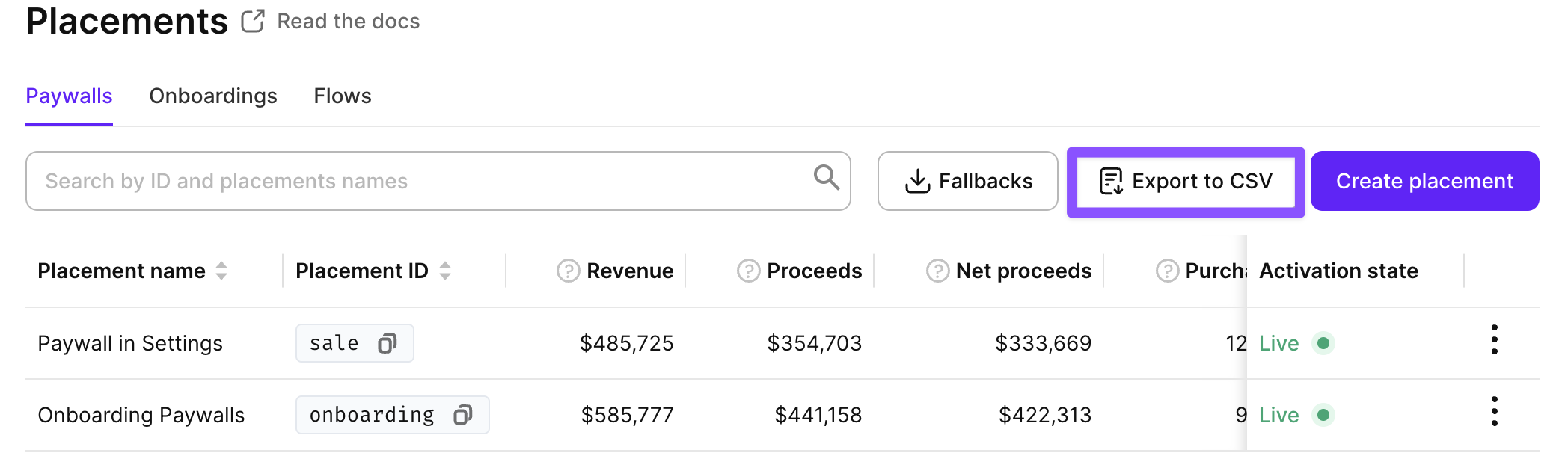
The exported CSV file contains the following information about your placements:
- Placement ID
- Placement name
- Audience name
- Segment name
- Cross-placement A/B test name
- A/B test name
- Flow name, Paywall name, or Onboarding name (depending on the tab you exported from)