
Market Intelligence in Adapty Ads Manager
Market Intelligence shows which keywords your competitors bid on in Apple Ads, across 50+ countries. Data is aggregated from the last 30 days and updated daily.
Use it to:
- Skip the Discovery campaign: See what competitors already bid on instead of spending budget to find what works. Start with a proven keyword list on day one.
- Find low-competition keywords: Identify long-tail terms where competitors have low Share of Voice — less competition, lower cost per tap, and better CPA.
- Protect your brand: See if competitors are bidding on your app name and in which countries, then reclaim that traffic.
- Enter new markets with data: Check which keywords competitors run in a country before you spend a dollar there.
- Discover competitors you’ve missed: Search by keyword to see who ranks organically for terms in your category and add them to your analysis.
To pull this data into a report on a schedule, the Adapty CLI returns it for up to five apps in one command — see Ads Manager commands.
Run a Market Intelligence analysis
1. Select your app
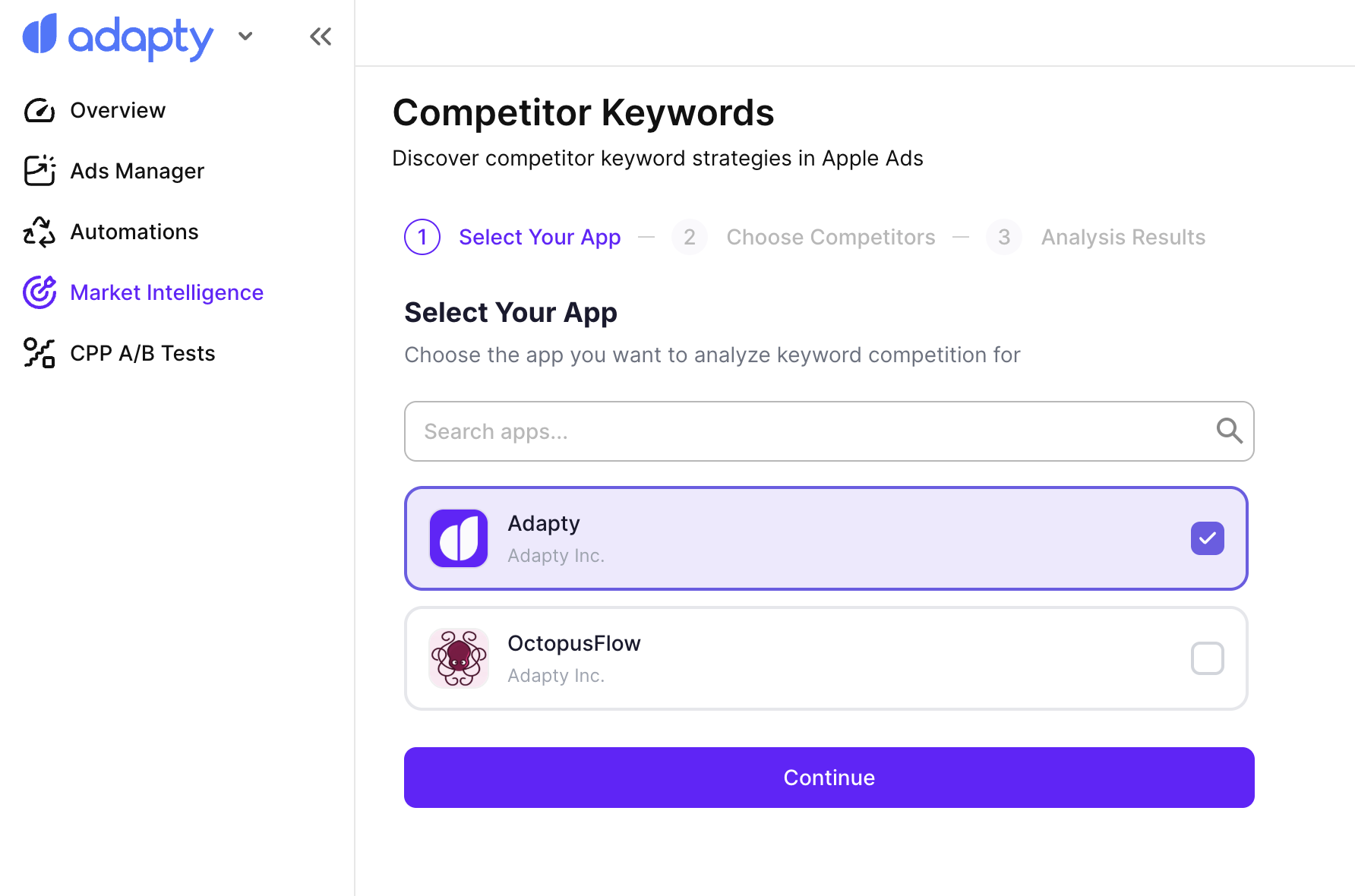
In the left sidebar, go to Market Intelligence. Select the app you want to analyze from the dropdown, then click Continue.
2. Select competitors
Add competitors you want to analyze:
- Suggested competitors: Adapty detects likely competitors based on your app category. Review the list and select the ones you want to include.
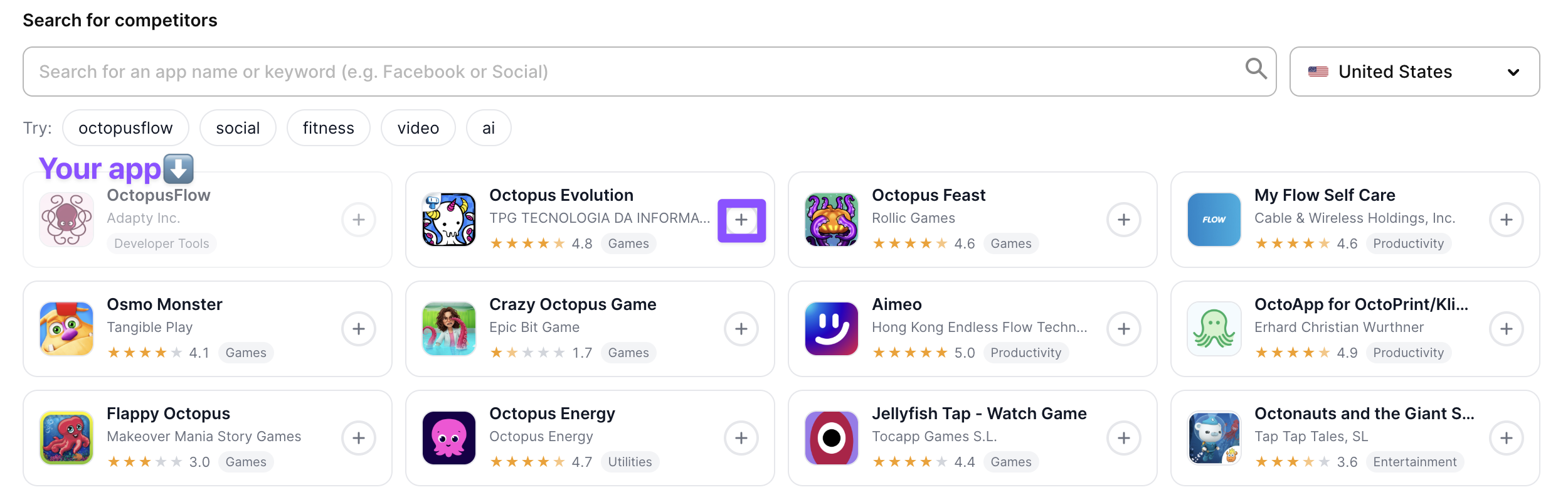
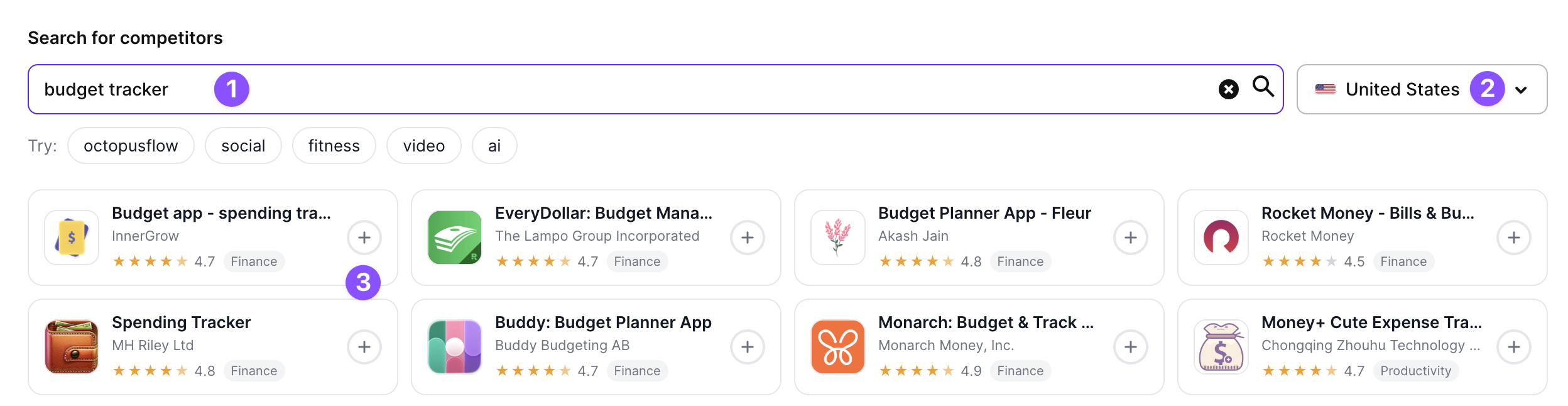
- Search by keyword or app name: Enter a keyword (for example, “budget tracker”) or an app name in the search field. Change the country if needed, then select apps from the results. Repeat with different keywords to discover competitors across different search intents.
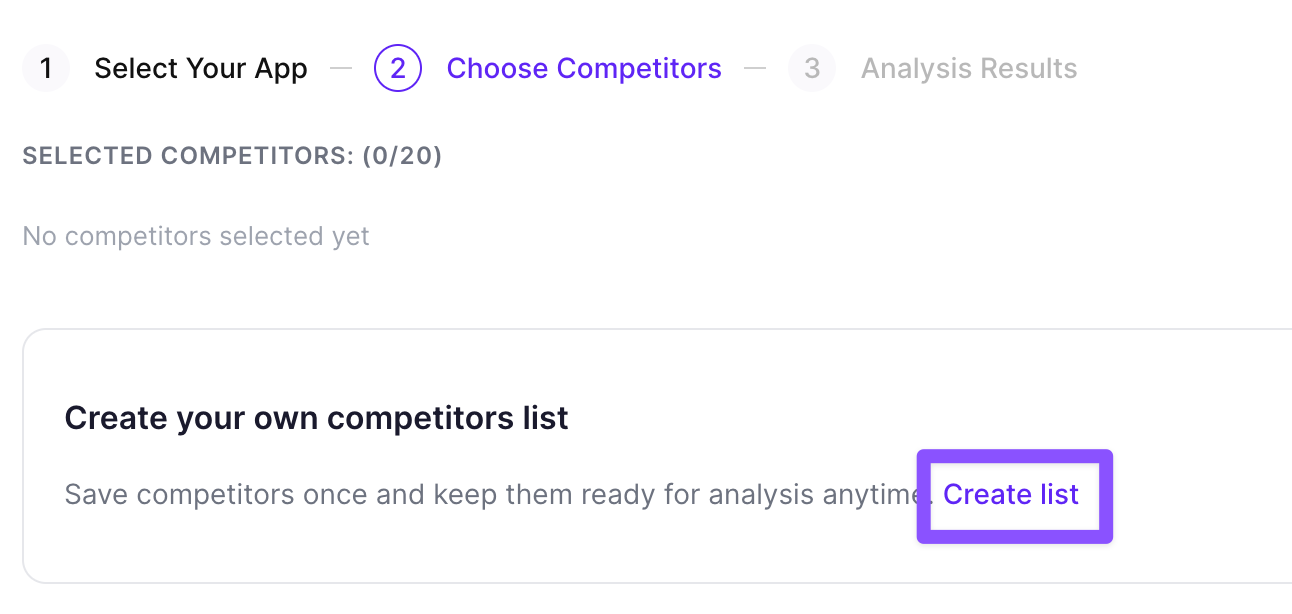
- Saved list: Click Create list to save up to 20 competitors for reuse in future analyses. You can also load a list you created previously.
When you have selected your competitors, click Run analysis.
3. Explore results
The results are organized across four tabs: Overview, Most Contested, By App, and By Country.
Overview
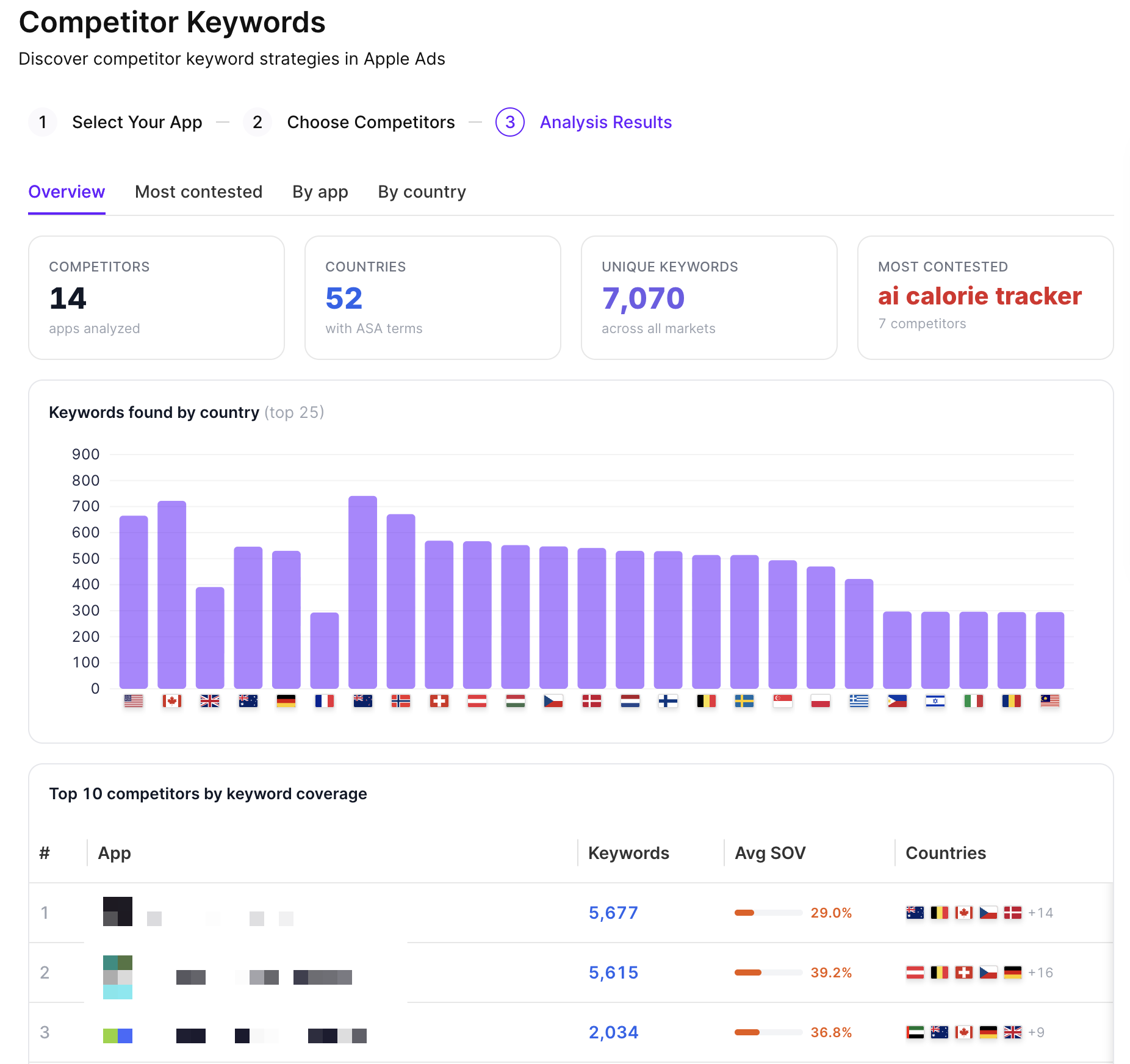
The default tab shows a summary of the analysis:
- Stats bar: Total competitors analyzed, countries with Apple Ads activity, unique keywords found across all markets, and the single most contested keyword.
- Keywords found by country: A bar chart showing keyword volume per country across the top 25 markets.
- Top 10 competitors by keyword coverage: A ranked table with each competitor’s total keyword count, average Share of Voice (Avg SOV), and the countries where they are active.
Most Contested
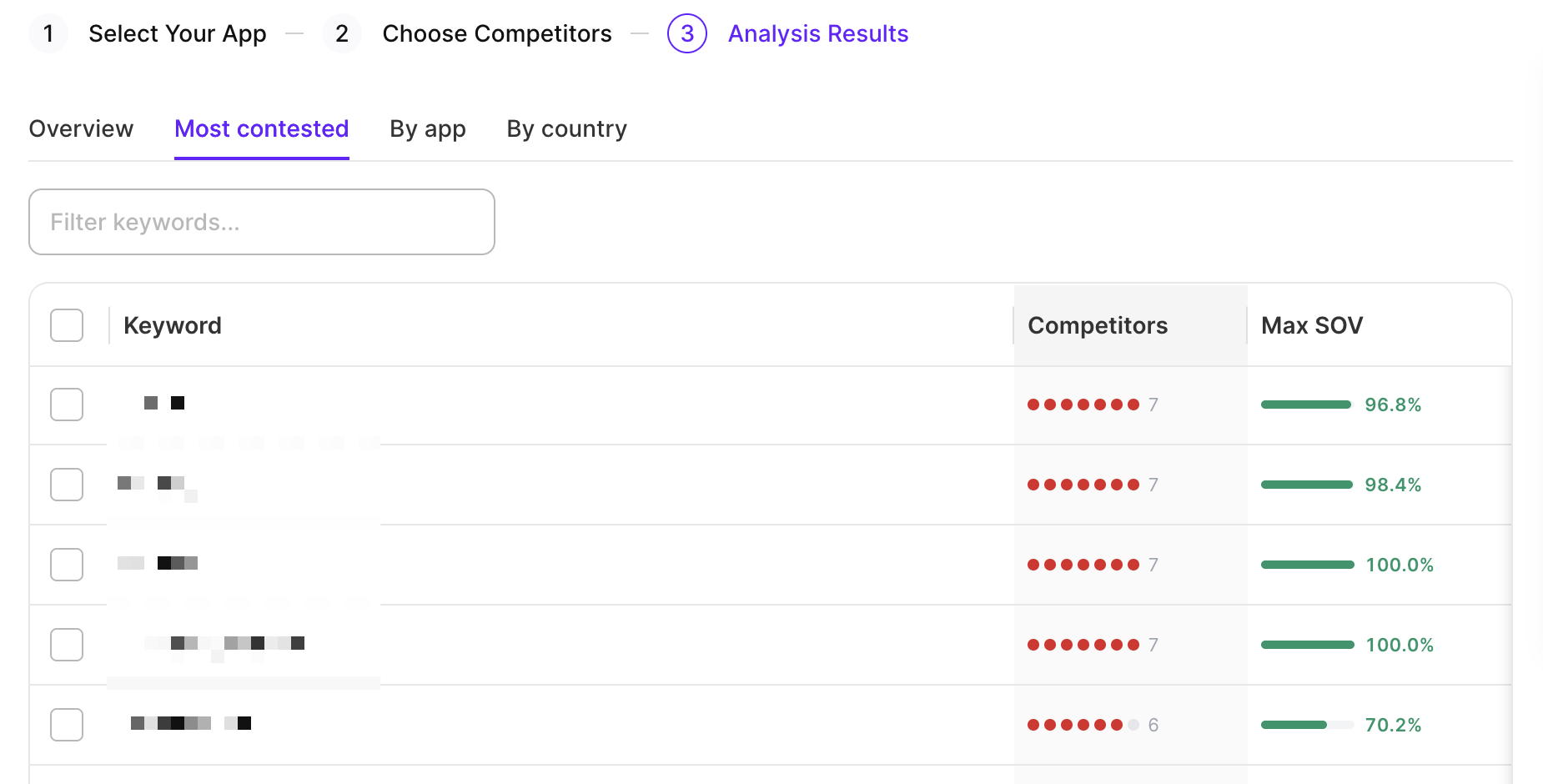
Shows keywords where the highest number of competitors are active simultaneously. Use this tab to find high-demand terms in your category and see where competition is most concentrated. Use the search field to filter the list by keyword.
By App
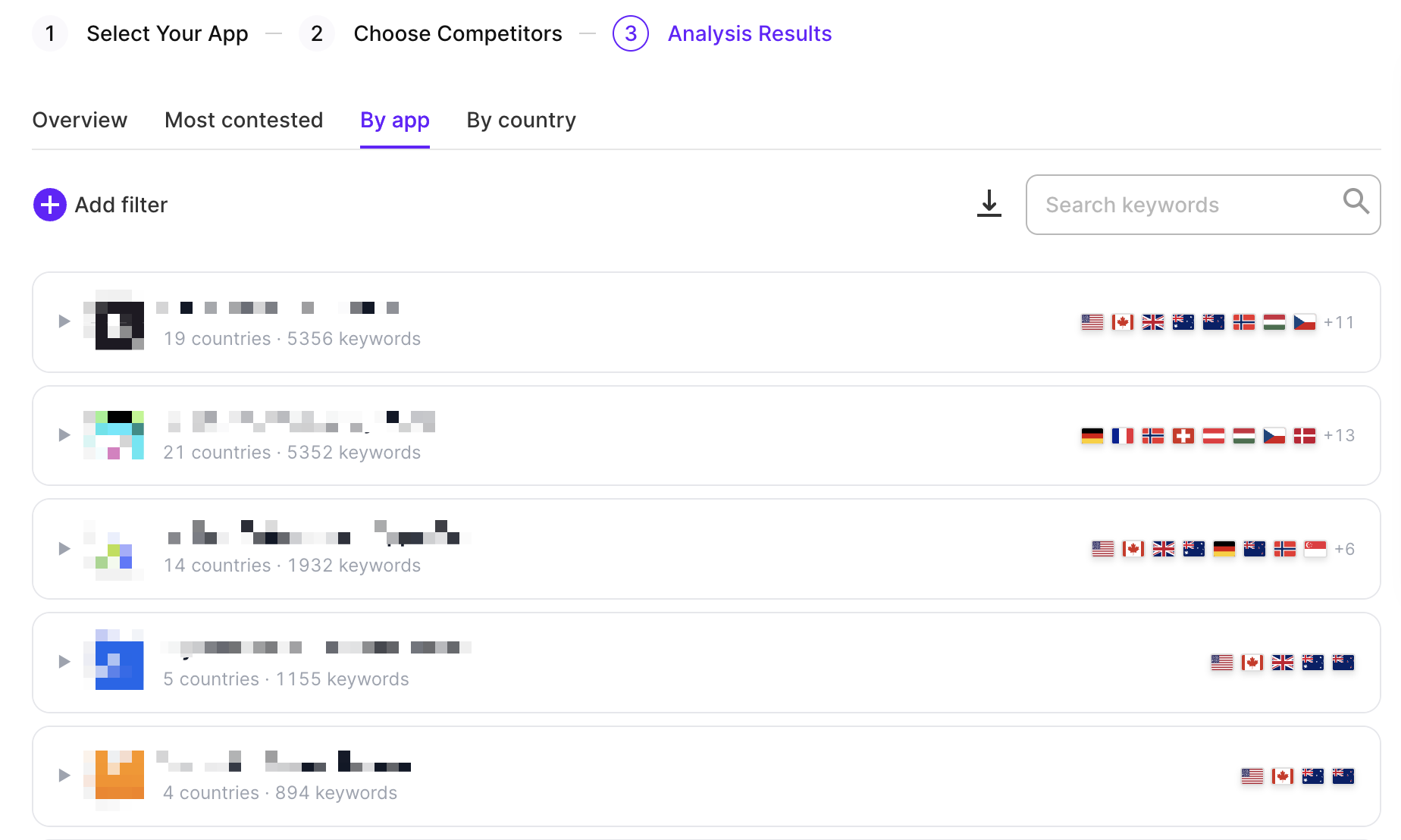
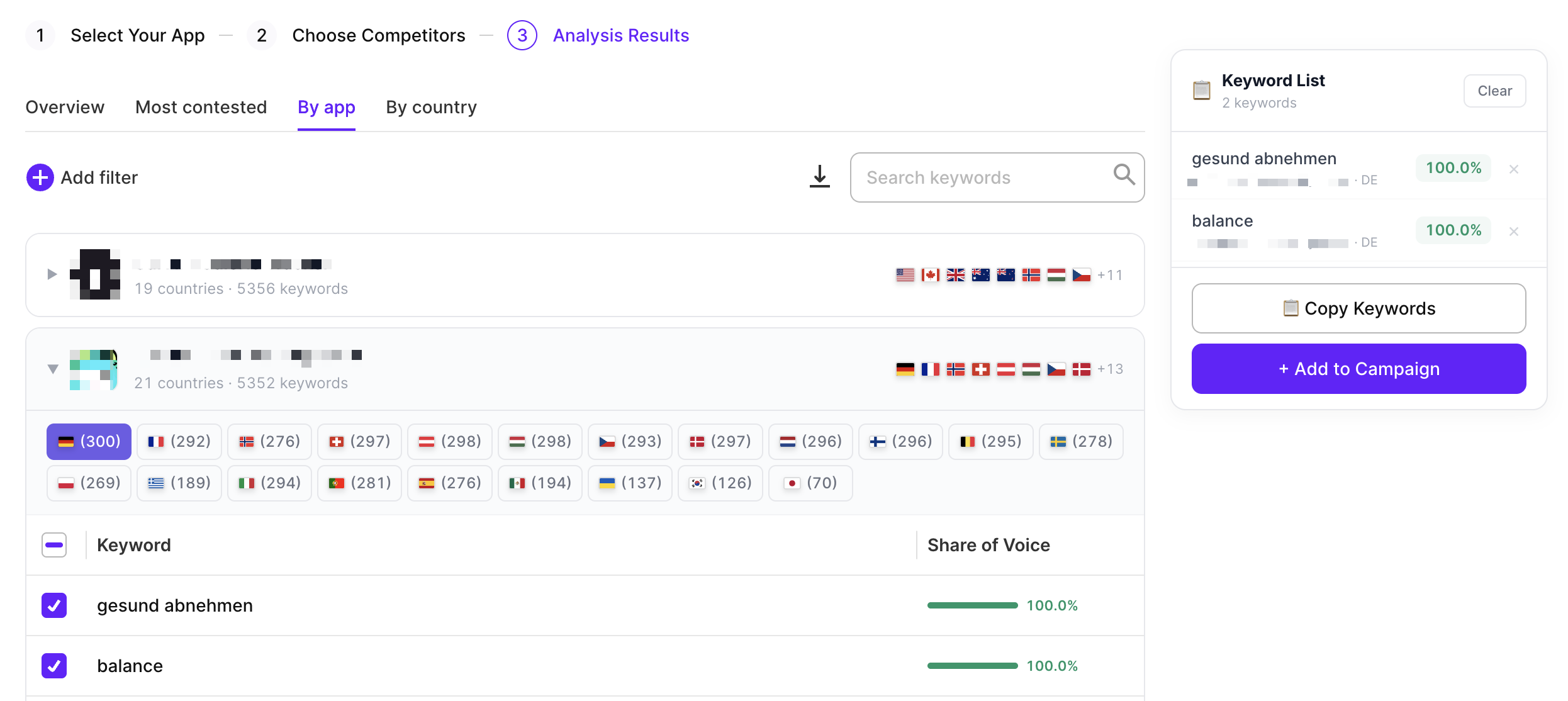
Shows keyword data for each competitor individually. Use this tab to drill into a specific app’s keyword strategy across countries. Click Add filter to filter by app, country, or keyword. To export the data as a CSV, click the download icon.
By Country
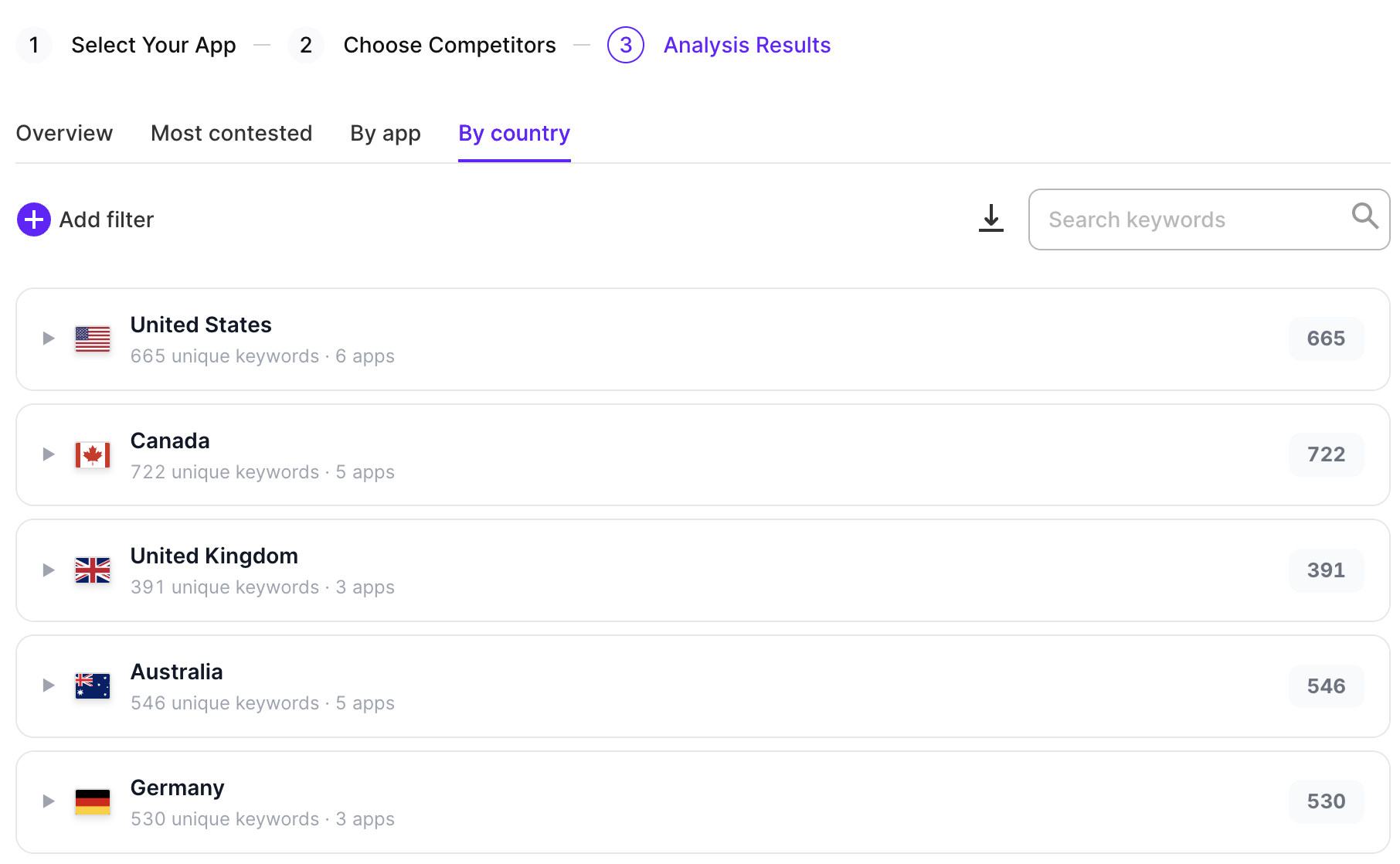
Shows keyword data grouped by market. Use this tab when you want to focus on a specific country’s competitive landscape before entering or expanding there. Click Add filter to filter by app, country, or keyword. To export the data as a CSV, click the download icon.
4. Add keywords to campaigns
Once you’ve identified keywords worth testing, add them to your campaigns without leaving the tool:
- In the keyword table, select the checkboxes next to the keywords you want to use. To select all visible keywords, use the checkbox in the table header.
- Click Add to campaign.
- Select whether to add them as keywords, negative keywords, or SKAG. Then, select the target campaign and ad group, set the match type and CPT bid, then confirm.
What to look for
These patterns are worth looking for in the results:
- Long-tail terms with low Share of Voice: Keywords where competitors have a low Share of Voice are less contested. They typically have lower cost per tap and better conversion rates because user intent is more specific.
- Keywords not in your campaigns yet: Look for terms your competitors run that you haven’t tried. These are proven to drive Apple Ads traffic in your category.
- Brand keyword coverage: Search for your own app name. If competitors appear, they are bidding on your brand. Add those keywords to your campaigns with aggressive bids to protect your traffic.
- Country gaps: Check which countries your competitors are active in. Markets with little or no competitor activity are easier to enter and require less budget to gain traction.