Execute your growth plan
You can run the tests in any order, but you need to run them one at a time. Since the audiences of geo-pricing tests do not overlap, they can run in parallel with one another. Once a test is over, advance the winning strategy to the next round. Each round narrows in on a more efficient setup for your app.
Based on our estimates, running the full set of recommended tests could increase your revenue by up to 80%.
Each suggestion includes the minimum duration for the A/B test. Follow these recommendations to get the most accurate data before you begin with the next stage. You will need to stop the A/B test manually.
Open a hypothesis and click Set Up & Run Test to launch the A/B test creation wizard.
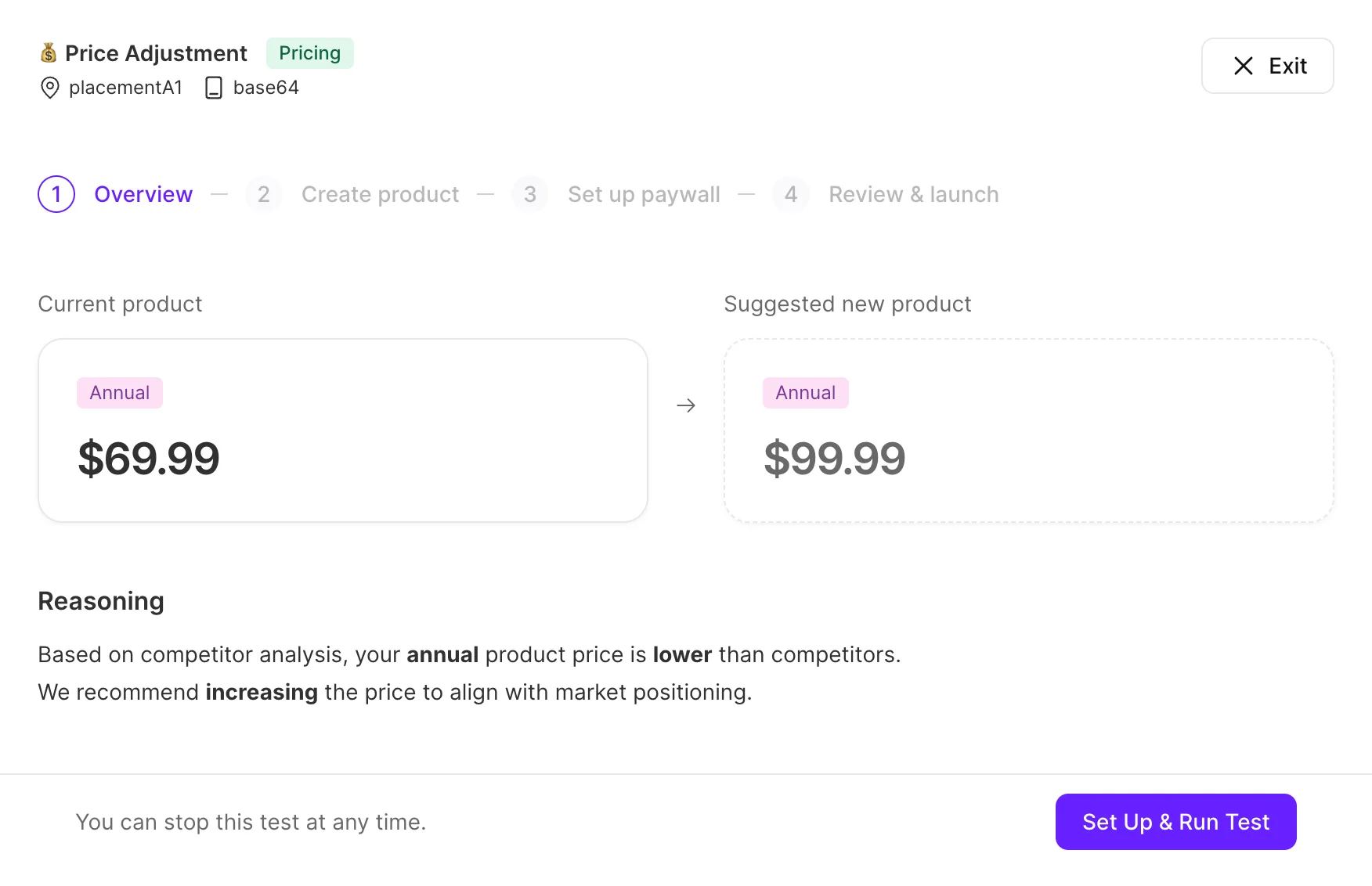
Step 1: View the hypothesis
The first step presents an overview of the hypothesis. It outlines the suggested changes and explains the rationale behind them. Click “Set up & Run Test” to proceed to the next step.
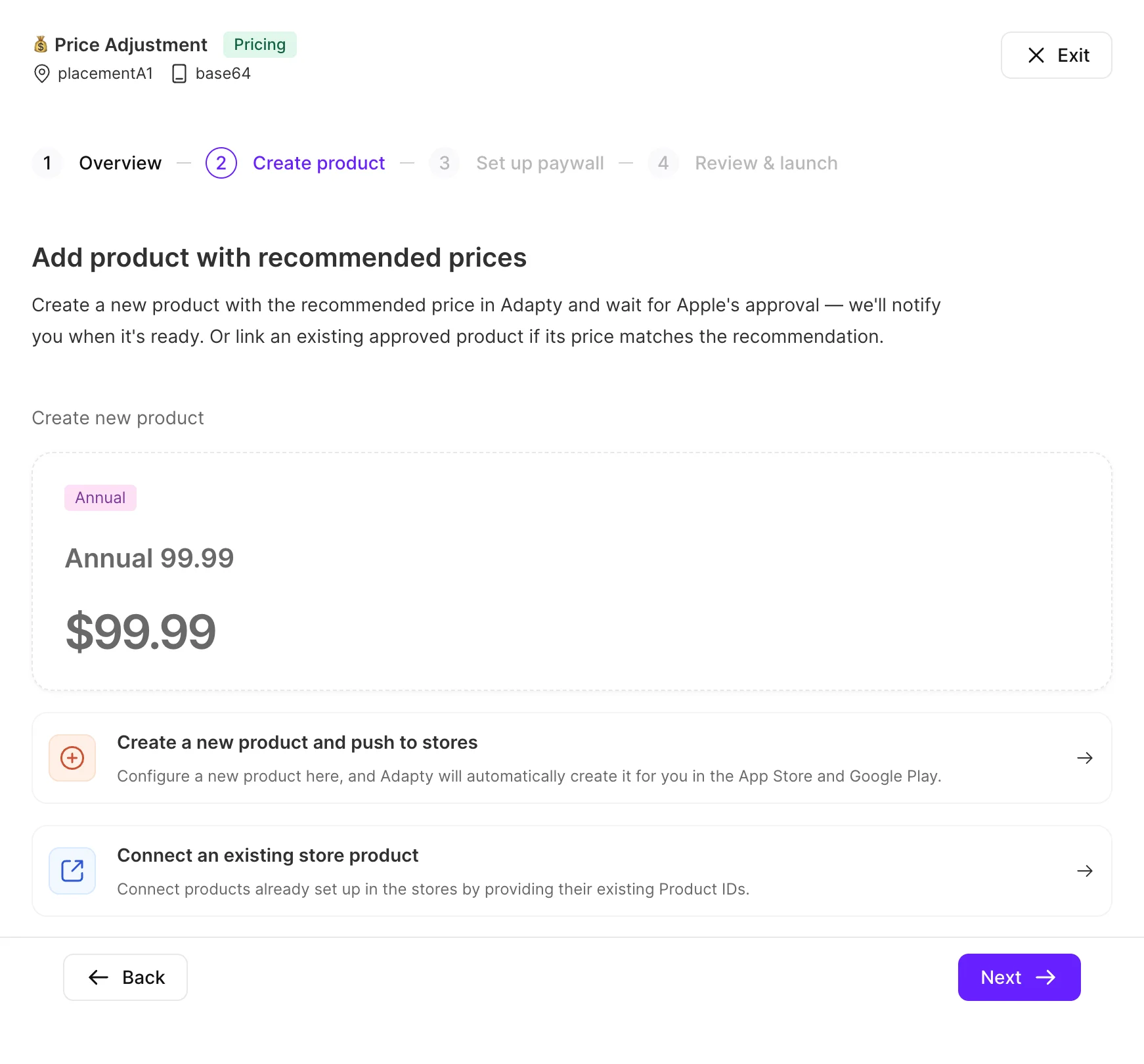
Step 2: Create new products
If the test involves a price change, the second step helps you create new products for the test variant. Visual hypotheses skip this step.
- Click Create a new product and push to stores to create a new product from scratch.
- Click Connect an existing product if the necessary product already exists in your app store setup.
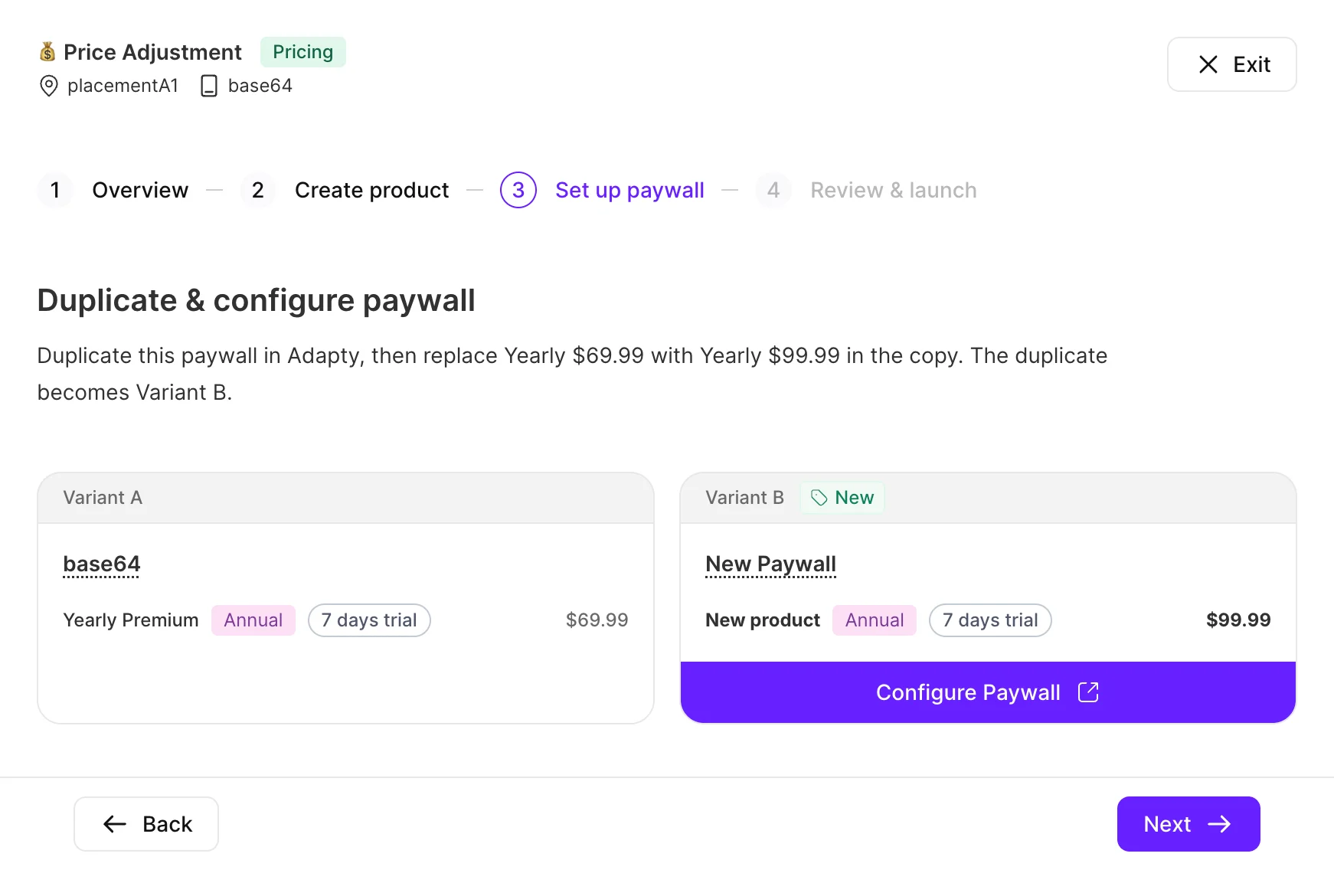
Step 3: Set up segment and paywall
The third step allows you to set up the test variant of the paywall. Adapty prompts you to duplicate the paywall and apply the suggested changes.
For geo-pricing hypotheses, the wizard prompts you to select an existing geo-fenced segment or create a new one.
Click Next when the new paywall is ready, and the segment is set up.
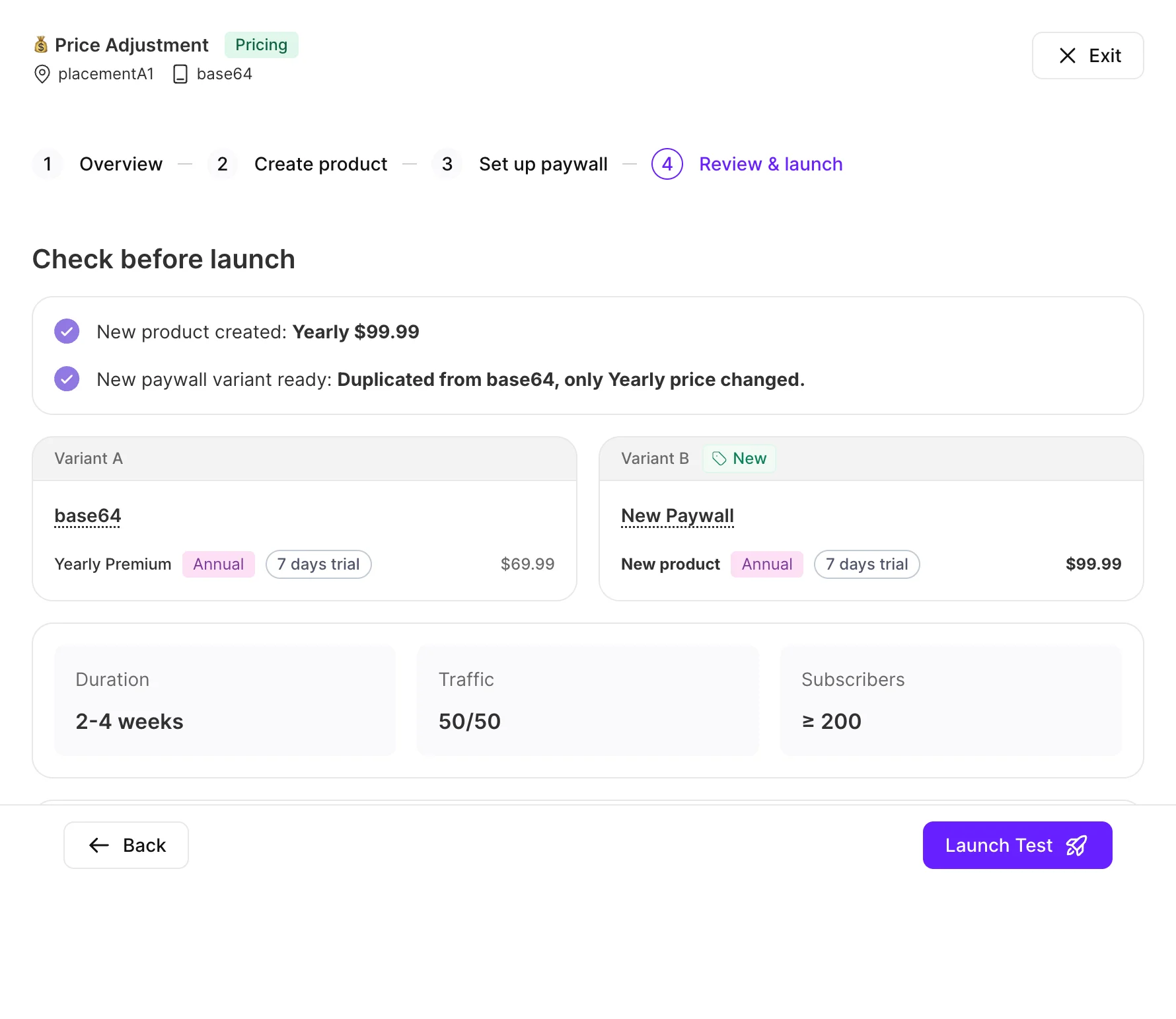
Step 4: Review & launch
The final step is a summary of the upcoming test. In includes:
- The key metrics for both Variant A vs Variant B — paywall name, product selection, trial duration, and price.
- Duration, Traffic (split), and Subscribers (minimum sample size) for the test.
- A How to interpret results section that describes which signals indicate the test’s success.
Review the configuration and click Launch Test to start the A/B test.