
Convert a paywall into a flow
If your current paywall was made in the legacy Paywall Builder, you can convert it into a flow. In one click, the Move to new builder action recreates your paywall as an editable draft flow.
The conversion copies over:
- Layout and design: The screens, elements, and styling from the original paywall.
- Text: All copy, in every locale you added.
- Products: Each product, with prices and discounts as variables rather than hardcoded values.
- Custom tags: The conversion creates a regular custom variable for each of the paywall’s custom tags. Each variable has the tag’s name and no Initial value. To show your app’s values, replace each variable with a custom tag.
The original paywall stays live and unchanged, so you can customize and test the flow before you switch. What the conversion doesn’t carry over is the paywall’s placement: a flow is a different content type, so it needs a flow placement of its own.
Some legacy Paywall Builder features have no flow equivalent, so a converted paywall may not match the original exactly. The Import review panel walks you through each difference and how to fix it.
Convert your paywall
To convert a paywall into a flow, open the paywall’s overview page and click Move to new builder. This button only appears for paywalls built in the Paywall Builder for Adapty SDK 3.x — the converter needs that builder’s configuration. To convert an older paywall, first move it to the SDK 3.x Paywall Builder.
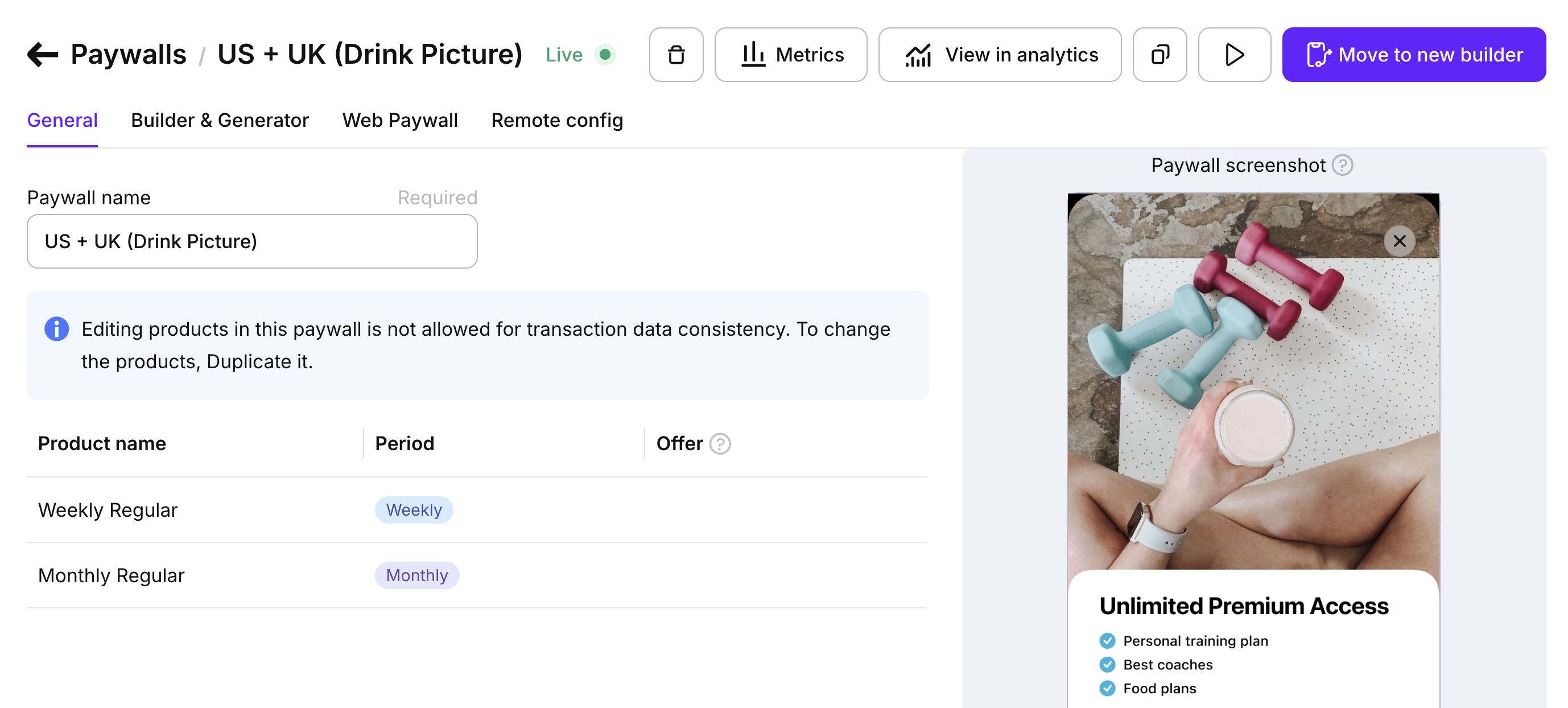
Adapty opens the flow draft in the editor, where you can edit it before publishing. If anything didn’t carry over exactly, the builder starts an Import review.
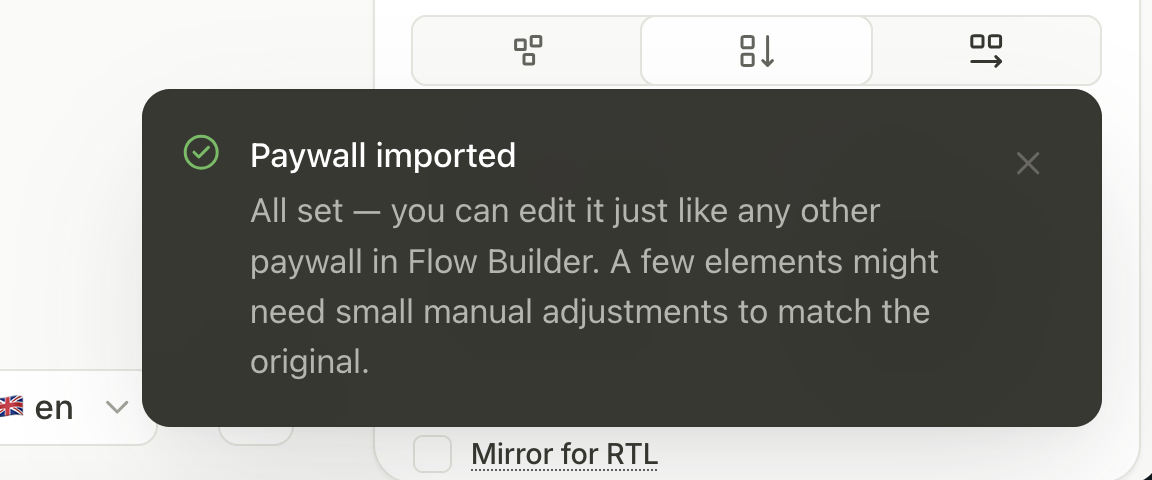
Import review
The Import review panel lists everything the conversion couldn’t reproduce, and suggests a fix for each discrepancy.
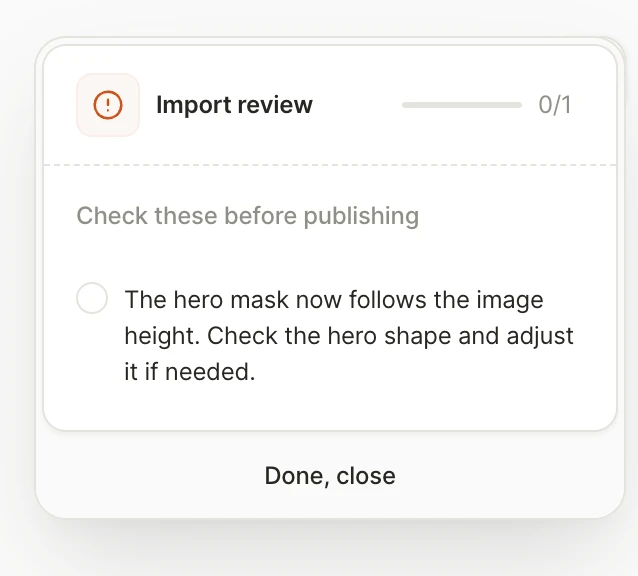
Work through the panel, then preview the flow on a real device before you publish.
Serve your flow
Main article: Migrate to flows
A converted flow starts as a draft, and it doesn’t take over the placement the original paywall runs on. To serve it to your users:
- Publish the flow.
- Create a new flow placement and add the flow to it.
- Fetch that flow placement in your app with the Adapty SDK v4.
The flow can’t go on the paywall’s placement, and it can’t take the paywall’s placement ID either. Flows and paywalls are different content types, so each lives on its own placement type, and a placement’s type is fixed once you create it. Placement IDs are unique across your whole app, so the new flow placement needs an ID no other placement uses — including the paywall this flow replaces. See Create a new placement for your flow.
Keep the paywall’s placement live while older app versions still call it — those users have its ID compiled into the app and can’t reach the flow until they update.
Convert many paywalls at once
Move to new builder converts one paywall, and each flow it produces still needs a placement of its own. When you’re moving a whole app rather than a single paywall, the migrate-placements agent skill lists every paywall placement in your app, groups them by the paywall each one serves so you know how many conversions you’re in for, tells you which paywalls already have a flow, and creates the new flow placements once the flows are published.
The conversion click stays yours. There’s no CLI command for Move to new builder, and the Import review panel is yours to work through — the skill waits, then re-reads your account and finds the flows the conversion produced.