
Find and filter flows
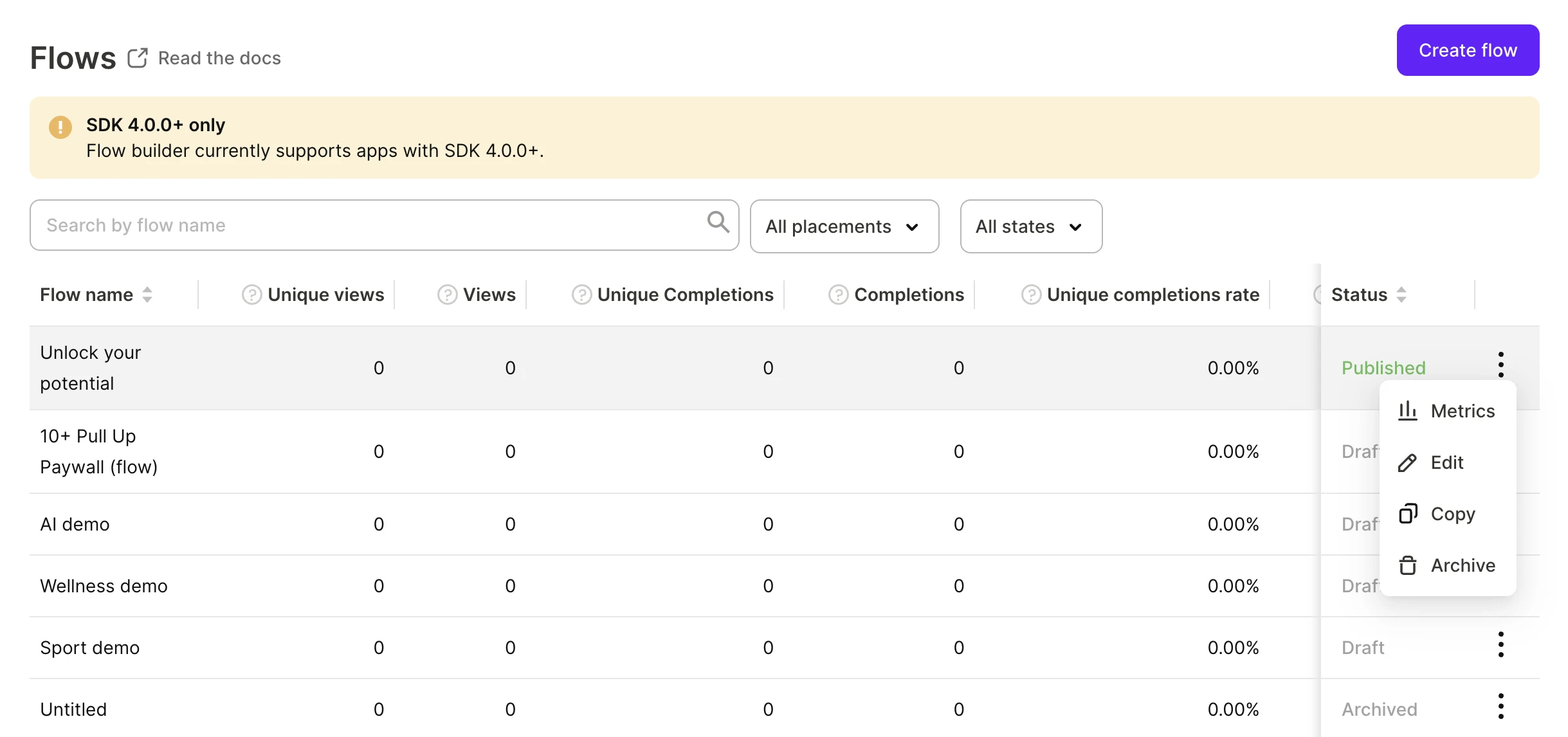
The Flow & Paywall builder tab of Flows & Paywalls lists every flow in your app with its status and main metrics. Click a flow to open its full metrics, or, if you hold the Developer role — the Flow & Paywall Builder.
Search by name
Search by flow name matches any part of a flow name. It doesn’t search placements, products, or screen content.
Filter by status
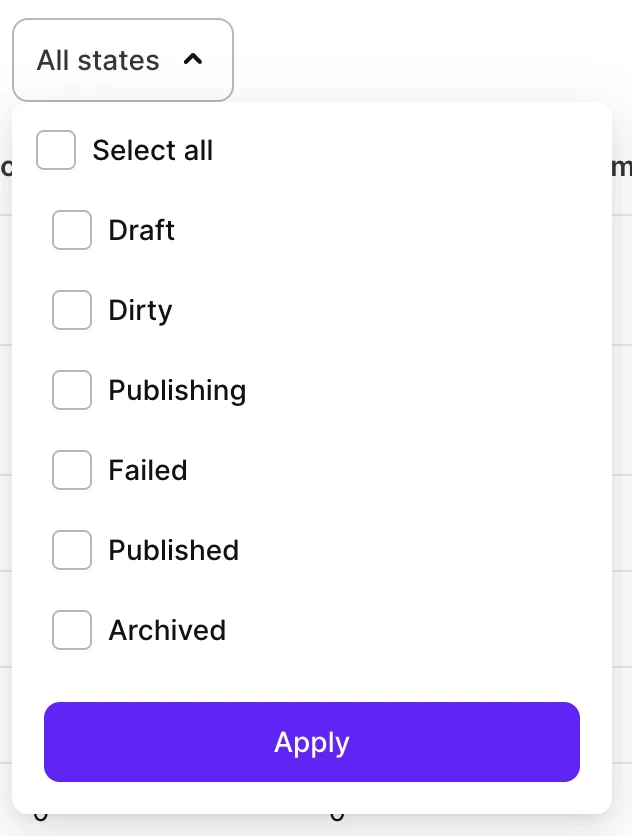
Open the All states filter above the list, select one or more statuses, and click Apply. Save & publish flows explains what each status means and how a flow moves between them.
Filter by placement
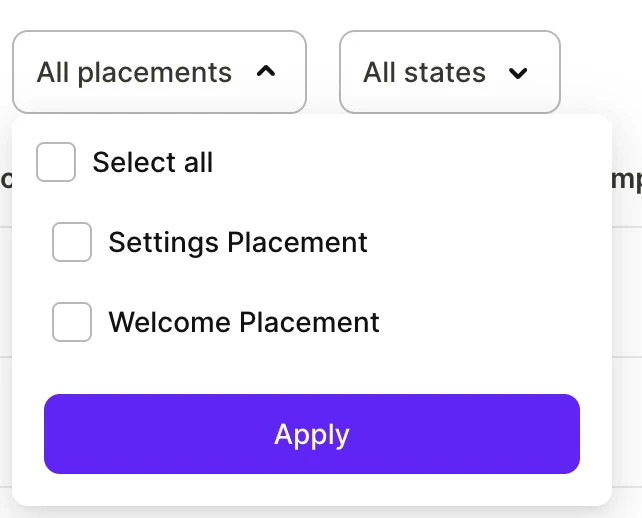
Open the All placements filter above the list, select one or more placements, and click Apply. This filter appears when you have at least one flow assigned to a placement.
Sort
You can sort by Flow name or Status. The metric columns aren’t sortable. By default, published flows come first and archived flows last.
Flow actions
Open the context menu in a flow’s row.
| Action | What it does |
|---|---|
| Metrics | Opens the flow’s metrics. |
| Edit | Opens the flow in the Flow & Paywall Builder. |
| Copy | Copies the flow as a new Draft. |
| Archive | Archives the flow. |
The menu for an archived flow shows Metrics and Back to active, which restores the flow.
Filter analytics by flow
Main article: Analytics controls
The flow metrics page covers views, completions, conversion, and revenue. Metrics such as MRR, active subscriptions, churn, grace period, and billing issues exist only on the Charts page. To see them for a particular flow, filter these metrics by Flow or Flow screen:
- Flow: One flow, with all its screens counted together.
- Flow screen: One screen of a flow. Screens are nested under their flow, and use the following naming convention:
<position>. <screen name>, for example9. Paywall A.
To compare flows or screens side by side on one chart, group by the same attributes instead of filtering.
The filter lists only flows and screens with at least one transaction.