
Save & publish flows
The Flow & Paywall Builder separates saving from publishing. Drafts preserve your work in the Adapty Dashboard, and publishing makes the current version available to users through the SDK. This article covers both actions and when to use each.
Save a flow as a draft
An invalid Remote Config prevents you from saving the draft.
The Flow & Paywall Builder autosaves your progress once a minute.
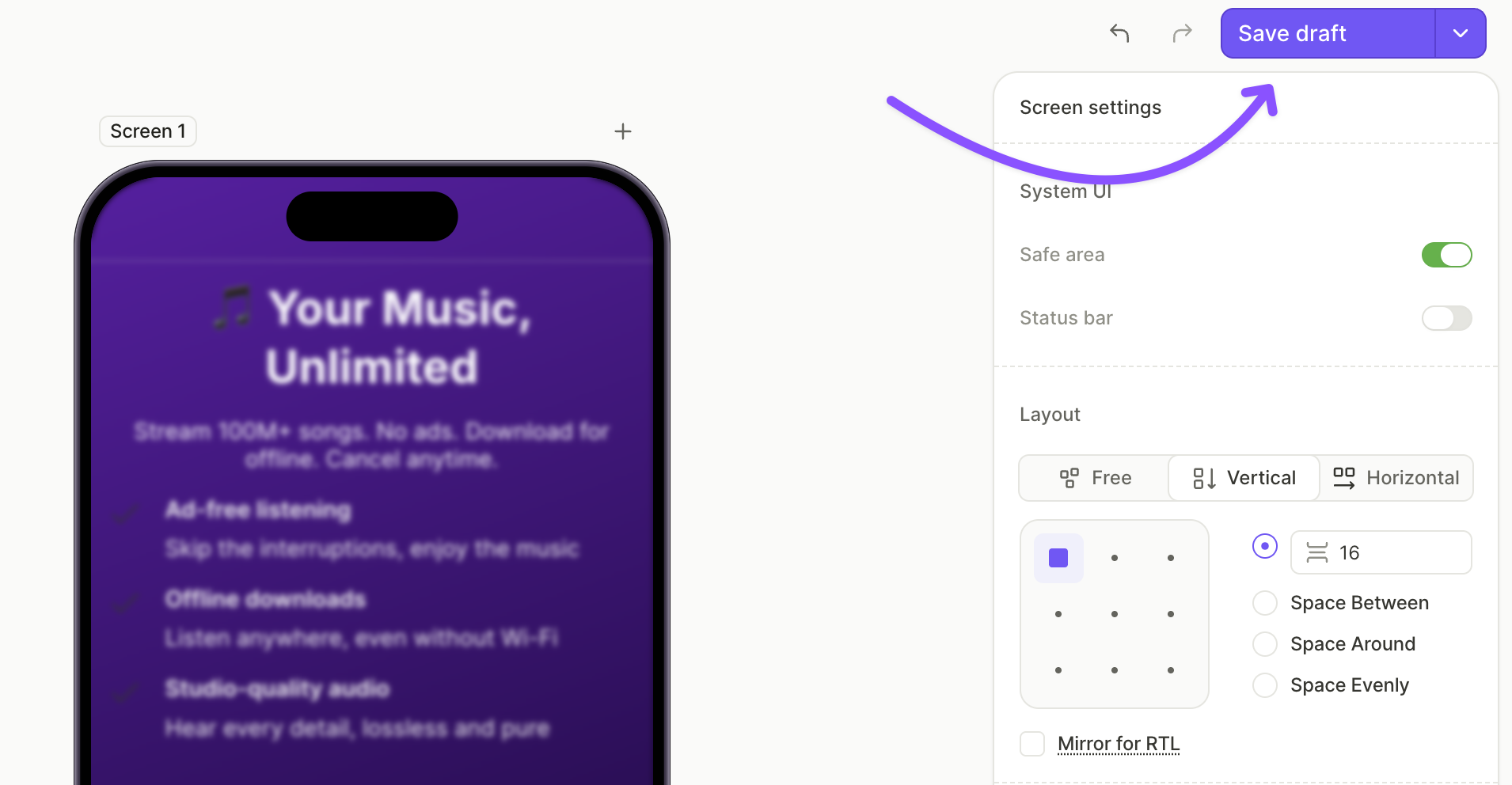
To save a draft manually, click Save draft in the top right of the Flow & Paywall Builder, or press Cmd/Ctrl + S.
Drafts are private to the Dashboard. They don’t change what users see in your app, even if the flow is already assigned to a placement.
Publish a flow
Publishing makes the current version of your flow available to users through the SDK. Once published, the new version replaces any previously published version of the same flow.
To add a flow to a placement, publish it first. A flow in Draft status can’t be added.
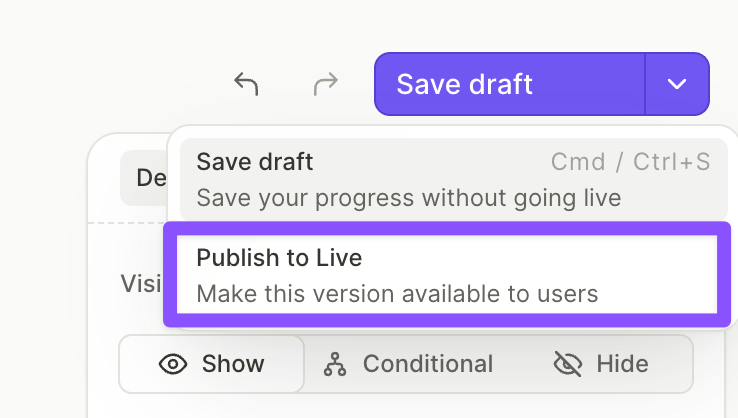
To publish your flow, click Publish to Live in the top right of the Flow & Paywall Builder.
What happens next depends on whether the flow is already assigned to a placement:
- Flow already in a placement: Users start seeing the new version on their next request to that placement.
- Flow not in a placement: Add the flow to a flow placement to start showing it to users. A flow needs a placement of its own — it can’t go on a placement you already use for a paywall or an onboarding.
A flow is ready to publish once every action, screen, and product is fully configured. Otherwise the Can’t publish yet dialog lists what to fix, grouped by screen, and you can still save the draft. The common gaps are in Troubleshooting.
Custom fonts don’t ship with the flow — you must add each font file to your app bundle. Without the file, users see the system fallback.
To change a font on a published flow without breaking older versions: copy the flow, change the font in the copy, and target the copy to an audience on app versions that include the font.
Flow status
Each flow shows a status in the Flows list. The status reflects where the flow is in the save and publish lifecycle.
| Status | Meaning |
|---|---|
| Draft | The flow has never been published. Only a draft exists, so users don’t see it yet. You need to publish the draft first to add it to a placement. |
| Dirty | The flow was published, but it has saved edits that aren’t published yet. Users still see the last published version until you publish again. |
| Publishing | A publish is in progress. |
| Failed | The last publish attempt failed. Users keep seeing the last published version, if there is one. |
| Published | The latest saved version is live. There are no unpublished edits. |
| Archived | The flow was archived and can’t be edited until you restore it. |
Troubleshooting
An incomplete action, an empty screen, a missing or deleted product or offer, or invalid remote config JSON blocks both previewing and publishing. The full list and the fix for each case are in Common issues.
Preview your flow in the Adapty app to catch any issues before publishing. If the flow fails to load in the preview, see the error message for more details.
A flow can clear all of this and still not be safe to publish — a dead restore button, a missing terms link, an untranslated screen. The flow-audit skill checks for exactly that, from the terminal, and ends in a verdict rather than a list.