
Connect Adapty to Adapty Mail
Adapty is one of Adapty Mail’s entry points — use it when your app already runs the Adapty SDK. Adapty passes profiles, email addresses, and subscription events to Adapty Mail, which uses them to pick recipients, place each person in a flow, and attribute revenue to the email that drove the purchase.
If your app doesn’t run the Adapty SDK, send the same data from your server instead — see Send emails and transactions via the Adapty Mail API.
To get accurate revenue data, the minimum setup is to install the Adapty SDK in observer mode and enable App Store server notifications.
Adapty Mail needs three things from your app: purchase data (so it can attribute revenue back to the email that drove each conversion), a stable user identifier, and user emails. Set up all three, then set up your domain, checkout, campaign, and flow in Adapty Mail, and turn on sending last.
1. Let Adapty track your revenue
The first step depends on whether you already have in-app purchases implemented:
- If you already have in-app purchases implemented with Adapty, you don’t need to do anything else at this stage.
- If you already have in-app purchases implemented without Adapty and don’t plan to migrate to Adapty, install the Adapty SDK for your platform in observer mode. At this stage you only need to add the SDK to your project, activate it with observer mode enabled, and report transactions. Platform guides: iOS, Android, React Native, Flutter, Unity, Kotlin Multiplatform, Capacitor.
- If you don’t have in-app purchases implemented yet and want to use Adapty, complete the steps from the quickstart guide to delegate handling purchases to Adapty.
Then enable App Store server notifications in Adapty to receive revenue-related updates directly from the App Store.
2. Identify your users
Pass a stable ID — your backend user ID, Firebase UID, or similar — either by passing it as customerUserId to .activate() at SDK startup, or by calling Adapty.identify() later (for example, at login). Either way, set the ID before any paywall is shown. Adapty uses it to keep one profile per person across reinstalls and logins, and Adapty Mail stores it among the profile’s external IDs. Adapty Mail matches people by email address, not by this ID.
Platform guides: iOS, Android, React Native, Flutter, Unity, Kotlin Multiplatform, Capacitor.
3. Collect user emails
Once a user provides their email in your app (for example, at sign-up or checkout), pass it to Adapty by calling updateProfile with the email attribute. Every recipient of a campaign needs this value.
Platform guides: iOS, Android, React Native, Flutter, Unity, Kotlin Multiplatform, Capacitor.
- Always pass a stable
customer_user_id, never an anonymous identifier. If a user uninstalls and reinstalls your app, Adapty uses this ID to link the reinstall to the existing profile and attribute purchases back to the correct user. - Get explicit user consent before collecting and sending emails to Adapty. You are responsible for compliance with GDPR, CAN-SPAM, and similar regulations in your target markets. To have Adapty Mail confirm each new address before it sends marketing, turn on double opt-in.
Verify your email coverage
After implementing collection, check coverage in Adapty:
- Go to Customers > Profiles.
- Filter by profiles that have an email set.
Target at least 30–50% email coverage among your active users before launching your first campaign. You don’t need to wait for 100% — launch as soon as you reach 30%. Users who provide their email later are automatically enrolled in active campaigns when they qualify.
Email collection strategies
Most apps don’t collect emails by default. Pick the approach that matches your app’s current state.
| Strategy | Best for | How it works |
|---|---|---|
| Existing authentication | Apps with any form of login | You already have the email — pass it to Adapty after the user authenticates. |
| Email gate before the paywall | Apps without auth — health, wellness, astrology, photo editors | Add a single email input screen between onboarding and the paywall. Conversion typically runs 70–90% because users have already invested time. |
| Web paywall builder checkout | Minimal SDK work; email captured on web | The first screen of the web paywall builder collects the email and passes it to Adapty — useful for users who click a campaign before an in-app gate is live. |
| Onboarding step | Quiz-based onboarding (fitness, nutrition, education) | Place an email input 2–3 steps into onboarding. Frame it as value delivery (“We’ll email your personalized plan”) and avoid making the step skippable. |
| Adapty Mail API | Sending emails from your server, without the Adapty SDK | Send profiles to the Save profile endpoint of the Adapty Mail API. See Send emails and transactions via the Adapty Mail API. |
4. Set up domain, checkout, campaign, and flow
To send emails, Adapty Mail requires:
- A verified sending domain
- A checkout page for your emails to link to
- A campaign to send
- A flow that decides who receives it
Set up all four in Adapty Mail — follow steps 3 through 8 of the Get started with Adapty Mail guide.
5. Enable sending
Turning on the integration is the final switch: events start flowing, segments start matching, and emails start sending. Whether your Mail project is linked to an Adapty app changes only how you switch it on, not what arrives:
-
Linked to an Adapty app. Adapty created this project for you the first time you opened Mail from the Adapty dashboard.
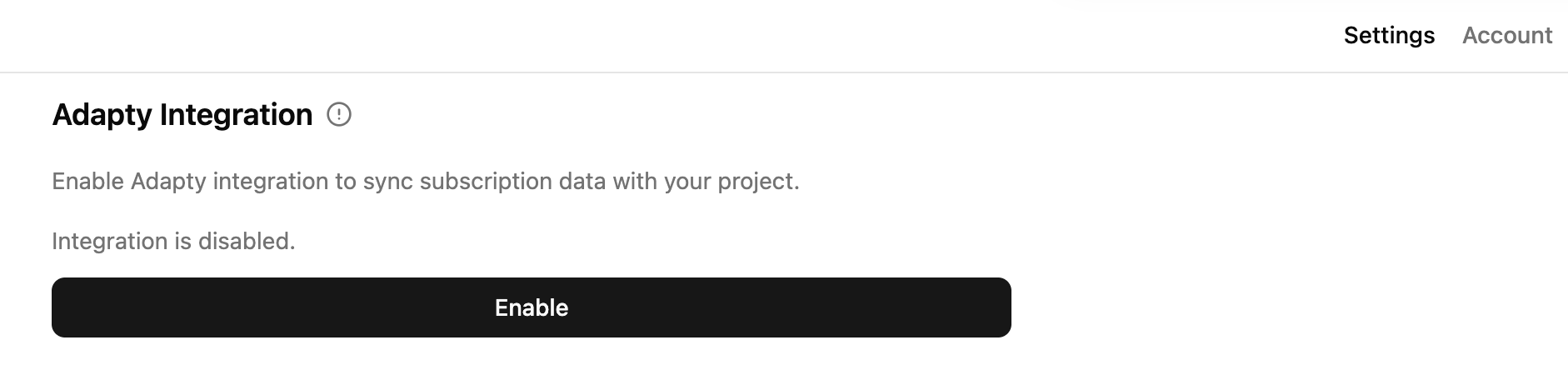
In Adapty Mail, go to Settings > Project and, in the Data integration section, click Enable Adapty integration (or Enable if the integration already exists from a previous setup).
-
Not linked. You created this project yourself in Adapty Mail — whether on a standalone account, or your Adapty account.
The Data integration section has no Enable Adapty integration button, but Adapty can feed the project all the same — it only needs the key.
- In Adapty Mail, go to Settings > Project and copy the Secret key.
- In the Adapty dashboard, go to Integrations > Adapty Mail, turn the integration on, paste the key into Secret Key, and save.
Both paths create the same integration in Adapty — the button in Adapty Mail fills in the secret key for you.
When enabled, Adapty sends every subscription event — new subscriptions, renewals, trials, conversions, refunds, billing issues — into Adapty Mail. These events drive segment membership, campaign routing, and stop-conditions that pause a sequence when a user converts.
Limitations
- Anonymous users: Without a stable
customer_user_id, Adapty issues a new profile ID each time someone reinstalls or logs out. A purchase they made before giving you an email then never reaches their Adapty Mail profile — it stays attached to the old ID. Their revenue, purchase state, and segment membership are wrong from then on. - Users without an email: Adapty Mail creates no profile at all for someone who hasn’t given you an email address. There’s nothing to exclude from delivery or analytics — they simply aren’t there. As soon as an address arrives, the profile is created and they become eligible.