
Virtual currency quickstart
Main article: Virtual currencies
This quickstart sets up a token currency end to end: a subscription grants users 1000 tokens per month, and paid actions in your app cost tokens. Adapty keeps every balance, so your backend only reads and spends them.
-
Follow the Create virtual currency guide to create a
TOKENScurrency. Link it to your Pro subscription and set Credit per cycle to 1000. To sell extra tokens, link one-time token pack products as well.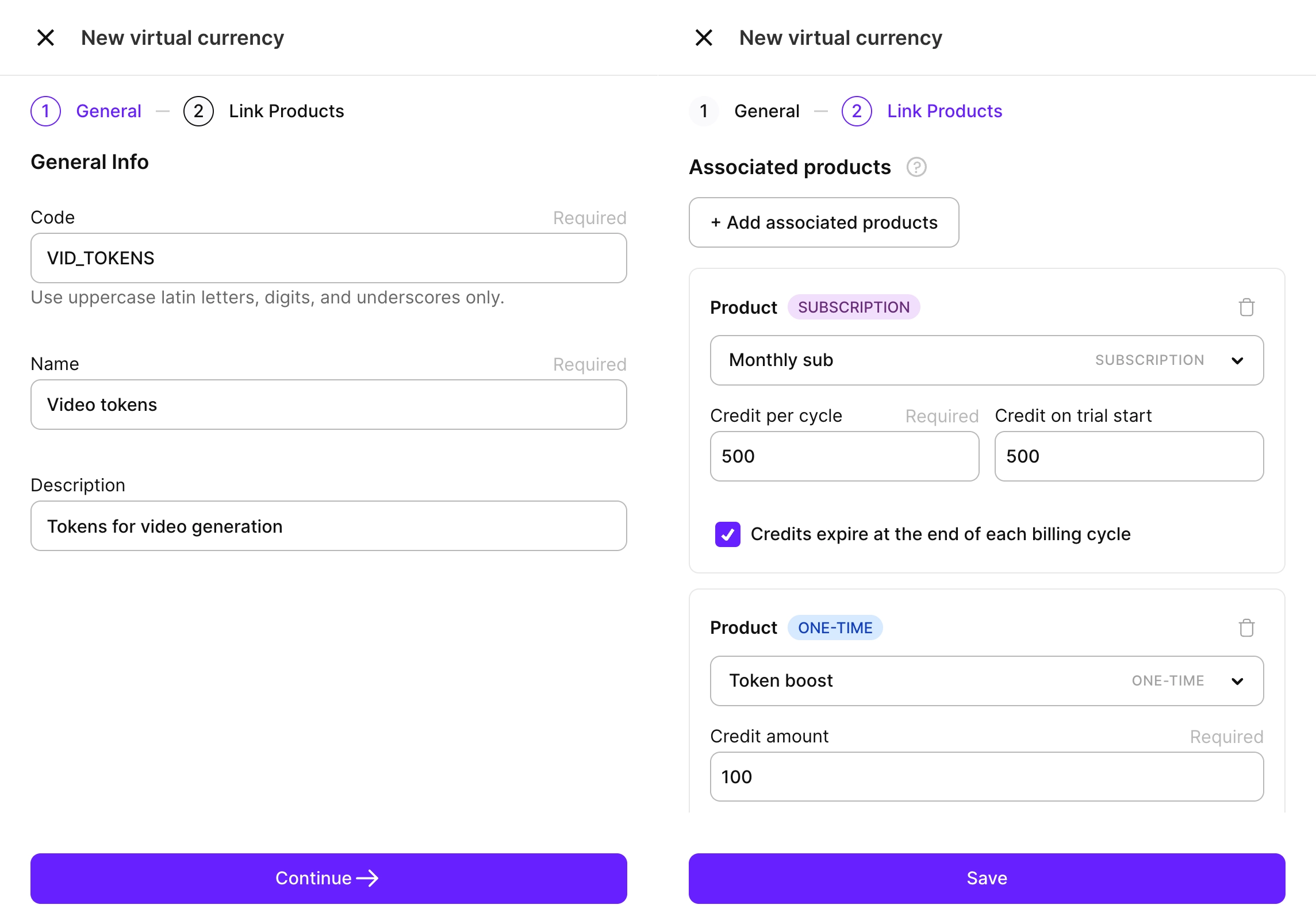
-
Call List virtual currency balances to read the user’s balance, for example, before starting a generation:
curl https://api.adapty.io/api/v2/server-side-api/vc/balances/ \
  -H "Authorization: Api-Key {your secret key}" \
  -H "adapty-customer-user-id: user-42"
The response lists every currency the user has, for example 1000
TOKENS:{ "data": [ { "code": "TOKENS", "name": "Tokens", "balance": 1000, "held": 0, "available": 1000 } ] } -
When the user runs a generation, spend the tokens by calling Create virtual currency transaction with a negative
amount. In this example, one image generation costs 100 tokens:curl -X POST https://api.adapty.io/api/v2/server-side-api/vc/transactions/ \ -H "Authorization: Api-Key {your secret key}" \ -H "adapty-customer-user-id: user-42" \ -H "Content-Type: application/json" \ -d '{"items": [{"currency_code": "TOKENS", "amount": -100}]}'The transaction is atomic and returns the updated balance. If the user can’t cover the cost, the request returns
insufficient_balanceand nothing changes. Include anIdempotency-Keyheader to safely retry requests. -
To run a win-back promo, grant tokens through the same endpoint with a positive
amount. Credits you grant this way never expire. To give users a balance before their first purchase, see Grant an initial balance. -
Review every change in the user’s profile or in the transaction history, so you can audit the economy at any time.