
Flows & paywalls
A paywall screen shows your products and allows the user to purchase them. Adapty gives you two ways to build it:
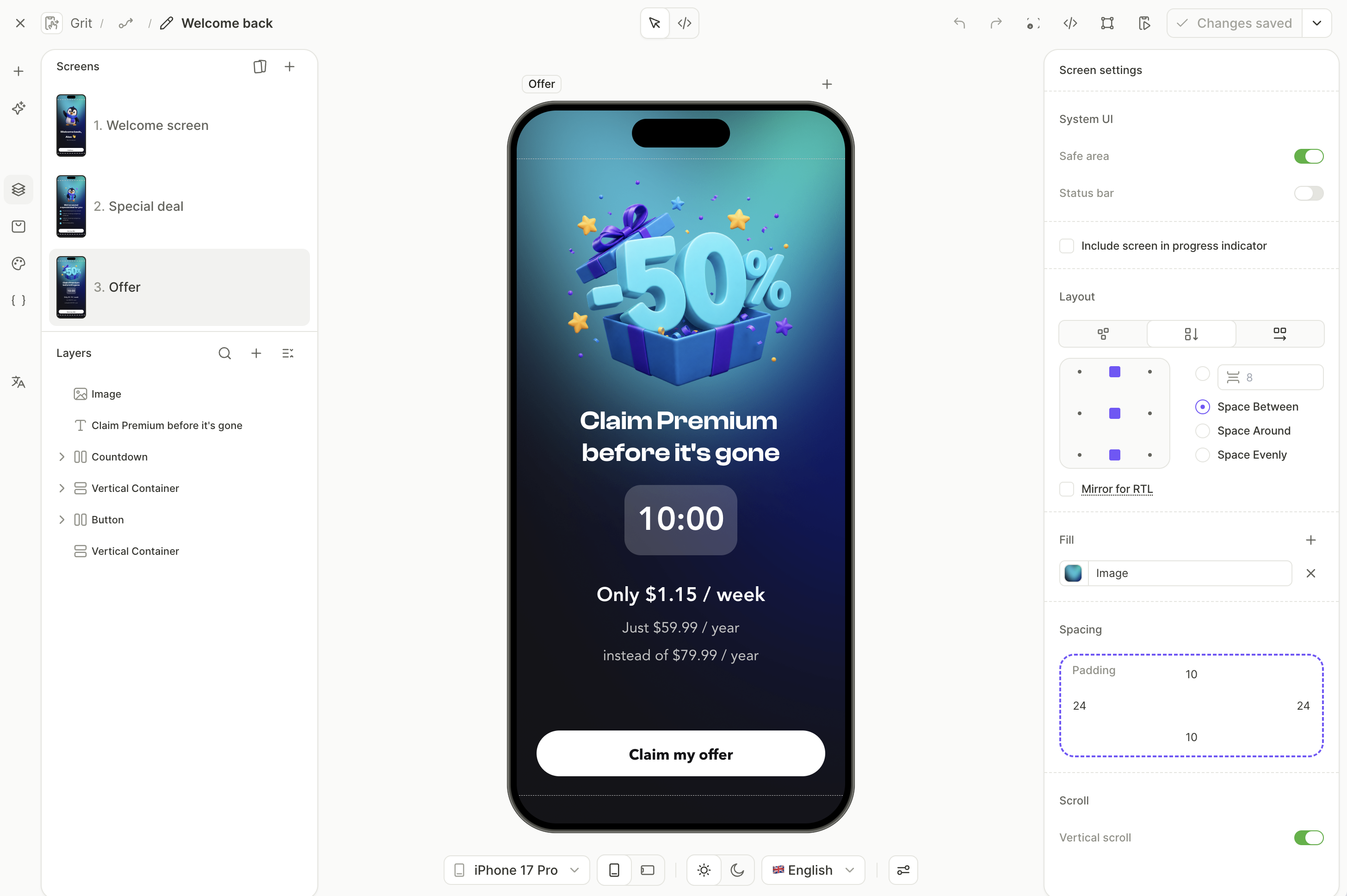
- Flows & paywalls: You design the screens in the Flow & Paywall Builder, and the Adapty SDK renders them natively in your app. Build a single paywall, or a whole onboarding that ends in one.
- Custom paywall: You build the screen in your own app code and save the products it sells in Adapty as a custom paywall. Adapty runs the purchase.
Compare flows & paywalls with custom paywalls
| Flows & paywalls | Custom paywalls | |
|---|---|---|
| Who builds the UI | You, in a visual no-code editor. The SDK renders it natively, without web views. | Your developers, in your app code. |
| How to start | A template, a blank canvas, or a Figma import. | Your existing screen and design system. |
| Build with AI in the dashboard | The AI Editor restyles, rewrites, or rearranges a screen from a plain-language request or a reference screenshot. | Not available. |
| Build with your AI coding tool | The flow-generator skill builds a flow or paywall from a description or a screenshot, and edits copy, locales, and screens. The flow-audit skill reviews it for problems before you publish. | The SDK integration skill creates the custom paywall through the Developer CLI and writes the purchase code in your app. |
| Change without an app release | Design, copy, screens, logic, and products. | The remote config values your code reads. Layout changes need an app release. |
| Different design per audience | Any flow you build, assigned to an audience on the placement. | Only the designs built into the app version the user runs. |
| Multi-screen journeys | Onboarding screens, quizzes, and branching before the paywall, with user answers passed to your app. | Whatever your code builds. |
| Localization | Per-screen locales in the builder. | Per-locale remote config, with AI translation in the dashboard. |
| A/B tests | Between flows or paywalls on a flow placement. | Between custom paywalls on a paywall placement. |
| Analytics | Flow metrics, with revenue attributed to each screen. Views are tracked automatically. | Custom paywall metrics. Your code reports each view to Adapty. |
| Web purchases | Yes, with a web paywall. | Yes, with a web paywall. |
| App size | Screens and images load from Adapty when your app fetches the flow, so a new paywall doesn’t add to the app bundle. | Every screen, image, and string ships in the app bundle. |
| Placement type | Flow placement. | Paywall placement. |
| Adapty SDK | v4.0 or later. | Any version. |
A paywall from the Flow & Paywall Builder and a custom paywall can’t share one A/B test, because each needs its own placement type. To compare them, roll out the builder paywall gradually on its own placement.
Which one to choose
- Choose flows & paywalls when you want to design, test, and change the purchase screen without writing UI code or shipping an app release, or when the paywall is part of an onboarding.
- Choose a custom paywall when you want to build the screen in your own code — for example, to reuse your app’s components.
When your app renders the screen, the custom paywall in Adapty is the fixed set of products the screen sells, such as a weekly and a monthly plan. Adapty reports conversion and revenue for each paywall, so you can compare which set of products sells better. You can show different paywalls to different audiences on one placement, and A/B test them against each other. To sell different products, replace the paywall on the placement in the dashboard. You don’t need an app release.
Both live in Flows & Paywalls in the Adapty main menu: flows & paywalls on the Flow & Paywall builder tab, custom paywalls on the Custom Paywalls tab.
Paywalls built in the old Paywall Builder stay editable on the Custom Paywalls & Legacy tab, but you can’t create new ones there. To recreate a paywall built for Adapty SDK 3.x as a draft flow while the original stays live, use the Move to new builder action — see Convert a paywall into a flow. For the full migration, including placements and the SDK upgrade, see Migrate to flows.