
Billing issue
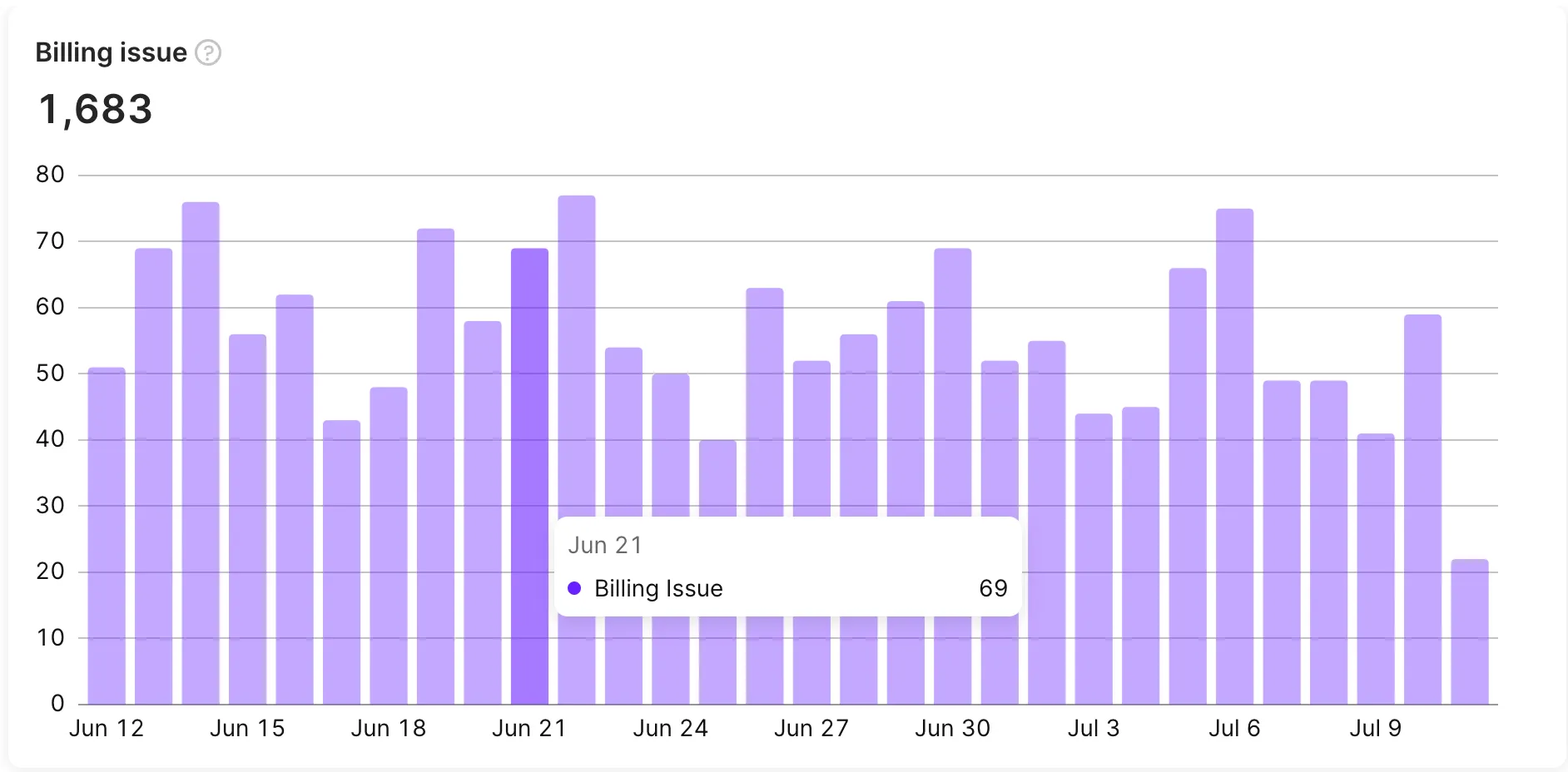
The Billing issue chart displays the number of subscriptions that have entered the Billing Issue state. This state is typically triggered when the store, such as Apple or Google, is unable to receive payment from the subscriber for some reason. This could happen due to reasons such as an expired credit card or insufficient funds. These are examples only: the stores don’t share the specific decline reason, so Adapty can’t break billing issues down by reason.
Calculation
The billing issue metric counts subscriptions that entered the billing issue state during the period. A subscription enters this state when the store (Apple or Google) can’t process the renewal payment — typically because of an expired credit card or insufficient funds. During the billing issue state, the subscription is not active.
If the grace period feature is enabled, the subscription enters the billing issue state only after the grace period expires without payment.
Available filters and grouping
Main article: Analytics controls
- ✅ Filter by: Attribution, Audience, Country, Paywall, Flow, Flow screen, A/B tests, Placement, Period, Segment, Store, Product, and Duration.
- ✅ Group by: Product, Country, Store, Paywall, Flow, Flow screen, Audience, Placement, Duration, Segment, and Attribution.
Similar metrics
For a side-by-side comparison of these metrics, see the Metric comparison table.