
Manage ads in Adapty Ads Manager
Adapty Ads Manager has a two-way integration with Apple Ads: you get near real-time performance data, and you can create and edit ads directly from the Adapty dashboard in a much more convenient way than in the native UI.
If you create an ad in the native Apple Ads dashboard, it will automatically appear in Adapty Ads Manager within 24 hours.
What are ads
An ad is an ad creative assigned to an ad group inside a campaign. You can assign one active ad per ad group.
Create ads
Before you start, ensure you have created:
- Ad group. You can create it right in Adapty Ads Manager dashboard.
- Custom product page. You need to set it up directly in Apple Ads. It must be approved by App Store before you can use it in your ad.
If you already have an active ad inside the selected ad group, it will be paused to run the new ad.
To create a new Apple Ads ad:
- Go to Ads Manager from the sidebar menu. On any tab, click + above the table and select Create ad.
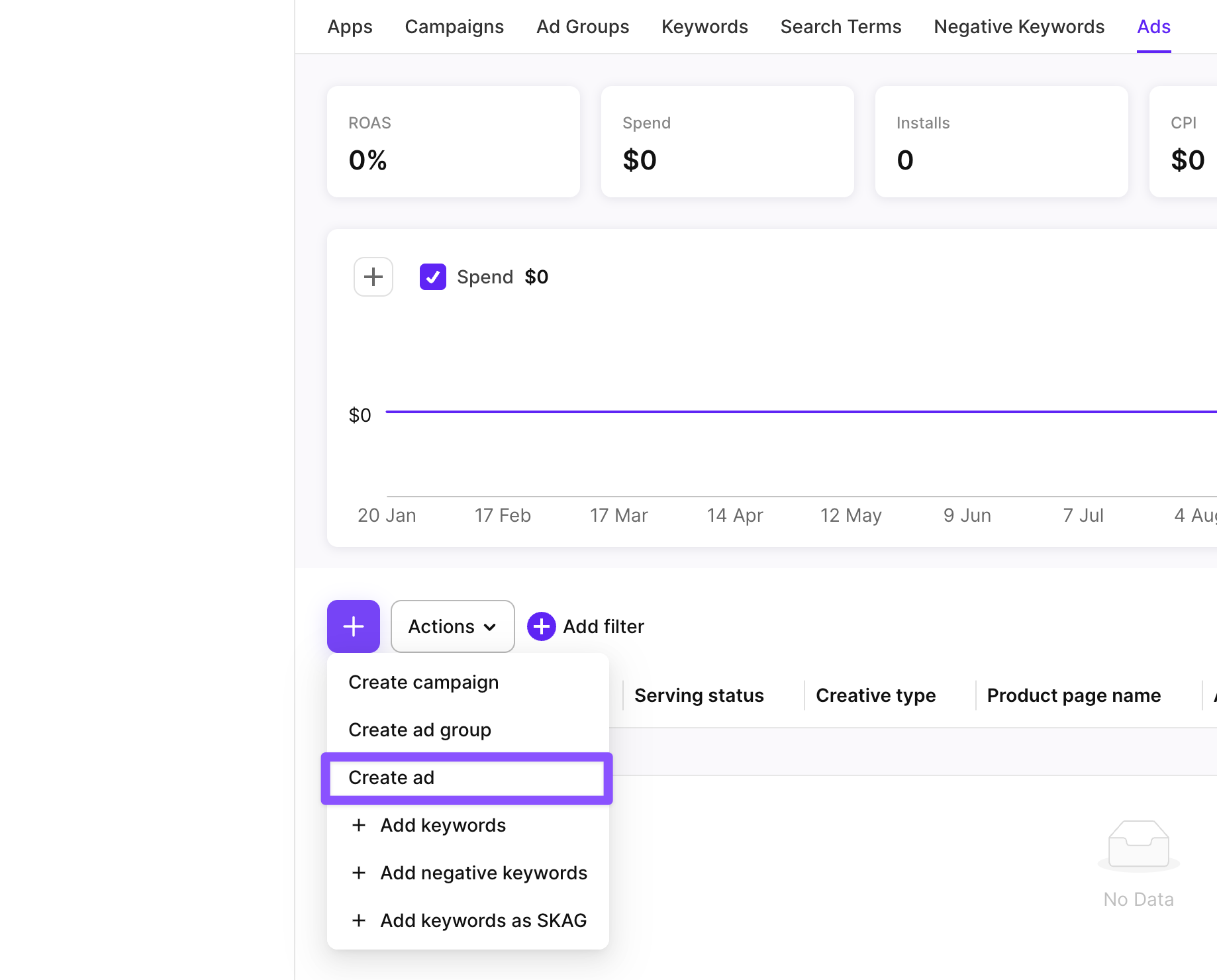
- Select an app you want to launch the ad for.
- Select one or more ad groups. Adapty creates the ad in each selected ad group.
- Enter the ad name.
- Set the ad status. Turn off the Status toggle to start running the ad later.
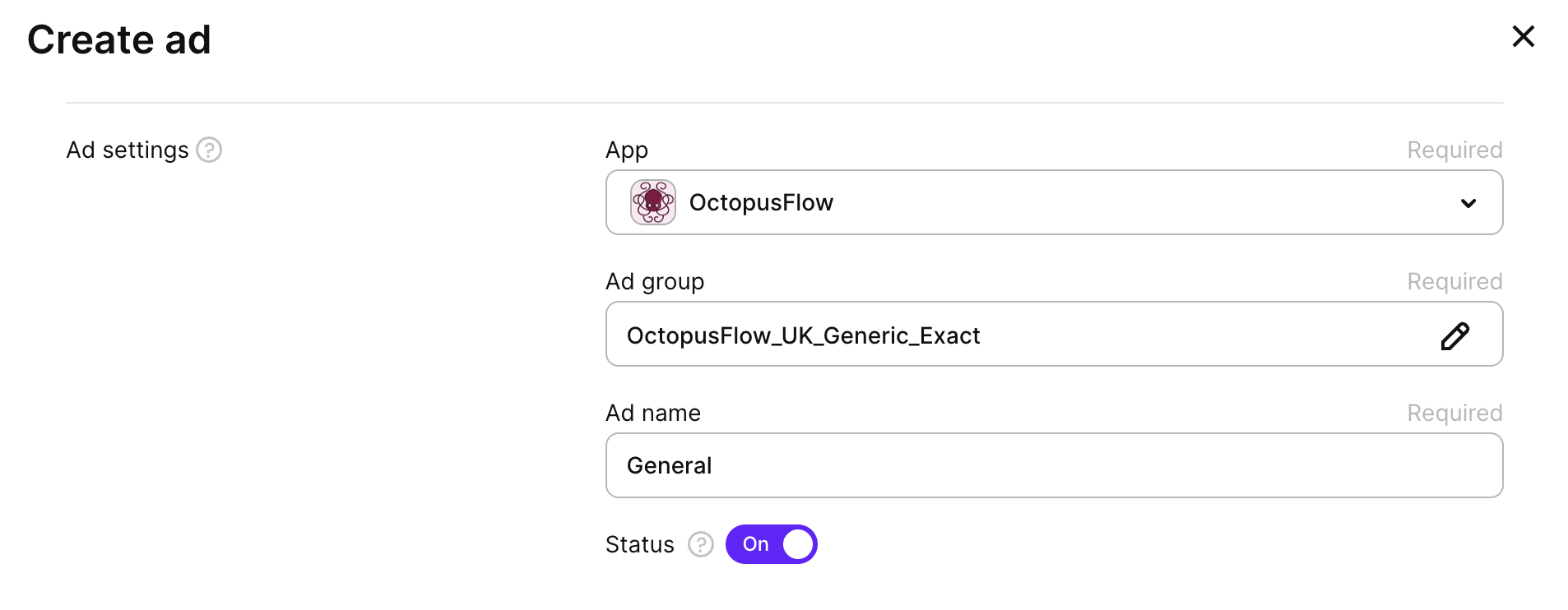
- Click Select CPP. You will see all the custom product pages for your app approved by App Store. You can select only one custom product page.
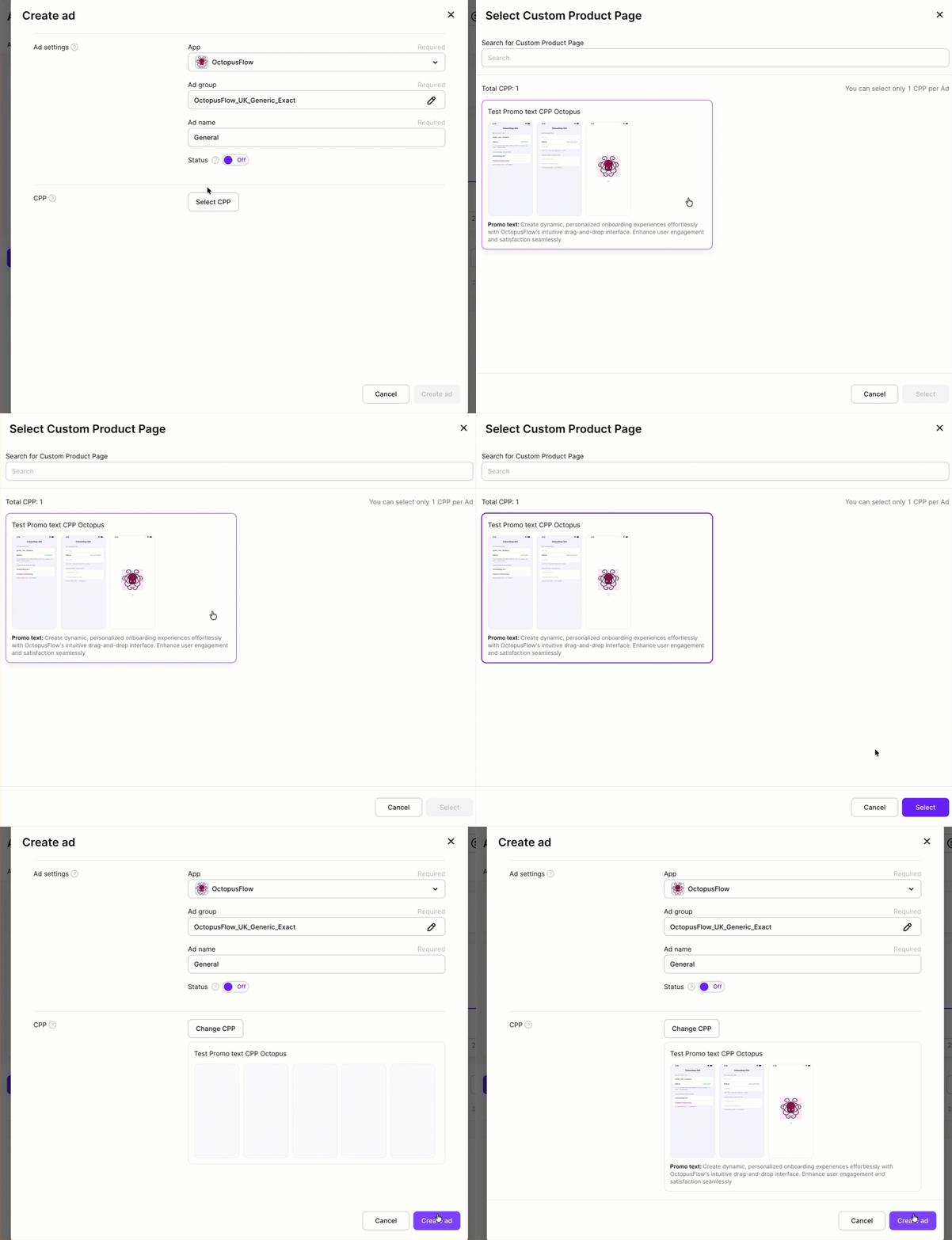
- Click Create ad.
Edit ads
After you have created an ad, you can edit its name and status. You can’t change its CPP or move it to a different ad group.
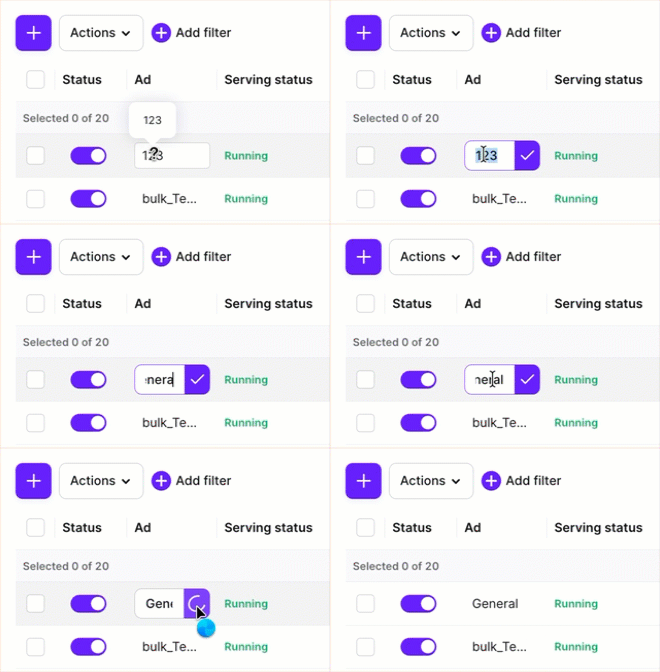
To edit an ad name, use any of the following options:
-
Click the ad name in Ads Manager > Ads. Edit the ad name and click the check mark next to it.
-
Select the checkbox next to the ad name and click Actions > Edit ad. Change the ad name or status and click Save changes.
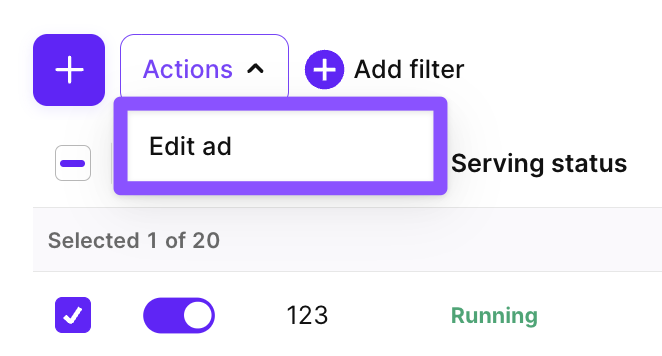
Edits to an ad made directly in Apple Ads sync automatically to Adapty Ads Manager, but may take time to show in Adapty Ads Manager.
Export ads
To export the ads table as a CSV, click the download icon above the table and select Export current page or Export all pages.
Export all pages downloads all ads across all pages in a single file. A progress modal tracks the download; you can cancel it at any time. Two optional filters are available:
- Enabled only: Include only active ads.
- With spend ≥: Include only ads with spend above a specified threshold.
- Group by country: Break down each ad row by country.
The table is exported as it appears on your dashboard, with the columns you have selected to display.

Launch & pause ads
To launch or pause any ad from Adapty Ads Manager, use any of the following options:
-
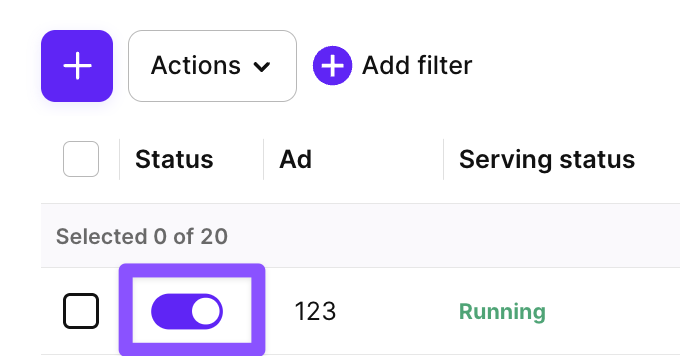
Switch the Status toggle on or off in Ads Manager > Ads.
-
Select the checkbox next to the ad name, click Actions > Edit ad, switch the Status toggle, and click Save changes.