Settings in Adapty Ads Manager
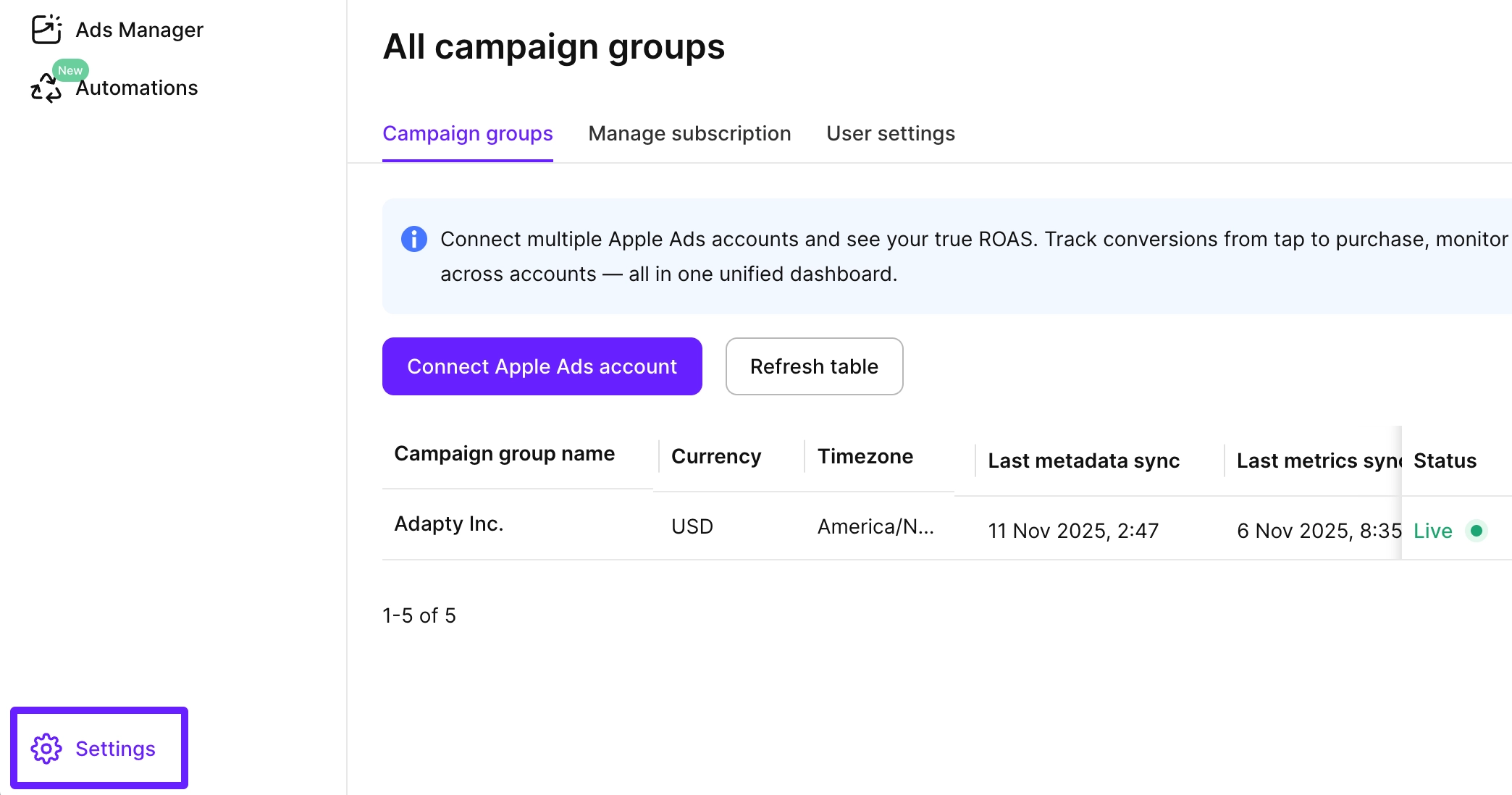
Navigate to Settings in the lower-left corner of the Adapty Ads Manager dashboard to configure your account settings.
Campaign groups
On the Campaign groups tab, you can see all Apple Ads accounts connected to Adapty Ads Manager and add new ones. If you connect several Apple Ads accounts, all their analytics will be aggregated in a single Adapty Ads Manager dashboard.
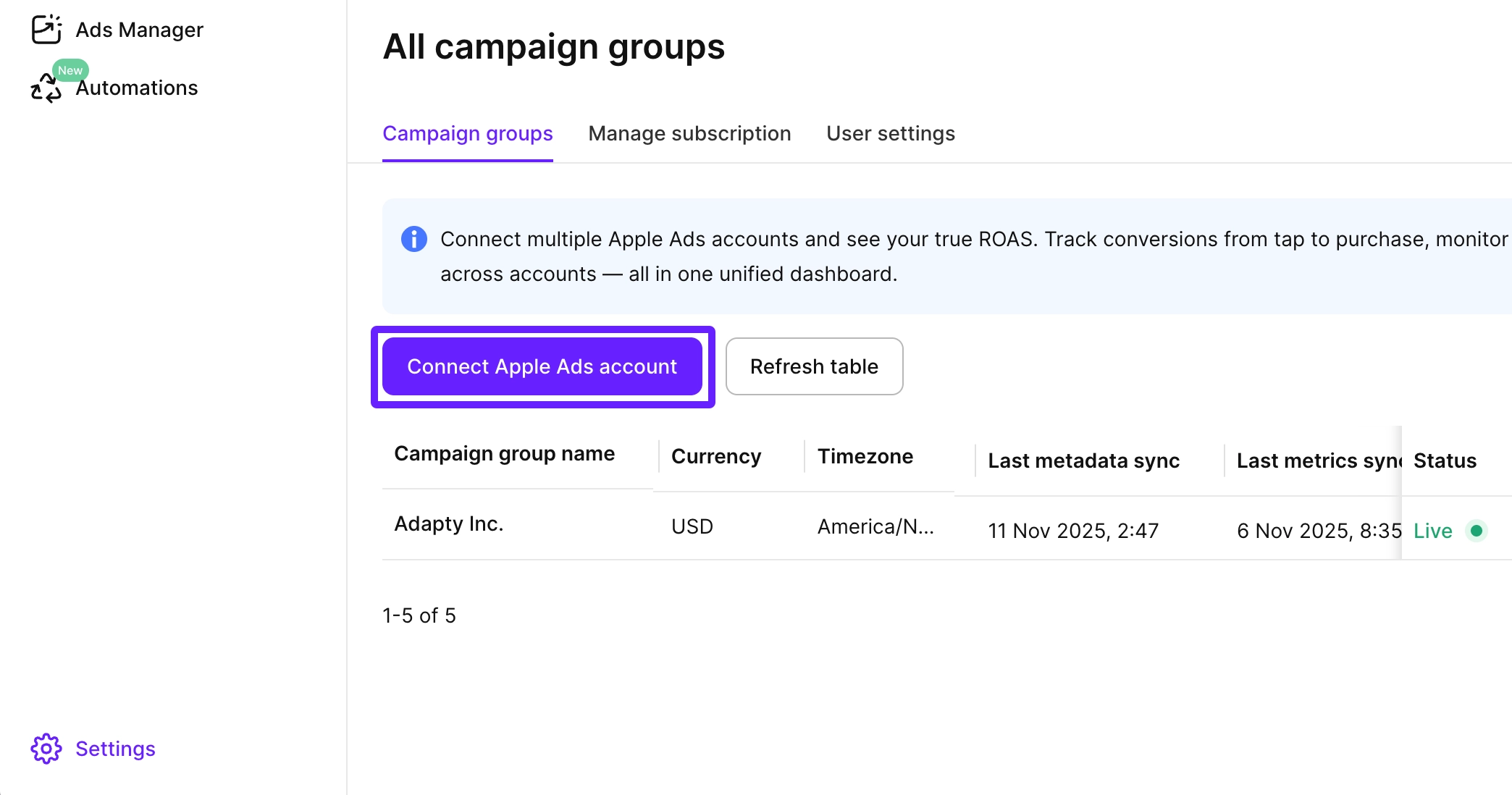
To add a new Apple Ads account, click Connect Apple Ads account and follow the guide.
Manage subscription
On the Manage subscription tab, you can see your current subscription plan and update your payment method.
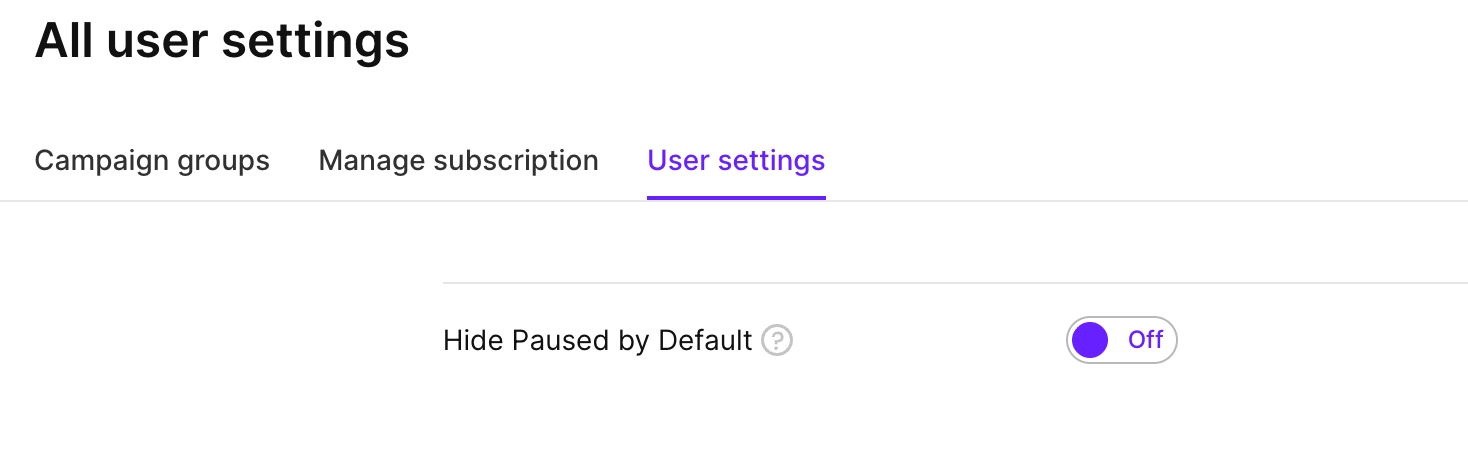
User settings
On the User settings tab, you can turn on the Hide Paused by Default switch. When enabled, paused campaigns, ad groups, and keywords will be hidden to help you focus on active performance data.
Avoid enabling this option if you frequently experiment with launching and pausing different campaigns, ad groups, and keywords, since you may want to access paused items at any time.