
在 Google Play Console 中向服务账号授予权限
Adapty 以服务账号的身份读取您的产品并验证购买记录。在您将该账号邀请至 Google Play Console 并授予相应权限之前,它无法访问您应用的任何数据。
开始之前
创建服务账号并准备好其邮箱地址。发送邀请时需要用到该地址。
授予权限
-
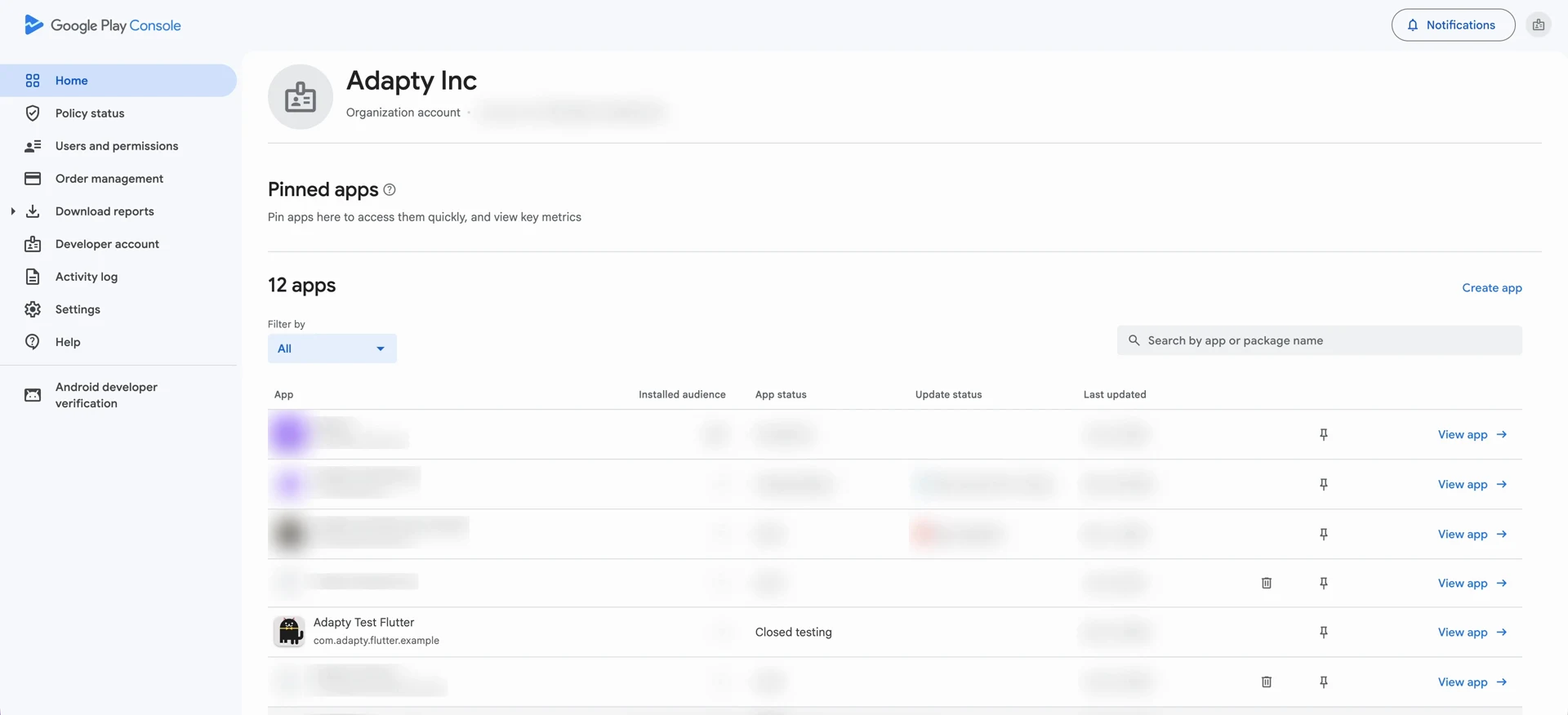
打开 Google Play Console,进入 Users and permissions。
-
点击 Invite new users。
-
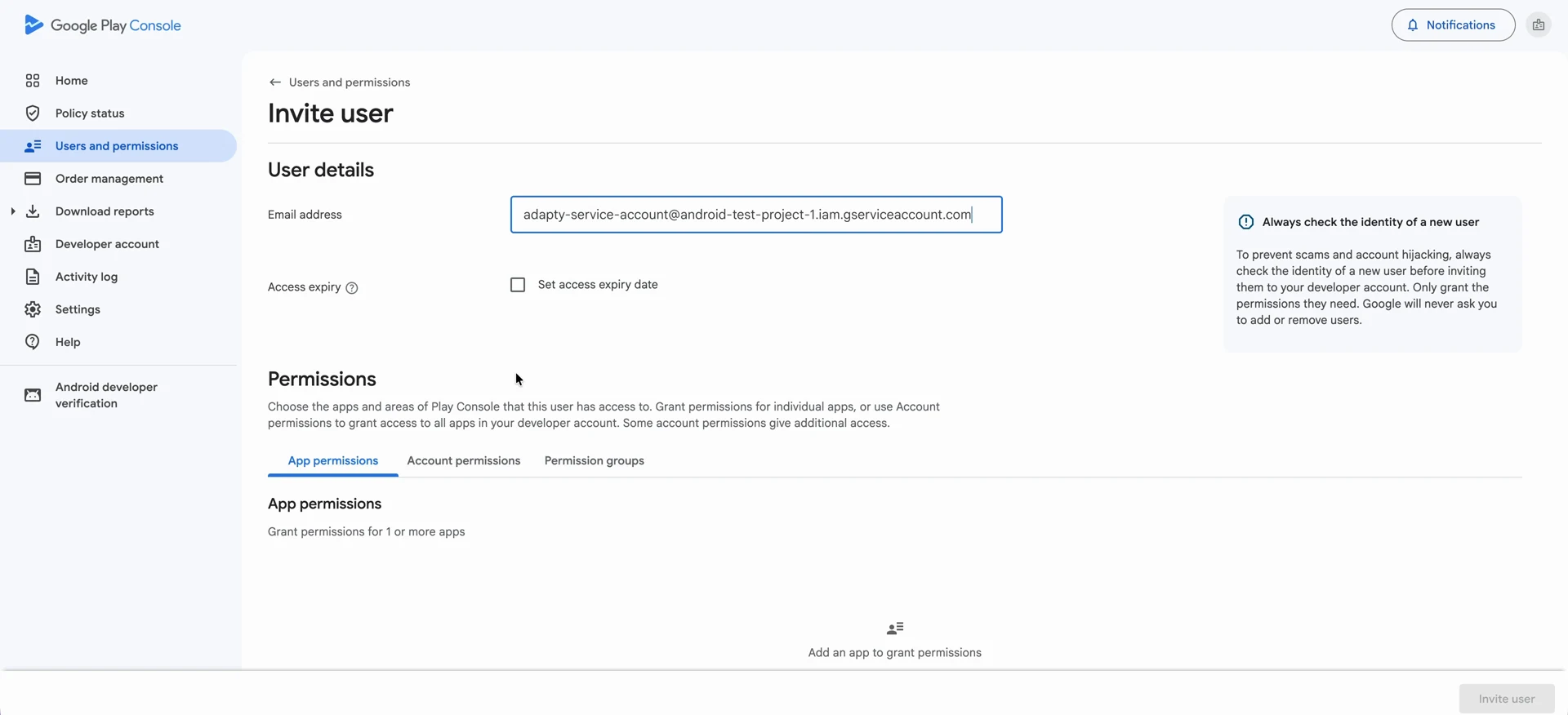
在 Email address 中,粘贴服务账号的电子邮件地址。
-
打开 Account permissions 标签页。此处授予的权限适用于您开发者账号下的所有应用,而 App permissions 标签页仅覆盖您单独选择的应用。
-
选择以下四项权限:
- View app information and download bulk reports (read-only)
- View financial data, orders, and cancellation survey responses
- Manage orders and subscriptions
- Manage store presence
-
点击 Invite user,然后点击 Send invite 确认。服务账号将出现在用户列表中。
后续步骤
生成服务账号密钥文件,Adapty 将使用该文件以此账号身份进行身份验证。