
Google Play Consoleでサービスアカウントに権限を付与する
Adaptyはサービスアカウントとしてプロダクトを読み取り、購入を検証します。そのアカウントをGoogle Play Consoleに招待して権限を付与するまで、アプリのデータにアクセスすることはできません。
始める前に
サービスアカウントを作成し、そのメールアドレスを手元に用意してください。招待を送るためにそのアドレスが必要です。
権限を付与する
-
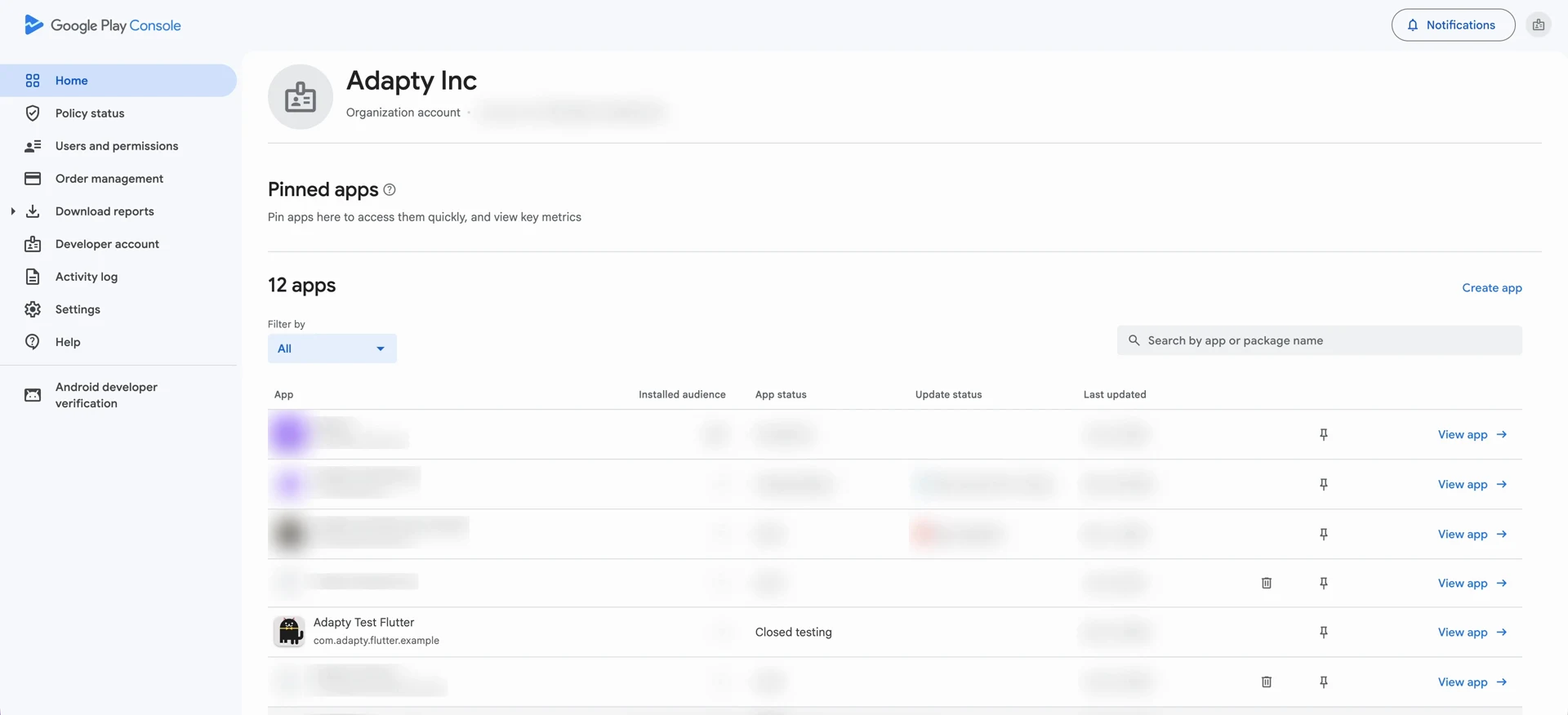
Google Play Console を開き、Users and permissions に移動します。
-
Invite new users をクリックします。
-
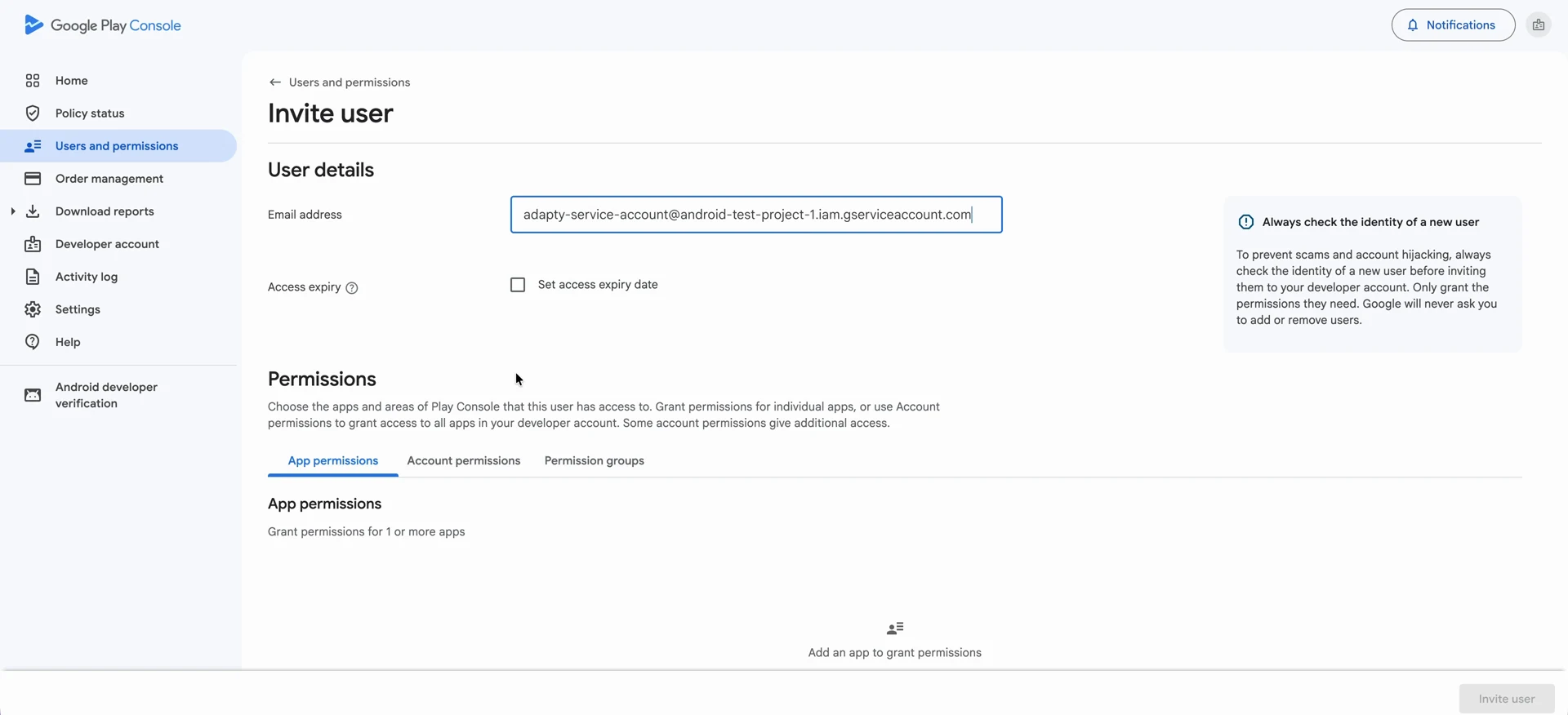
Email address に、サービスアカウントのメールアドレスを貼り付けます。
-
Account permissions タブを開きます。ここで付与した権限はデベロッパーアカウント内のすべてのアプリに適用されます。一方、App permissions タブでは個別に選択したアプリにのみ適用されます。
-
以下の4つの権限を選択します:
- View app information and download bulk reports (read-only)
- View financial data, orders, and cancellation survey responses
- Manage orders and subscriptions
- Manage store presence
-
Invite user をクリックし、Send invite で確定します。サービスアカウントがユーザーリストに表示されます。
次のステップ
サービスアカウントキーファイルを生成する。このファイルを使って、Adapty はこのアカウントとして認証を行います。