
在 Google Cloud Console 中启用开发者 API
Adapty 通过以下 Google API 读取产品、验证购买记录并接收订阅事件:
- Google Play Android Developer API
- Google Play Developer Reporting API
- Cloud Pub/Sub API
开始之前
请确认您已具备 Google Play 集成所需的访问权限和 Google Cloud 项目。缺少这些条件将无法完成以下步骤。
启用 API
-
选择用于集成的项目。
-
点击 Enable,等待状态变为 Enabled。如果按钮显示的是 Manage,说明该 API 已启用,无需任何操作。
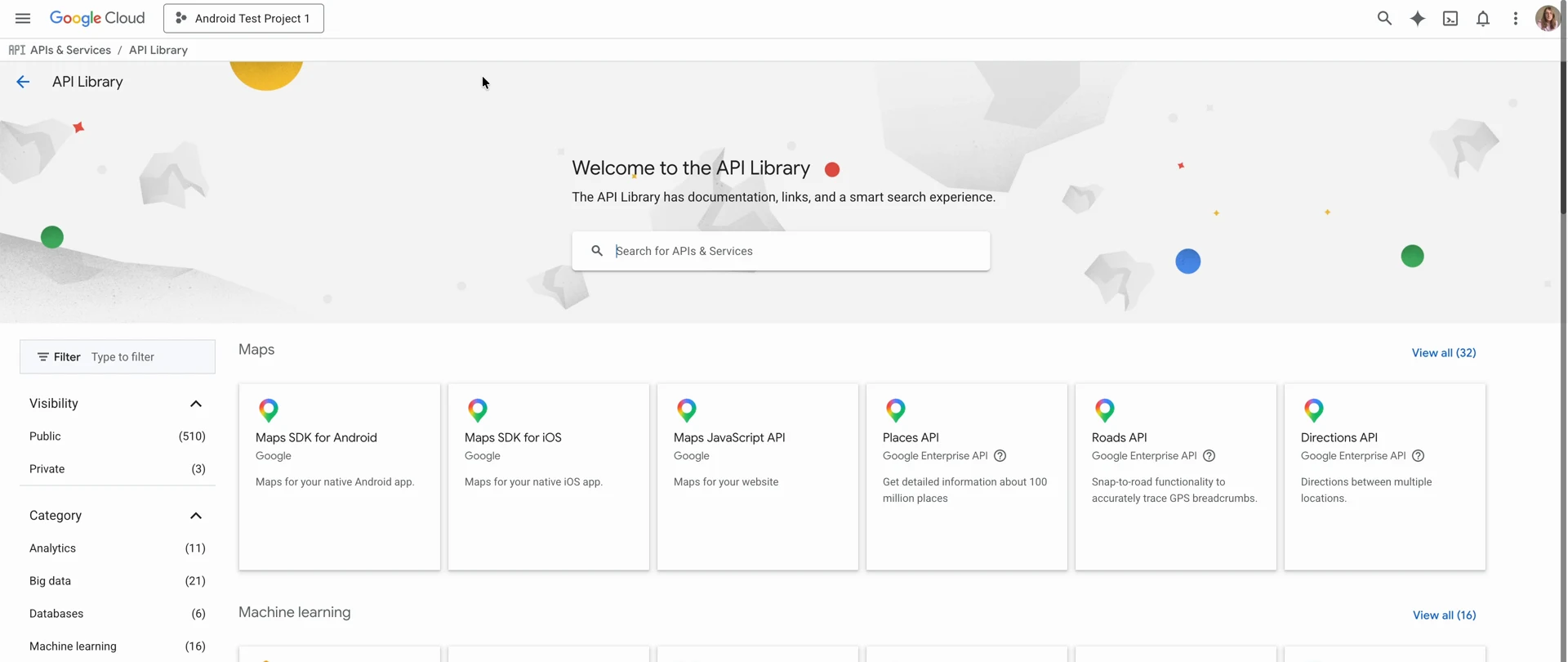
-
点击 Enable,等待状态变为 Enabled。
-
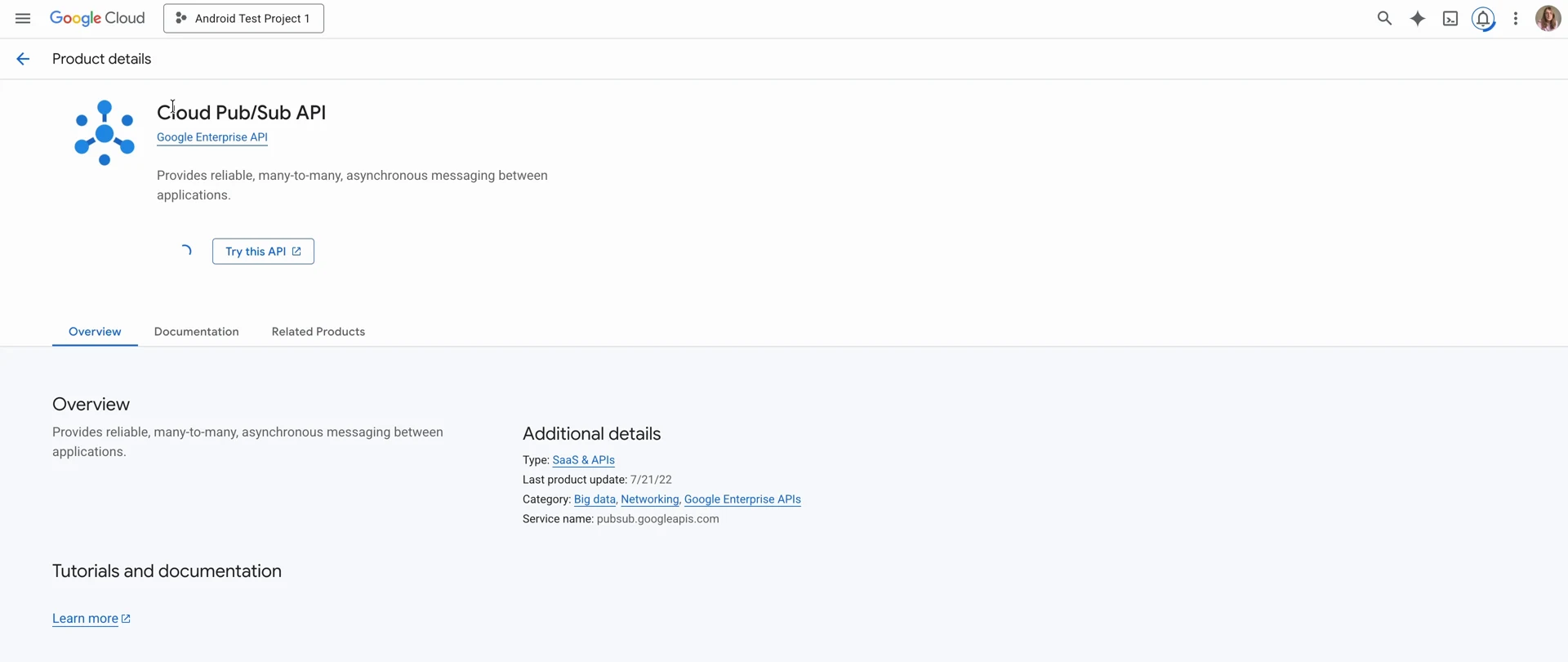
打开 Cloud Pub/Sub API 页面。
-
点击 Enable,等待状态变为 Enabled。
要确认这一点,请在 Google Cloud Console 中打开 APIs & Services 页面。底部的表格列出了项目中已启用的所有 API,以下三个应全部显示:
- Google Play Android Developer API
- Google Play Developer Reporting API
- Cloud Pub/Sub API
后续步骤
创建服务账号,以便 Adapty 代表您调用这些 API。