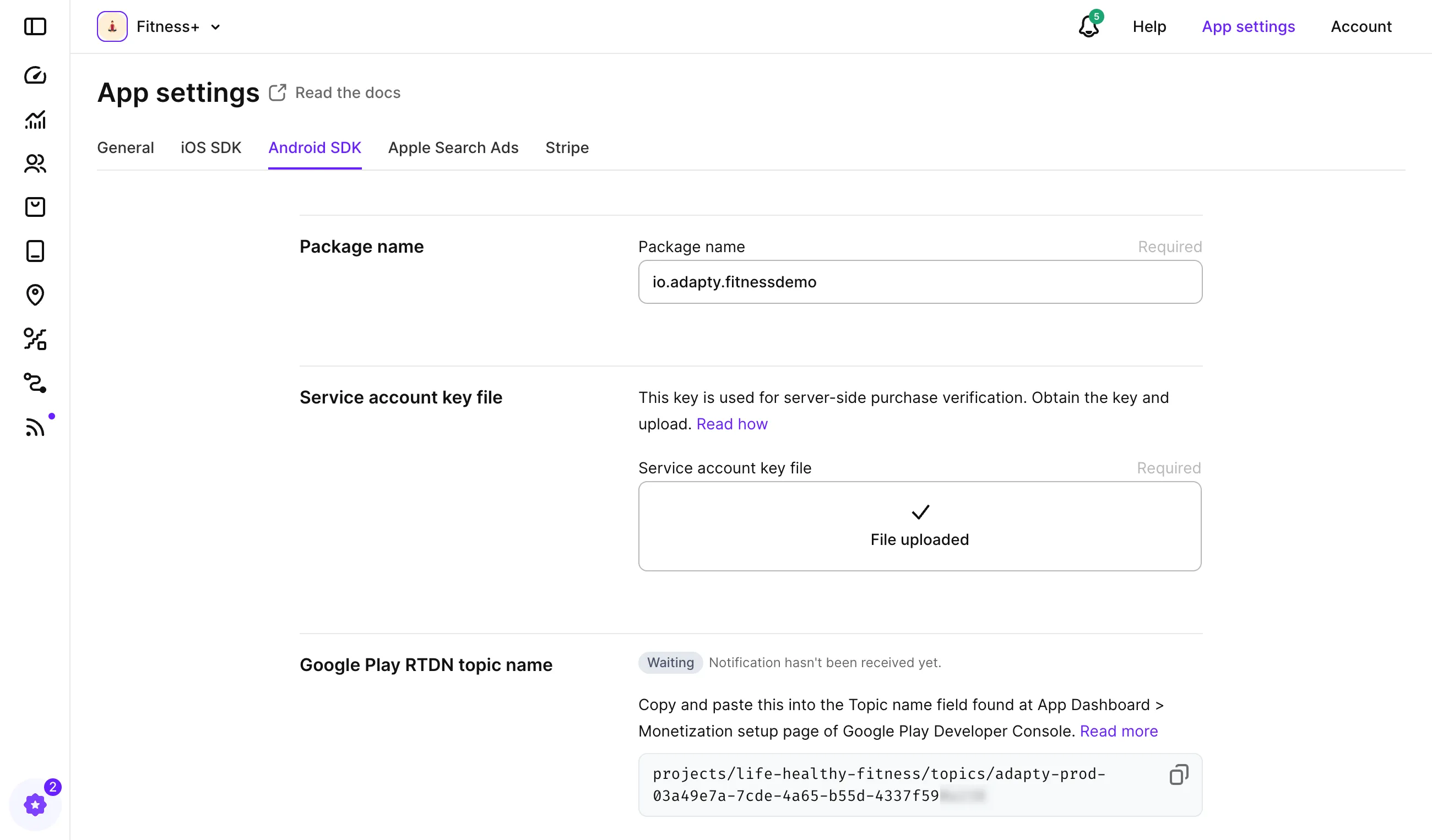
应用设置 Google Play Store 凭证 复制给 AI 查看 Markdown 安装工具 安装 AI Agent 工具 在你的 AI 编程工具中完成整个 Adapty SDK 集成。 了解更多 Claude Code Copilot CLI Gemini CLI Codex Any tool claude plugin marketplace add adaptyteam/adapty-skills claude plugin install adapty-skills@adapty git clone https://github.com/adaptyteam/adapty-skills.git cp -r adapty-skills/skills/* ~/.copilot/skills/ gemini skills install https://github.com/adaptyteam/adapty-skills codex plugin marketplace add adaptyteam/adapty-skills codex plugin add adapty-skills@adapty 可安装到任何支持技能的 AI 工具。之后更新请运行 npx skills update。 npx skills add adaptyteam/adapty-skills --all 这些技能涵盖 SDK 集成、构建 flow 和 paywall、发布前审查、placement 迁移等。用日常语言描述任务,你的 AI Agent 会自动选择合适的技能。 要使 Adapty Android SDK 正常工作,您需要配置几个参数。 字段描述Package name应用包名是您的应用在 Google Play Store 中的唯一标识符。这是 Adapty 基本功能(如订阅处理)的必要条件。Service account key file用于启用安全身份验证和购买验证的密钥。Google Play RTDN topic name用于启用从 Play Store 发送服务器到服务器通知的 URL,以监控并响应用户的订阅状态变化。