Do Apple Ads custom product pages work? Data from 1M+ ad groups

TL;DR:
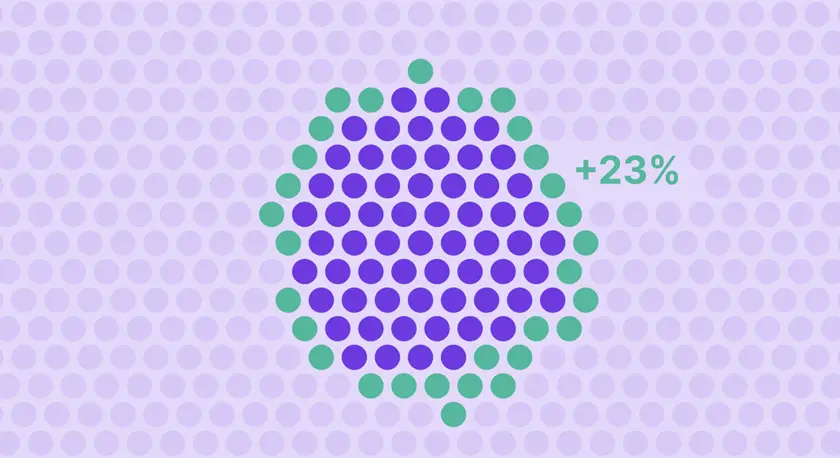
Custom Product Pages match the App Store page a user lands on to the keyword they searched. In Apple Ads, that can increase downloads 23% on the same spend.
The lift splits across the funnel: +12% tap-through (the page wins more taps) and +9.6% conversion (more of those taps install).
Apple's own data shows referring traffic to a matched CPP lifts conversion 156% over the default page.
CPPs are most powerful as an intent-matching and localization tool. But the lift only holds if the in-app paywall matches the page. Otherwise, the leak in the funnel remains.
A mismatching product page is a bounce recipe.
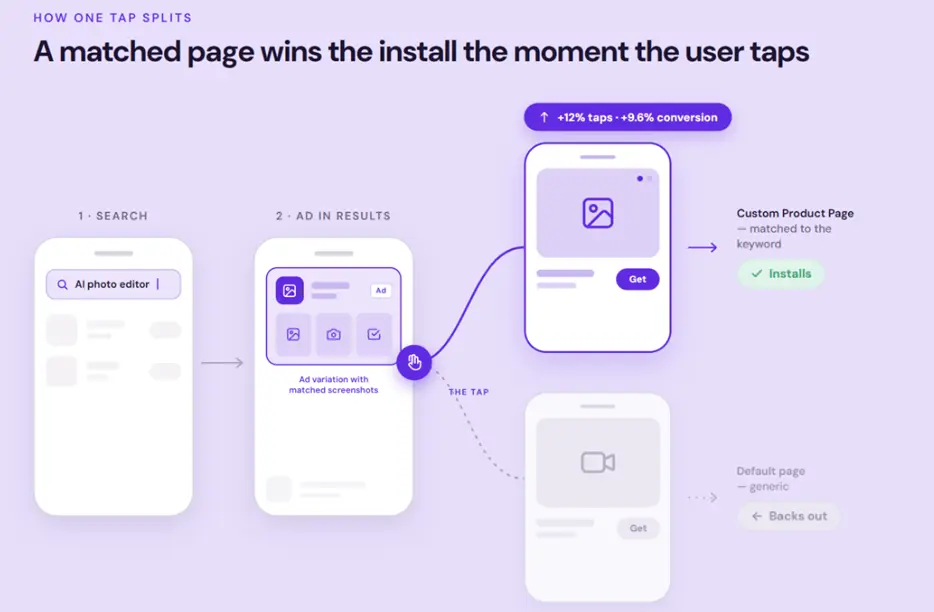
Let’s say a user searches for “AI photo editor” on the App Store. They tap on your ad, and land on a page that leads with video editing. They back out.
But you still paid for the tap and lost the install.
Custom Product Pages exist to prevent exactly that. The question is whether they move the numbers in Apple Ads specifically.
Our Apple Ads for subscription apps report measured exactly that, across 1M+ ad groups.
How much do Custom Product Pages lift Apple Ads performance?
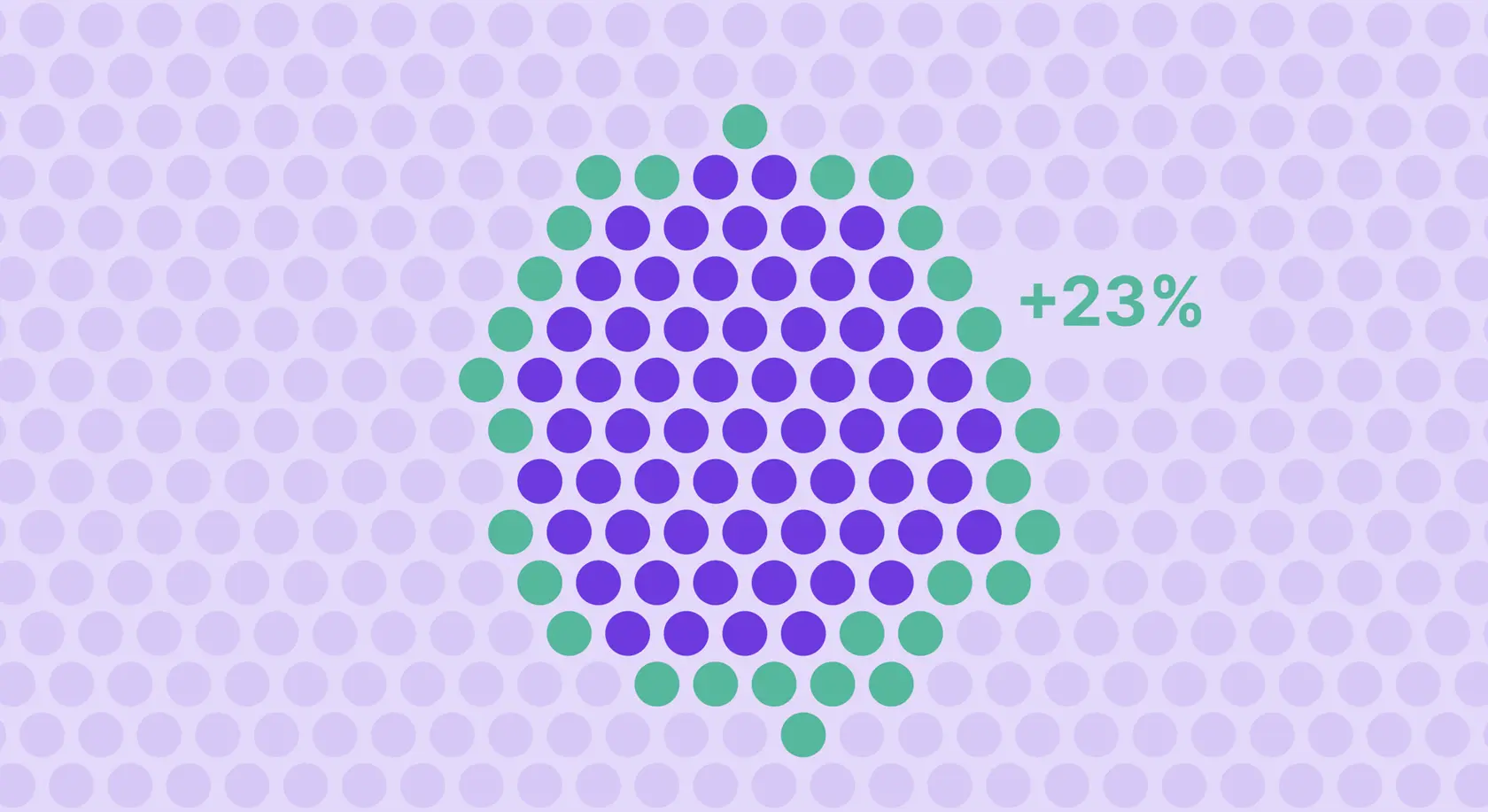
Across 1M+ ad groups we measured, ad groups using a keyword-matched CPP produced 23% more downloads t han ad groups sending the same traffic to a default page.
The lift comes from two separate stages of the funnel.
The lift splits across two funnel stages
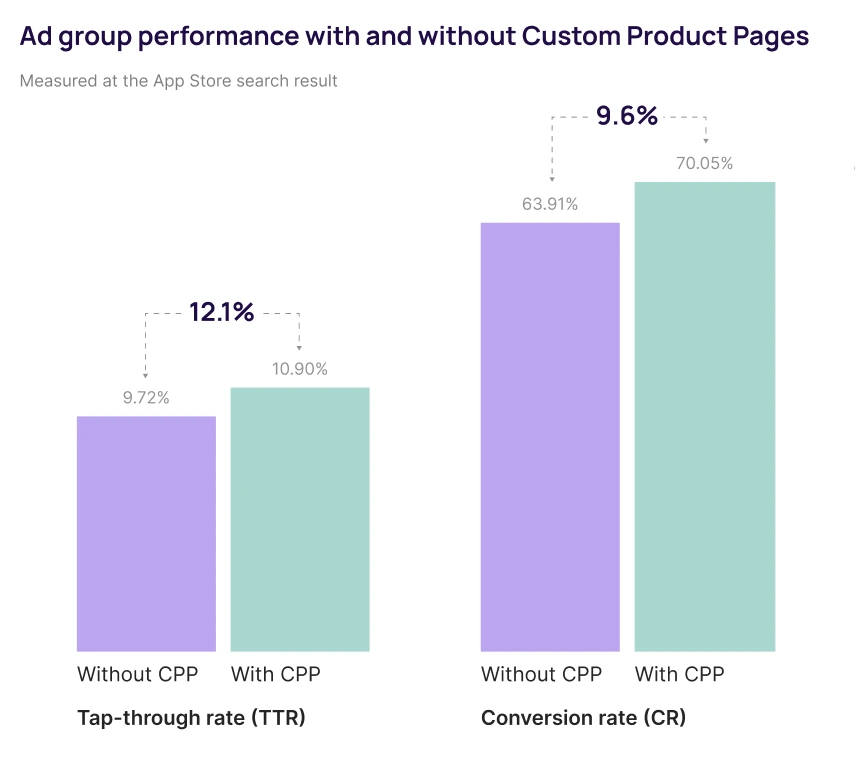
Before the tap, a matched page wins more taps from the same impressions: tap-through rate rises from 9.7% to 10.9%, a 12.1% lift.
After the tap, more of those taps convert to downloads: conversion rate rises from 63.9% to 70.1%, a 9.6% lift.
One lift happens in the search results, the other on the page.
The two compound into 23% more downloads
The pre-tap and post-tap lifts multiply rather than add.
At baseline rates, 100 impressions produce 6.21 downloads without a CPP and 7.63 with one. That's nearly 14 extra downloads per 1,000 impressions, from the same spend and keywords.
Even on Apple Ads, where the baseline conversion rate is already 64% because intent is high, matching the page adds another 6.1% on top.
That 64% baseline varies widely by market and niche, as we found in our benchmark report.
How do Custom Product Pages work with Apple Ads?
A Custom Product Page is an alternate version of your App Store listing with its own screenshots, preview videos, and promotional text.
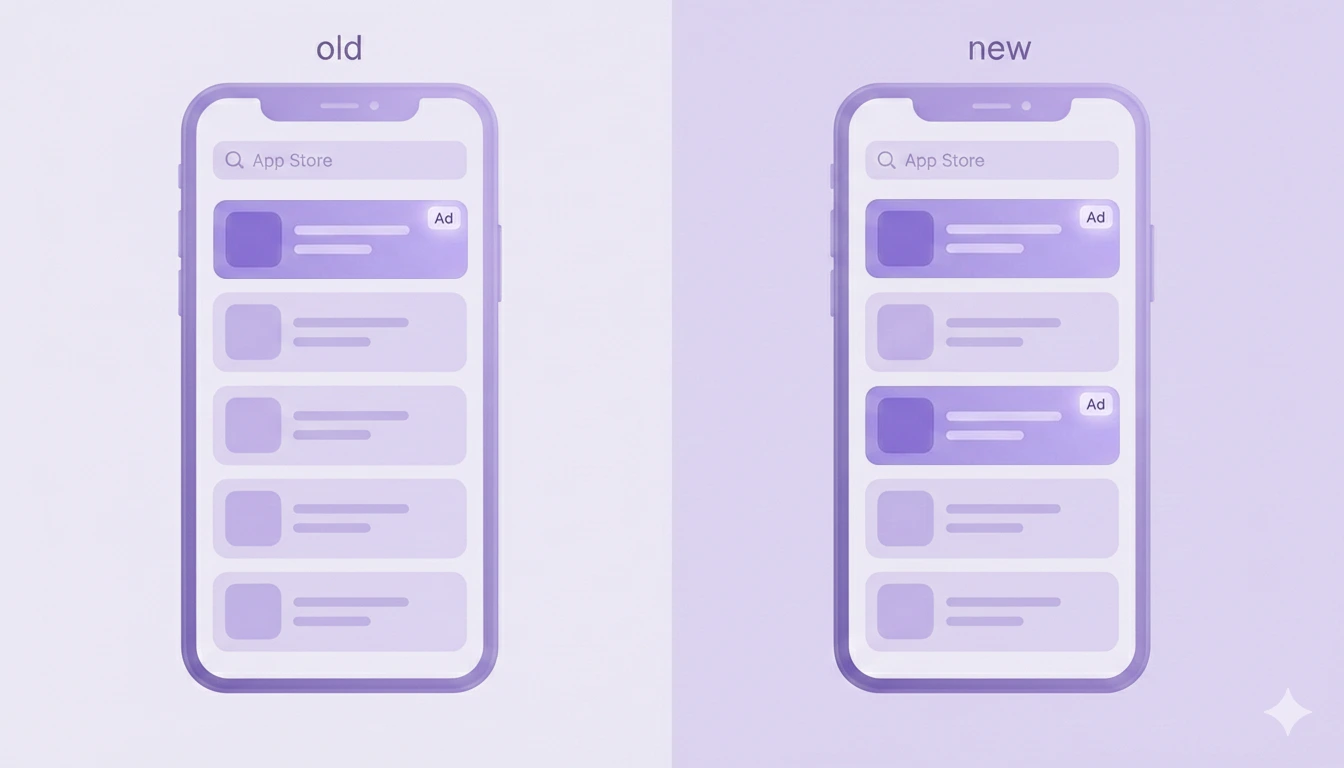
In Apple Ads, it acts as a keyword-matched landing page: each ad variation can point to a different CPP.
The flow is straightforward.
- A user searches for a keyword
- They see an ad variation showing that CPP's screenshots in the results
- They tap and land on the matched page instead of your default listing
- The intent matches and they proceed to install your app
Apple raised the limit to 70 Custom Product Pages per app, up from 35, and CPPs can now be assigned keywords to appear in organic search results too, which aligns your paid and organic listings.
ℹ️CPPs work across three placements: search results ads (as ad variations), the Today tab, and the Search tab. For the full setup walkthrough, see our guide to Custom Product Pages on the App Store, and our guide to Apple Search Ads for how the channel fits together.
Why do Custom Product Pages work so well on Apple Ads?
Because Apple Ads is the one paid channel that carries the literal search keyword through to the page. Meta and TikTok target audiences; Apple Ads matches a query.
That means a CPP can answer the exact phrase the user typed, which no other channel allows with the same precision.
Intent matching
A user searching "AI animation" and a user searching "AI photo editor" want different things from the same app.
With CPPs, the first sees a page about motion and character generation, the second a page about image editing.
The page confirms the search instead of contradicting it, and the install follows.
Localization fixes leaky markets
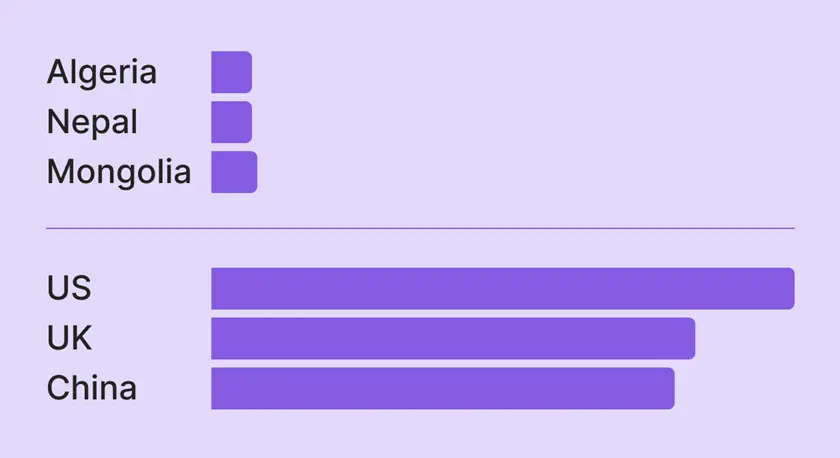
A market with cheap taps but weak conversion is often a market seeing an English page it didn't search for. Each CPP can be localized for a different language and region.
Pointing a localized CPP at each market you spend in closes a gap that shows up clearly in the country data: cheap acquisition that leaks at the page because the listing doesn't speak the user's language.
We cover this in detail in our look at the cheapest and most expensive countries for Apple Ads.
When do Custom Product Pages underperform?
The most common failure happens after Custom Product Pages do their thing.
A CPP can lift the install while a generic in-app paywall kills the trial. You match the App Store page to the keyword, the user installs expecting one thing, then hits a paywall built for someone else.
The pre-install promise and the post-install reality don't line up, and trial-to-paid drops below where you started.
Our first Custom Product Pages looked like a home run: a 20% lift in conversion rate. Then we reviewed the downstream metrics. The same test was driving a 20% decrease in trials. If you're building CPPs without tailoring the in-app paywall to match, you're burning your ad spend at the door.
You should pay attention to two other limits:
- CPPs need enough install volume per page to A/B test reliably, so thin traffic per page makes results hard to read.
- Building one CPP per keyword creates more pages than you can maintain. Cluster keywords by intent and build one page per cluster instead.
ℹ️The fix for the paywall mismatch is covered in our guide to personalized paywalls.
How to make Custom Product Pages work for Apple Ads
Five things that separate a CPP that lifts revenue from one that just lifts installs.
- Match the first screenshot to the keyword. Most of the conversion decision happens above the fold. The first screenshot does more work than the rest of the listing combined, so lead with the value the user searched for.
- Cluster keywords by intent, not by volume. Build one CPP per intent cluster, not one per keyword. Three to five clusters captures most of the lift without creating more pages than you can maintain.
- Localize CPPs for the markets you spend in. If you run ads in a market, the page should speak its language. A localized CPP is often the difference between a cheap market that leaks and one that pays back.
- Test on ROAS, not conversion rate. A CPP converting at 55% can lose to one at 48% if the 48% page brings users who subscribe and stay. Judge pages on the revenue they produce, not the installs.
- Match the in-app paywall to the CPP. The single highest-leverage fix. Whatever the CPP promised, the first paywall the user sees should deliver. This is where most of the wasted spend hides.
How Adapty helps you test and scale Custom Product Pages
The data behind this article only exists because CPP performance was tracked past the install, through to the subscription.
Apple's dashboard shows you conversion at the page, but it doesn't show you which CPP produced subscribers who stayed.
Adapty A/B tests Custom Product Pages on revenue. It splits traffic, waits for 90% confidence, and picks the winner on ROAS, so a page that converts slightly lower but brings better subscribers wins.
Because Adapty connects the CPP to the paywall and the revenue behind it, you can test the whole funnel from the searched keyword to the renewal, not just the App Store page.
💡🧪 Test Custom Product Pages on ROAS, not just conversion rate. Adapty A/B tests CPPs to 90% confidence and picks the winner on the revenue it drives, then ties each page to the paywall and subscription behind it, so you can match the in-app experience to the page and see what pays back.
Match the page, keep the install
Custom Product Pages work, and the data is consistent across our 1M+ ad groups and Apple's own numbers.
But the gain lives or dies on intent matching, and it leaks if the in-app paywall doesn't continue what the page started.
If you're running Apple Ads on a single default page, matched CPPs are one of the cheapest lifts available, and the return shows up at the tap.
To test them on revenue and match them to the paywall behind them, try Adapty for free.