The 12 questions I get asked most about paid user acquisition for apps

TL;DR:
- Start with CPI install campaigns, then move to purchase/value optimization
- Attribution will never match 100% across platforms — that's normal up to ~20%
- Bad creatives make everything expensive; fix those before touching campaign structure
- Most creatives burn out in 2–3 weeks at typical spend levels
- Scale gradually (≈20% every 1–3 days) and only when ROAS has been stable for 3–7 days
- Apple pays 45+ days after the month end — cash flow limits scaling more than most realize
I talk to app founders and growth teams every week. Mostly subscription apps and mobile games. A few are spending their first $100 on Meta, others are managing six-figure monthly budgets across multiple channels and geos.
These are the 12 questions that come up the most, and how I think about each one. Some are about getting started. Most are about figuring out whether your numbers mean what you think they mean once you're already spending. If the terminology feels unfamiliar, I'd recommend starting with the video I recorded with Murat Menzilci on spending your first 10K on Meta for subscription apps before reading this.
1. How do I set up Meta Ads for a subscription app?
Start with a CPI test using install campaigns. You need to know what your install costs look like. But install campaigns won't make you money on their own. If your revenue comes from purchases, install campaigns will perform much worse than purchase or value optimization campaigns. If your revenue comes from ads, try ad impression value optimization campaigns. Either way, install campaigns are a starting point for understanding costs, not a revenue strategy.
After that, it's a progression. Start with max purchase optimization to see where you land. If you have enough purchase volume and revenue data flowing back to Meta, value optimization is the goal. Make sure you're sending the right events: purchase events for purchase optimization, trial start events for trial campaigns. The cleaner your event setup (correct event names, proper deduplication, server-side events matching client-side), the better Meta can optimize.
Meta recommends roughly 50 conversion events per week per ad set to exit the learning phase. Below that, the algorithm doesn't have enough signal, and your campaigns will struggle. If you're not hitting that number, either consolidate your ad sets or move to an event that fires more often. And don't panic-edit your campaigns. Making frequent daily changes resets the learning phase. If something looks off on day two, resist the urge to change everything. Give the algorithm at least 5-7 days before you decide something isn't working.
But if you've spent a few hundred dollars and still have zero purchases, that's different. If your LTV is $20 and you have nothing to show after $500 in spend, either your CPI is too high, and you're not getting enough installs to begin with, or your paywall and onboarding aren't converting paid traffic. Stop spending, step back, and figure out which one it is before you put more money in.
You can run tROAS, value optimization, and bidcap/tCPA in parallel. But "target" and bid cap campaigns either won't deliver spend, or they find their groove over a few days. If your tCPA is too aggressive, you won't get any spend at all. If it's too loose, you won't get your money back. Always a balance game. And tROAS campaigns are not perfect. They will do their best to hit your targets but expect fluctuations and lower performance compared to uncapped campaigns.
2. Should I use Advantage+ or manual campaigns on Meta?
Less control is better, especially early on. Meta has been pushing Advantage+ campaigns as the default and gradually removing manual controls like detailed-targeting exclusions. Don't over-control placements, demographics, or bids. But use common sense. If you have a pregnancy app, don't target men. You can suggest audiences to Meta as a starting point without hard exclusions. Meta can still go broader, but at least you're pointing it in the right direction.
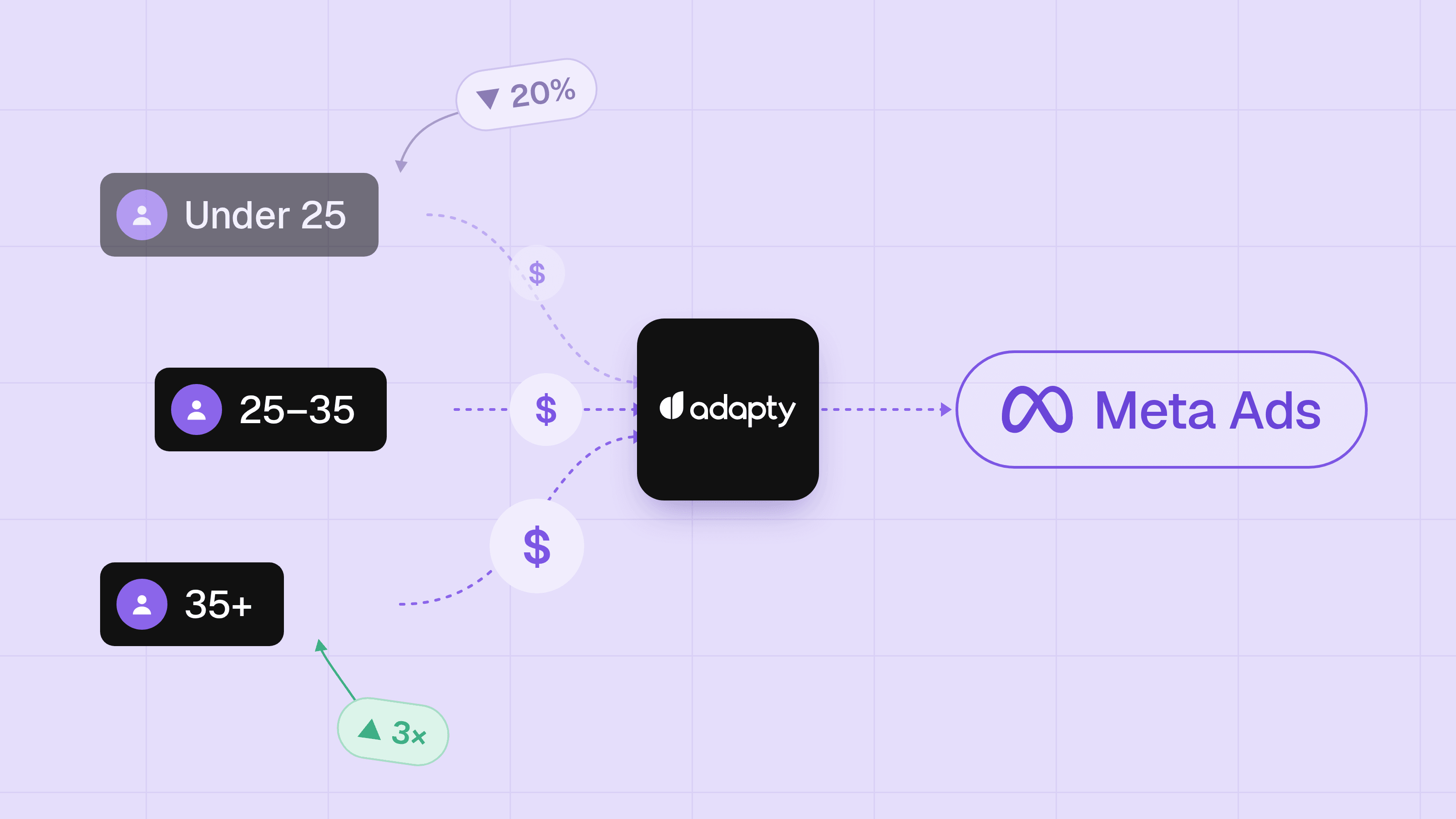
Instead of tightening controls on one campaign, create separate campaigns with different regions or optimization methods. Don't mix Tier 1 and Tier 2 geos in the same campaign unless you're optimizing for value or tROAS, the cheaper geos will eat your budget. Then compare them. The campaign structure itself gives you the signal.
And keep an eye on your breakdowns: placements, age groups, operating systems, geos. Even with less manual control, you want to catch it early if Meta is pushing disproportionate spend on a segment that doesn't convert for you.
3. My Meta Ads are getting expensive. What metrics should I check, and how do I find the cause?
Most people panic and stare at CPI. CPI alone tells you almost nothing.
Look at the full chain. Pre-install: CPM, CTR, install rate. Post-install: cost per trial, cost per purchase, ROAS, install-to-purchase ratio, AOV. Then: retention, payback period, and whether each ad set is hitting the minimum events needed for the algorithm to optimize properly.
But expensive doesn't always mean broken. CPI spikes 30-40%, everyone panics, but profit is flat or even improving. Usually, different metrics move at different speeds. Your payer quality might have improved. Higher revenue per payer, better retention, longer subscription duration, even though you're getting fewer installs. One metric going the wrong direction doesn't mean the business is. I've had clients switch to value optimization and watch CPI climb even higher, but ROAS improved alongside it.
When something actually does change, don't jump to one explanation. Go through the checklist: did you change creatives? Campaign settings? Is your campaign getting enough events? Did you get featured organically on the App Store, and did it dilute your paid numbers? Was there an SDK change? A product or paywall change? Or was it just a strong or weak cohort? Most teams blame the ads first. It's often wrong.
I had a client whose CPI was $3-5 for a few months, then it jumped to $8. Everyone assumed Meta got worse. But those low CPIs were never real paid CPIs. Browse installs from App Store featuring were getting mixed into their MMP numbers. The $8 CPI was what the paid acquisition actually cost them.
Also, watch how Meta distributes your spend across ad sets. If Meta puts 80% of your budget into one ad set and barely touches another, check whether the winning ad set's post-install metrics hold up. If spend concentrates and conversion, retention, and ROAS are strong, let it run. If spend concentrates but post-install numbers are weak, your creatives might not be attracting the right people, they could be fatigued, or there's a gap between what the ad promises and what the product delivers.
4. Can I trust my attribution numbers across Meta, my MMP, and App Store?
They almost never match 100%. Attribution models, reporting windows, and methodologies all vary across platforms. If the gap is 10-20%, that's normal. If it's bigger, something might be broken.
Get this straight early: attributed ROAS is what Meta reports based on its attribution window (like 1-day click or 1-day view). Blended ROAS is total revenue divided by total ad spend, which includes revenue from organic users Meta didn't acquire, conversions from view-based attribution, or different attribution windows between sources. Those two numbers tell very different stories. You need both.
On iOS, Apple's privacy framework (SKAN 4 and the newer AdAttributionKit) limits what Meta can see. Even with Meta's Aggregated Event Measurement (AEM), 30-60% of iOS conversions can be invisible to Meta's attribution, depending on your iOS traffic share and your ATT opt-in rate. That range has been widening after iOS 17/18 link-tracking protection and Meta's 2026 removal of 7-day view and 28-day view attribution windows. iOS attributed numbers will almost always undercount.
Then there's view-through vs click-through attribution. Meta counts view-through conversions (someone saw your ad, didn't click, but later installed). App Store Connect only counts clicks. That gap will always exist.
The quality of data you share through the Conversions API (CAPI) matters more than most people realize. Meta scores how well it can match your server events to Meta accounts using an Event Match Quality (EMQ) score from 0 to 10. If you're only running the client-side SDK, you're probably sitting at a 3-5. Add server-side CAPI with hashed email, phone, name, and external ID, and you can get to an 8 or higher. That's the difference between Meta matching, maybe half your events versus 80-90% of them. You want at least a 6 on purchase events. Check your score in Events Manager.
Your App Store Connect and your subscription management service (like Adapty) are your source of truth. They show what actually happened. Cross-reference your MMP and Meta numbers against them. If those numbers disagree by more than 20%, start checking your event setup, your CAPI configuration, and whether your MMP is deduplicating correctly.
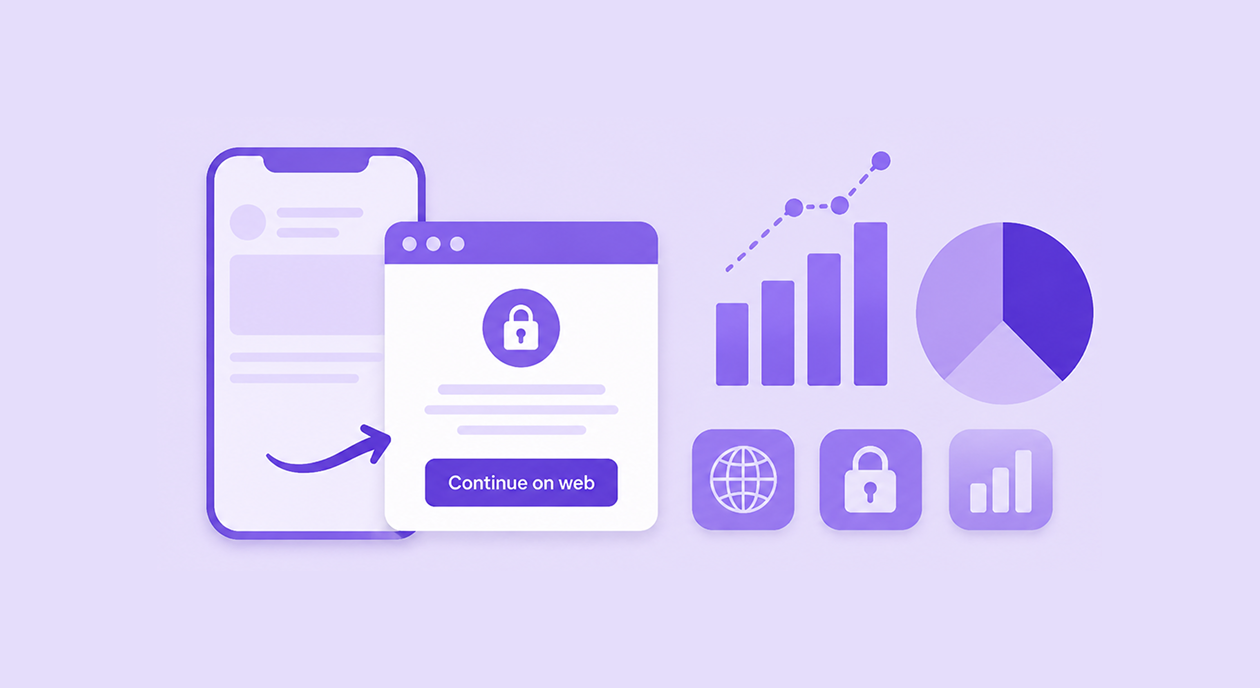
If you're doing influencer marketing or you have a substantial organic baseline, create a custom product page for your Meta ads. This lets you separate paid traffic from organic social traffic. Without it, you're guessing.
Once you're past the spreadsheet and screenshot stage, tools like Adapty UA, Singular, or AppsFlyer pull ad spend, installs, trials, and subscription revenue into one view. Mostly useful for catching the days when one platform's numbers don't match another and you need to know which one to trust.
5. How do I know if Meta Ads are working, and what do I do when performance shifts?
Your install-to-purchase ratio is one of the first things to check. The range I see across ROAS-healthy campaigns is roughly 5-30%, depending on your price point, paywall type, and audience. A $2.99 weekly subscription with a free trial will convert very differently from a $79.99 annual subscription with a hard paywall. I've seen purchase campaigns on Meta hit 30% install-to-purchase for well-targeted subscription apps. Cross-industry subscription data, which includes organic, free trials, and every channel, shows a median of around 1.7% download-to-paid within 30 days across 30,000+ apps. Don't benchmark against a generic number. Benchmark against what makes your payback period short enough to sustain your spend.
Paid conversion from Meta is sometimes better than organic, sometimes worse. Sometimes better than ASA, sometimes worse. There's no universal rule. Even within the same genre, your app might just behave differently. Don't assume one channel's conversion rates will match another's.
If your ratio makes sense but CPI is expensive, bring CPI down through better creatives, broader audiences, or testing cheaper geos.
Check how your payers retain. If you sell yearly subscriptions, retention is less urgent early on. If you sell weekly or monthly, it's critical.
Payback period matters: how long does it take for a user to pay back their acquisition cost? If your CAC is $10 and your weekly sub is $3, remember that Apple takes 15-30%. The standard rate is 30%, dropping to 15% via the Small Business Program or after the subscriber's first paid year. Google Play charges 15% on auto-renewing subscriptions from day one, though this may change by region starting mid-2026. You're getting roughly $2.10-$2.55 per week after the platform cut. Break-even is closer to 4-5 weeks, not the 3-4 weeks you'd calculate if you forget the commission.
Don't blend cohorts that behave differently. Web-to-app funnel users and direct app store users convert and retain differently. Same with iOS and Android. iOS users often monetize better but cost more to acquire. Android can be cheaper, but retention and conversion rates can be lower. Look at each funnel and platform separately before making budget decisions. Same for demographics. If you have a questionnaire on the onboarding, check LTV by demographic segment. And break down every top ROAS KPI you can on Meta: age, gender, placement, platform, region. The breakdowns often tell a different story than the aggregate.
Once something is working, don't assume it will last. Meta is more volatile than people think. Good months, bad months. Good weeks, bad weeks. When a bad week hits, ask yourself: was the previous week a golden cohort that made things look better than reality? Or is this bad week your new baseline? Check your product numbers alongside your ad metrics. A winning setup from last month can stop working this month, and the cause might not be in the ads at all.
When performance shifts, run through the checklist in Q3 before changing anything. Most of the time, the answer is there.
6. How do I get higher-quality trial users from paid ads?
Optimize for users who will pay, not the cheapest users you can find. A lot of teams optimize for trial volume and end up with cheap trials that never convert to purchasers.
If you know your fitting audience, select them as a suggestion in the ad set. You're giving Meta a starting point, not restricting it. Meta can still go broader. But without that signal, it will optimize for volume, not for users who will actually pay.
Understand when people cancel their trials. If your cancellation rate is above 30%, consider delaying the trial event and sending it to Meta only for users who haven't cancelled. This changes the signal you send to the algorithm. The tradeoff: Meta gets fewer events to optimize on, but the events it does get are higher quality.
If your business is trial-friendly and trials convert well, keep using them. But if your trial-to-paid rate is low and you can't get it up, try a hard paywall. Evaluate it per channel, though. Organic and paid users might respond very differently to the same paywall. Industry benchmarks from 2026 show hard-paywall apps convert about 10.7% of downloads to paid within 35 days, compared to 2.1% for freemium. Adapty's data shows paywall-view-to-payment rates of 3.34% for hard paywalls and 4.85% for soft paywalls. Different denominators: not every download sees the paywall, so these metrics aren't directly comparable. But the takeaway is the same: users who hit a hard paywall and still pay tend to be more committed, and your acquisition costs can stay roughly the same.
One thing to separate: a hard paywall is not the same as a hard signup wall. If you add a mandatory signup or account creation step before users can do anything, that alone can drop your whole funnel by up to 40% based on what I've seen. If you're going to add that friction, make sure there's a really good reason for it.
Ask your users about their interests and age during onboarding. This helps you identify which segments actually convert to paid, so you can target them with more specific ad scripts and ad set settings.
7. How do my ad creatives affect targeting, and how do I get more out of a winner?
Words matter. Meta understands who an ad is for based on the language and framing in the creative. Different scripts attract different audiences. If you lead with "save time," you attract busy people. If you lead with "save money," you attract price-sensitive users. Each USP pulls a different audience. The people who interact with your ad also influence targeting. Meta looks at who engages and finds more people with similar interests. Your creative shapes your audience through what it says and through who responds to it.
If your campaigns are expensive and your targeting looks fine, the problem might be your creatives. Bad creatives make everything more expensive. No amount of campaign structure, bid strategy, or audience tweaking will fix an ad that doesn't resonate. When CPA climbs, and nothing else has changed, test new creative concepts before touching the campaign.
When you find a winner, don't just duplicate the format. Try it as a partnership ad. Revisit your copywriting, because you've probably been ignoring it for a while. Try discount codes in your headline. Make variants that speak to the same emotion or need, not just variants that look visually similar.
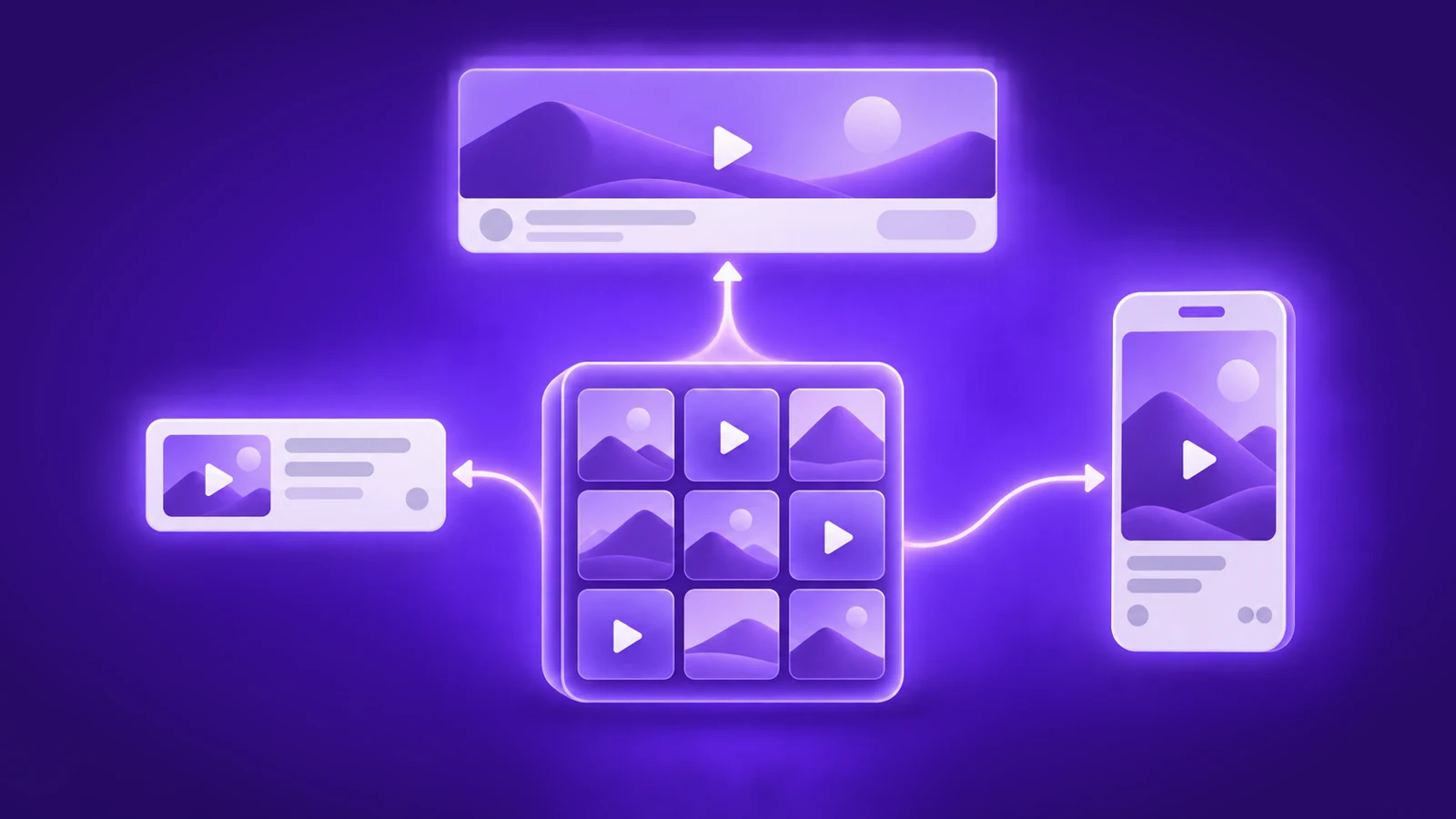
Winners don't last. Most creatives on Meta have a lifespan of roughly 2-3 weeks at typical spend levels. You'll see it: CTR drops, CPM stays flat or rises, frequency climbs above 2.5-3x in prospecting, CPA goes up. Meta's own data suggests ads running beyond 3-4 weeks without a refresh can see CPMs rise by up to 30% and CTR drop by up to 35%. When that happens, your strategy was probably fine. The audience that responded to that creative has been saturated. Test new hooks, new value propositions, or new formats entirely. Not just swapping thumbnails on the same concept.
How many creatives you should be testing and how to structure that process depends on your spend level. I cover this in more detail in the video with Murat Menzilci linked in the intro. Creative testing is a deep topic on its own.
8. How do I work with UGC creators and influencers for app ads?
If your app has viral potential, try to go viral with it on TikTok yourself first. I've met founders who think about virality before anything else, and when it works, it works fast. Then hire creators to replicate your video. They bring fresh accounts and local presence, which gives the algorithm more entry points to pick up your content.
For motion graphics and UGC, platforms like Fiverr and SideShift work well. On Fiverr, don't just search for creators. Open a job post describing exactly what you need and let them come to you. SideShift is a creator marketplace with 700,000+ creators, particularly strong for Gen Z talent. There are countless other ways to source, too. Tools like Arcads and HiggsField generate AI-created content. Agencies like Ramdam specialize in UGC and AIGC specifically for mobile apps. Once you have content that works, amplify it with TikTok Spark Ads or Partnership Ads on Meta.
When working with influencers of any size, check their median and mean views, not just their follower count. There's a Chrome extension called Profile+ that extracts these stats per account for TikTok, Instagram, and YouTube. A creator with 500K followers and 2K average views can be a worse deal than someone with 50K followers and 20K average views. And when you brief them, ask them to use their most viral hooks. They know what works on their audience better than you do. Let them give you the best ad possible.
And for all deals, check your profit. I've seen founders give influencers fixed fees or rev shares that looked reasonable at pitch time but ate their margin once they added up. One $50K MRR app where the founder was taking home less than a salaried employee because the influencer deals had no performance component. If someone's getting paid regardless of results, that's a sponsorship, not a growth channel. Also, always negotiate. If you're hearing yes too quickly, your offer is too high. Push the price down until you get some resistance.
9. Should I try TikTok Ads, Google Ads, or Apple Ads for my app?
TikTok. As a main paid channel, it's still rare. I've only seen two companies make it their primary source. One was through Spark Ads with creators. The other had a super young audience where TikTok was the natural home. If you do try paid TikTok, start with Smart+ campaigns, use campaign budget optimization, and load in as many ads as possible that performed well in your CPI campaigns. TikTok organic is a different story. If your app is visual and easy to understand, it can work well organically. But paid TikTok and organic TikTok are separate strategies.
Google. The first thing to check: do people actually search for the problem your app solves? If yes, Google iOS Search campaigns can work well. If not, don't bother with Search specifically. But Google has other campaign types that don't depend on search intent. Google App Campaigns are not for the faint of heart. You need patience, a budget, and time. I've seen Android ROW campaigns work for a language learning app and tROAS campaigns work for a casual gaming app. You need 10-30 conversion events per day per campaign for a few weeks to give the algorithm enough signal. ROAS could get better over time, or it may never improve. I've seen both. Google is very hard to enter as a newbie, but if your CPA is low, or you're targeting countries with lower CPAs, you can still make sense of it.
Apple Ads. If you have a strong App Store presence and people search for your category, Apple Ads can work well. The intent is high because people are already in the store looking for something. It's also the easiest of the three to get started with, but competitive categories can get expensive fast. Worth testing if your category has search volume. If you're already using Adapty, ASA campaigns can be created and managed from the same dashboard where you see paywall conversion and LTV, which removes the most annoying part of ASA: stitching keyword spend to actual revenue by hand.
When to walk away from a channel. Three checks. Is your CPI competitive for install campaigns? Is your tracking actually working? Did you provide enough budget for your estimated customer acquisition cost and still nothing came out of it? On that last point: if your estimated CAC is $30, you need to spend at least 3-5x that to draw any real conclusions. Don't kill a channel after $50 of spend. Give it at least 2-4 weeks with an adequate budget before deciding. If all three checks pass and it still doesn't work, ask around. Talk to other founders in similar categories. Or table it and come back later.
10. Is 2-3X ROAS realistic for app user acquisition?
Around 10% of all apps I've talked to have achieved it. Over the past two years, I've spoken with well over a hundred apps across subscription, utility, health, and gaming categories. So that 10% is not a handful of cases.
I've seen it work through both paid performance marketing and influencer marketing. An AI utility app with influencer ads running through Meta. A health app with YouTube influencers. A health app with a 1.0 k-factor, meaning every user brings in one more user organically. That app was getting 100% ROAS from Meta alone, 200% when you included the organic multiplier.
Both approaches can also tank for other accounts. No guarantee. The apps that got there usually had a few things in common: a payback period short enough to reinvest quickly, strong retention after the first payment, and a creative process that kept producing new winners. If those three aren't working for you, 2-3X is unlikely regardless of channel.
11. When should I scale my app ad spend?
Scale when your numbers have been stable for at least 3-7 days with consistent conversions, you've validated across multiple creatives (not just one winner carrying everything), and your unit economics hold at your current spend level. That initial window matters because you need to know your baseline before you start pushing it. If your performance is built on a single creative or a single ad set, scaling will likely break it.
Going from $100 a day to $2,000 a day doesn't always break efficiency. I've seen accounts scale past $10,000-$20,000 a day and maintain strong ROAS. But there are diminishing returns, and they show up differently for every account.
Scale gradually. Jumping the budget too aggressively can reset Meta's learning phase. Once you've established your baseline, increase by around 20% every 1-3 days and let each increase stabilize before pushing further. You can also scale by adding new geos instead of just pouring more budget into the same market.
Your margin matters a lot. If you're sitting at 101% ROAS, scaling is very hard. Almost no room for efficiency loss. If you're at 200% ROAS, you have much more room to absorb the efficiency drop that comes with higher spend. Watch your ROAS as you increase. A drop from 200% to 150% might be fine. A drop to 110% means you're running out of room.
Cash flow is the thing most people don't talk about. Apple pays developers within 45 days of the fiscal month end, and the practical delay can stretch to 6 weeks, depending on when in the fiscal month the transaction happened. Google Play pays around the 15th of the following month. If you don't have investors behind you, that gap limits how fast you can scale. You're spending money today on users whose revenue won't show up in your bank account for over a month. I've seen founders hit a ceiling where their campaigns are performing well, but they can't spend more because the cash isn't there yet.
Revenue-based financing can help here. Adapty Finance, for example, advances up to 85% of your earned revenue within 1-2 business days, with a small percentage commission and no equity involved.
12. Can I learn paid user acquisition without hiring help?
If you have time and patience, you can learn it yourself. There are videos, newsletters, podcasts, and communities. It will take longer, and the mistakes will cost real money, but the knowledge is out there.
If you're starting from scratch, run install campaigns first to understand your CPI. Then move to purchase or value optimization and watch your post-install metrics for at least 2-3 weeks before drawing conclusions. Compare everything across at least three sources (Meta, your MMP or subscription service, and Store Connect). Don't change more than one variable at a time.
If something doesn't make sense in your numbers, come back to this article and work through the questions in order. Most of the time, the answer is somewhere in Q1 through Q5.
Every account is different. Start with the questions that feel closest to where you are right now.