Meta Ads campaigns in Adapty UA
Meta Ads campaigns is a section of the Adapty UA Dashboard that allows you to view and analyze your Meta Ads campaign performance. You can see metrics for your campaigns, ad sets, and individual ads across three dedicated tabs.
Campaign tabs
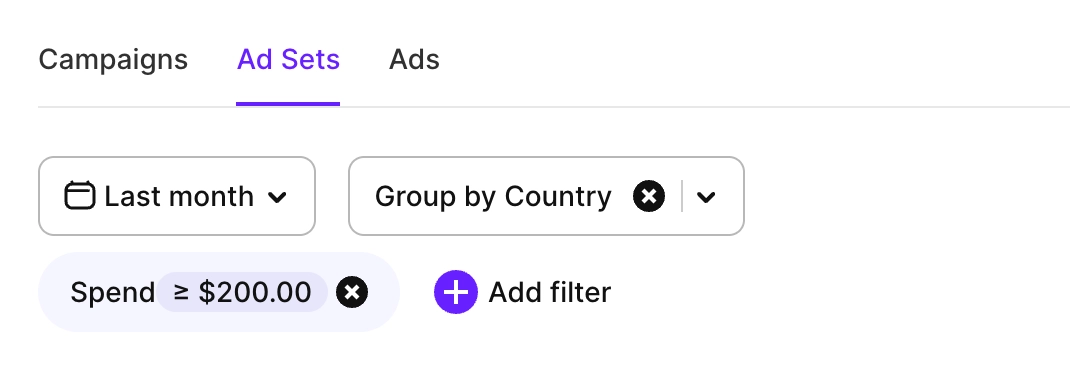
The Meta Ads section provides three main views to analyze your advertising performance at different levels:
- Campaigns: View performance metrics at the campaign level
- Ad Sets: Analyze ad set performance within campaigns
- Ads: Examine individual ad performance
You can switch between these tabs to get insights on the granularity that matters most for your analysis.
Metrics
Meta Ads campaigns in Adapty UA provide comprehensive metrics to measure campaign performance and user behavior.
The available metrics include:
- Campaign metrics: Campaign name, Campaign ID, Spend, Impressions, Clicks, CPI, CPC, CPM, CTR, ICR, IPM, LTV
- Ad Set metrics: Ad set name, Ad set ID, plus all standard performance metrics
- Ad metrics: Ad name, Ad ID, plus all standard performance metrics
For detailed descriptions of metrics, see Metrics.
Customize which metrics to show
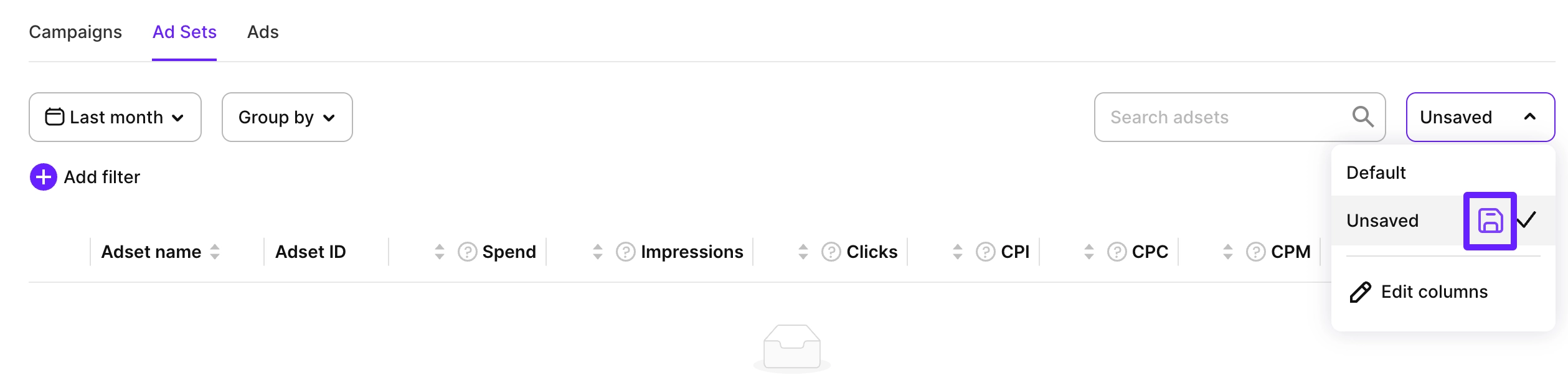
You can customize which metrics to show as well as their order. To do that, click the current preset name (it’s Default at first) in the top-right corner, select Edit columns and then either remove charts you don’t need, add more or rearrange existing ones by drag and dropping.
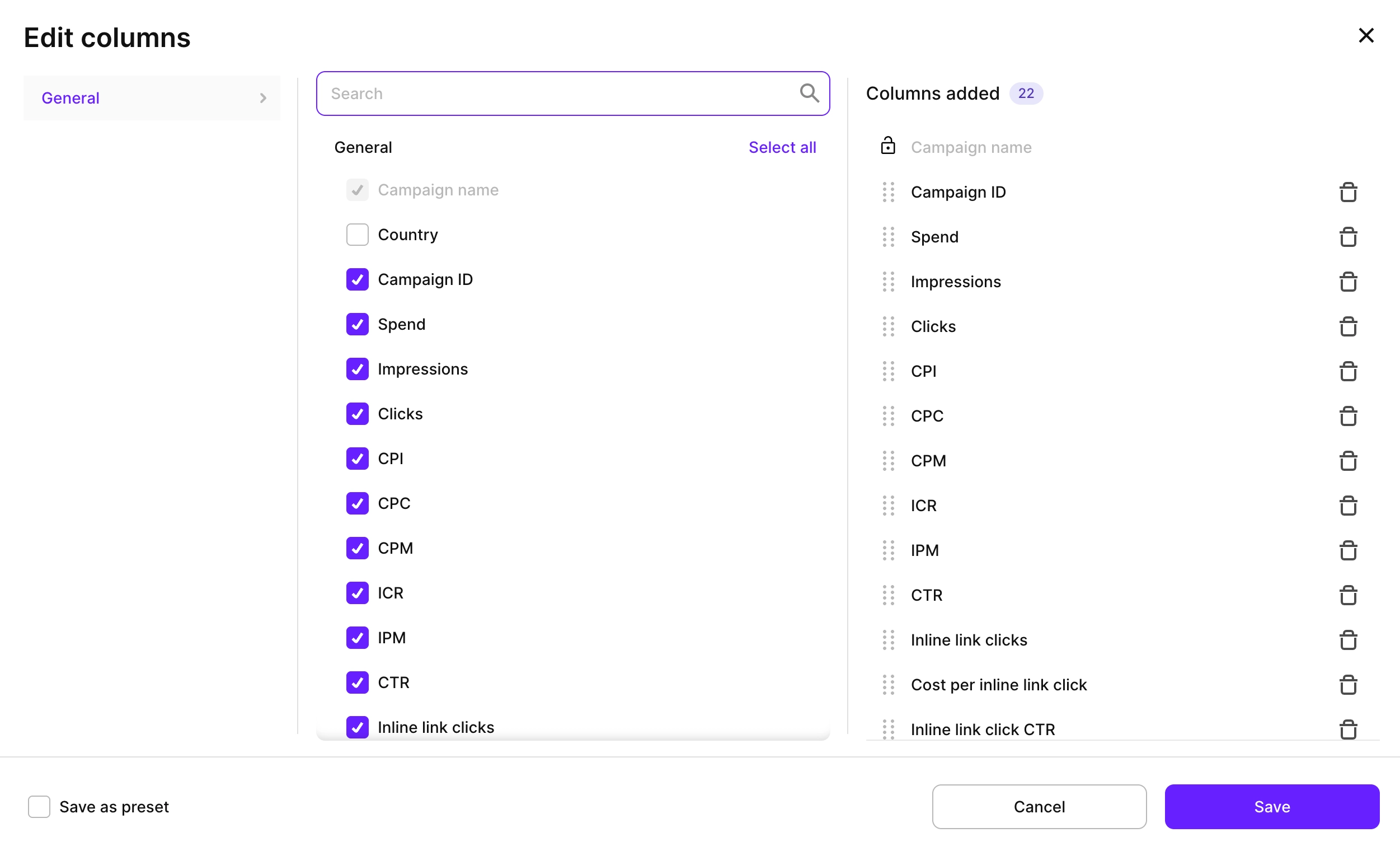
You can also save views you use most as presets, so you can switch between them quickly anytime. Click the current preset name and click the Save icon or, in the Edit columns window, click Save as preset.
Controls
On the Meta Ads page, you have the same main controls as in Analytics:
- Time ranges: See more.
- Filters: Filter by metrics, so you can see only those values that are above or below some threshold.
- Group by: Group by Country, so the results are better organized.