A hybrid app is a software application that combines elements of both native apps and web apps, built using web technologies like HTML, CSS, and JavaScript while wrapped in a native container for deployment across multiple platforms. This approach allows developers to write a single codebase that works on both iOS and Android, significantly reducing development time and costs while maintaining access to device-specific features through plugins and APIs.
What is a hybrid app?
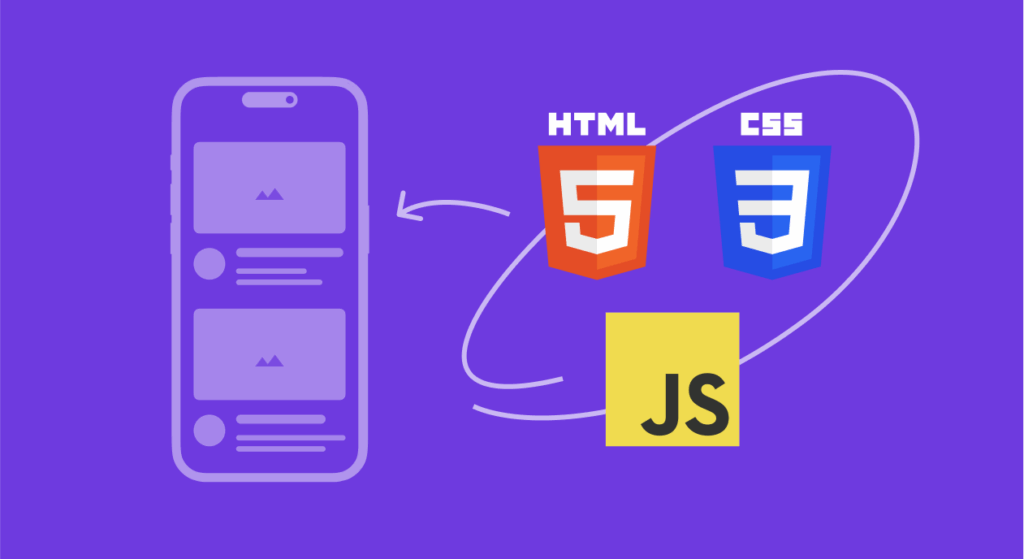
A hybrid app is a software application that merges the capabilities of native applications with web-based technologies. At its core, a hybrid app consists of a web application built using HTML5, CSS, and JavaScript, which is then encapsulated within a native container or “shell.” This native wrapper enables the app to be distributed through app stores and grants access to device hardware and native APIs that standard web applications cannot reach.
The native container typically includes a WebView component—essentially a browser instance embedded within the app—that renders the web content. This setup allows the app to tap into device features such as the camera, GPS, contacts, file system, and push notifications through specialized plugins and bridges that connect the JavaScript code to native functionality.
Popular frameworks like Apache Cordova (formerly PhoneGap), Ionic, React Native, and Flutter facilitate hybrid app development by providing comprehensive toolsets that bridge the gap between web technologies and native device capabilities. These frameworks handle the complexities of platform-specific code, allowing developers to focus on building features with familiar web development skills.
The key distinction between hybrid apps and purely native applications lies in how they’re built and executed. While native apps are programmed in platform-specific languages (Swift or Objective-C for iOS, Java or Kotlin for Android), hybrid apps leverage a single codebase that runs within the native container across different operating systems.
Core features of hybrid apps
Hybrid apps possess several defining characteristics that distinguish them from other application types:
Cross-platform compatibility represents the most significant advantage of hybrid apps. A single codebase can be deployed across iOS, Android, and even Windows platforms with minimal platform-specific adjustments. This dramatically reduces the resources required for multi-platform presence.
Native device access enables hybrid apps to utilize hardware features such as cameras, GPS modules, microphones, accelerometers, and biometric sensors. This is achieved through plugins and APIs that bridge web technologies with native functionality.
Offline functionality allows many hybrid apps to operate without an active internet connection. Developers can implement local data storage and caching mechanisms that enable users to access certain features and content even when offline.
App store distribution means hybrid apps can be downloaded and installed from major app stores (Google Play Store and Apple App Store) just like native applications, providing the same discoverability and distribution channels.
Web-based user interface delivers the visual layer using HTML, CSS, and JavaScript, enabling rapid development and easy updates to the app’s appearance and functionality without requiring new app store submissions for every change.
Single codebase maintenance simplifies ongoing development work. Bug fixes, feature updates, and improvements can be implemented once and deployed across all platforms simultaneously, reducing maintenance overhead.
How hybrid apps work
The architecture of a hybrid app involves several interconnected components working together to deliver a seamless user experience.
When a user downloads and installs a hybrid app from an app store, they receive a native application package that contains both the web assets (HTML, CSS, JavaScript files) and the native container code. Upon launching the app, the native container initializes and loads the web content within an embedded WebView.
The WebView acts as a chromeless browser engine that renders the web-based interface. Users interact with this interface just as they would with a native app—tapping buttons, scrolling through content, and entering data. The key difference is that the UI elements are rendered using web technologies rather than native UI components.
When the app needs to access device features—such as taking a photo or getting the user’s location—the JavaScript code calls upon native plugins. These plugins serve as bridges between the web layer and the native platform APIs. The plugin receives the request, translates it into native code, executes the required operation, and returns the result to the JavaScript layer.
Frameworks like Ionic utilize tools such as Capacitor (the successor to Cordova) to manage this bridge effectively. Capacitor provides a consistent API across platforms, abstracting away the differences between iOS and Android implementations while allowing developers to add custom native code when needed.
For data persistence, hybrid apps can leverage various storage mechanisms including IndexedDB, SQLite databases (through plugins), or local storage APIs. Network requests are handled similarly to web applications, using standard HTTP protocols to communicate with backend servers and APIs.
Examples of hybrid apps
Many globally recognized applications utilize hybrid architecture, demonstrating that this approach can deliver exceptional user experiences at scale.
Instagram represents one of the most prominent hybrid app examples. Although primarily built with native technologies, Instagram incorporates React Native (Meta’s hybrid framework) for various features and interfaces. The app utilizes web technologies for content recommendations and certain UI elements while relying on native components for performance-intensive tasks like image and video processing.
Uber
Uber serves as a textbook example of hybrid development done right. The ride-sharing giant’s application uses a combination of HTML, CSS, and JavaScript for its user interface while leveraging native APIs for critical features like real-time GPS tracking, payment processing, and driver communication. Despite handling complex operations and massive traffic, Uber’s app delivers consistently fast performance.
X
Twitter (now X) transitioned to a hybrid approach to handle its enormous user base more efficiently. The platform uses hybrid components for faster iteration in certain areas while maintaining native elements for performance-critical functions. This approach has enabled Twitter to push bug fixes and updates more rapidly across platforms.
Gmail
Gmail utilizes a hybrid structure to deliver its email service across devices. The app combines web-based content rendering with native functionality for notifications, offline access, and system integration.
Evernote
Evernote demonstrates that productivity apps with rich features can thrive as hybrid applications. The note-taking app synchronizes content across devices, supports offline access, and integrates with device cameras—all while maintaining a responsive user experience.
Airbnb
Airbnb previously employed a hybrid approach using React Native to accelerate feature development across platforms, showcasing how major companies leverage hybrid frameworks to streamline their mobile presence.
Advantages of hybrid apps
Hybrid app development offers numerous benefits that make it an attractive choice for businesses and developers:
- Reduced development costs stem from maintaining a single codebase rather than separate native codebases for each platform. Studies have shown that hybrid development can result in cost savings of 30% or more compared to native development, with some analyses indicating a 234% ROI increase compared to native approaches.
- Faster time to market results from building one application instead of multiple platform-specific versions. Development teams can deploy to both iOS and Android simultaneously, cutting the overall timeline significantly. This speed advantage is particularly valuable for startups and businesses looking to validate ideas quickly.
- Simplified maintenance becomes possible because updates, bug fixes, and new features need only be implemented once. This unified approach reduces the complexity of managing multiple codebases and ensures consistent functionality across platforms.
- Broader talent pool exists because hybrid development leverages widely-known web technologies. Finding developers proficient in JavaScript, HTML, and CSS is generally easier and more cost-effective than recruiting specialists in Swift, Kotlin, and other native languages.
- Consistent user experience across platforms is easier to achieve when the same codebase powers all versions of the app. Users receive the same features, interface, and functionality regardless of their device choice.
- Live updates capability in many hybrid frameworks allows developers to push certain updates directly to users without requiring app store approval. This means critical fixes and non-structural changes can reach users faster than traditional native app update cycles allow.
- Web development skills transfer directly to hybrid app development, enabling web developers to transition into mobile development without learning entirely new programming languages and paradigms.
Disadvantages of hybrid apps
Despite their benefits, hybrid apps come with certain limitations that developers and businesses should consider:
- Performance gaps can appear in certain scenarios, particularly for graphics-intensive applications or those requiring complex animations. Although modern frameworks have significantly narrowed this gap, hybrid apps may still exhibit slightly slower response times compared to well-optimized native applications, especially during demanding operations.
- Limited access to cutting-edge native features can occur when new platform capabilities are released. Native apps can immediately leverage new iOS or Android features, while hybrid apps must wait for framework updates or plugin development to access the same functionality.
- User interface inconsistencies may emerge because hybrid apps don’t use native UI components by default. Achieving pixel-perfect platform-specific designs requires additional effort, and subtle differences in gestures, transitions, and interactions might feel less natural to users accustomed to native app conventions.
- Plugin dependency risks arise because accessing native features requires plugins that may be maintained by third parties. If plugins become outdated, abandoned, or incompatible with new platform versions, developers may face significant challenges updating their apps.
- Debugging complexity can increase when issues span both the web and native layers. Tracing problems through the bridge between JavaScript and native code sometimes proves more challenging than debugging pure native applications.
- Battery consumption and memory usage may be higher in some hybrid implementations due to the overhead of running a WebView and the JavaScript bridge layer continuously.
- App size considerations can be relevant since hybrid apps typically include additional frameworks and libraries that increase the overall package size compared to lightweight native apps.
Hybrid apps vs native apps vs web apps: what’s the difference?
Understanding the distinctions between these three app types helps in selecting the right approach for specific project requirements.
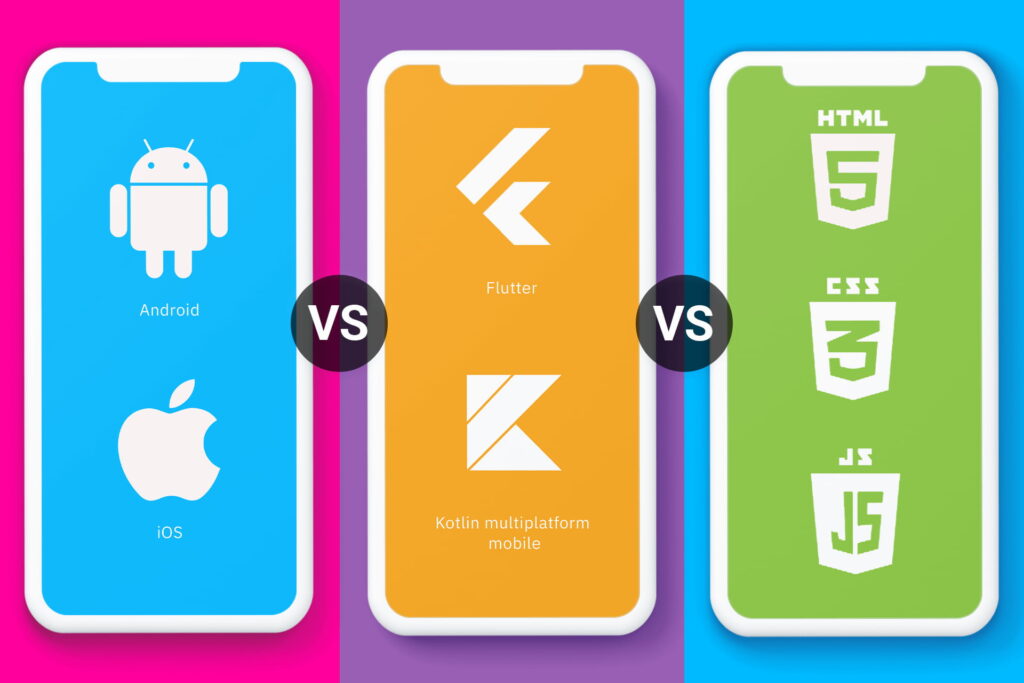
Native apps are built specifically for a single platform using that platform’s preferred programming languages and tools—Swift or Objective-C for iOS, and Java or Kotlin for Android. They offer the best performance, full access to all device features, and UI elements that perfectly match platform conventions. However, separate development efforts are required for each platform, increasing costs and time investment. Examples include apps like the native iOS Camera app or Android’s Google Maps implementation.
Web apps are responsive websites accessed through mobile browsers, requiring no installation. Built with HTML, CSS, and JavaScript, they work across any device with a compatible browser. While cost-effective to develop and easy to update, web apps cannot access most device hardware features, don’t work offline without special implementation (Progressive Web Apps), and aren’t distributed through app stores. They also can’t send push notifications in the traditional sense (though PWAs have expanded these capabilities).
Hybrid apps occupy the middle ground, combining elements of both native and web approaches. They’re built with web technologies but packaged in native containers for app store distribution. This enables access to device features through plugins while maintaining a single codebase for multiple platforms. Performance typically falls between native and web apps, though modern frameworks have substantially closed this gap for most use cases.
| Aspect | Native app | Hybrid app | Web app |
|---|---|---|---|
| Development cost | High (separate for each platform) | Medium (single codebase) | Low |
| Performance | Excellent | Good to very good | Variable |
| Device feature access | Full | Through plugins | Limited |
| Offline capability | Yes | Yes | Limited (PWA support) |
| App store distribution | Yes | Yes | No |
| Development time | Longer | Shorter | Shortest |
| Maintenance effort | Higher (multiple codebases) | Lower (single codebase) | Lowest |
| User experience | Platform-optimized | Near-native possible | Browser-dependent |
Factors to consider when choosing between different types of apps
Selecting the right development approach requires evaluating multiple factors specific to your project:
- Budget constraints significantly influence the decision. If resources are limited, hybrid development offers substantial savings by eliminating the need for separate iOS and Android teams. Native development typically costs more due to parallel development requirements.
- Timeline requirements matter when speed to market is crucial. Hybrid apps can be developed and deployed faster since a single team works on one codebase. If your business needs to launch quickly and iterate rapidly, hybrid development provides advantages.
- Performance requirements should be carefully assessed. Applications involving heavy graphics, complex animations, real-time gaming, or AR/VR experiences generally benefit from native development. Content-driven apps, business applications, and utilities often perform excellently as hybrid apps.
- Target audience and platform distribution considerations help determine priorities. If your user base predominantly uses one platform, native development for that platform might make sense. For broad reach across both iOS and Android, hybrid development delivers consistent experiences efficiently.
- Team expertise and available talent affect project feasibility. If your existing team possesses strong web development skills, transitioning to hybrid app development requires less retraining. Building native apps may require hiring specialists or outsourcing development.
- Long-term maintenance plans should factor into the decision. Consider who will maintain the app, how frequently updates will be needed, and what resources will be available. A single hybrid codebase simplifies ongoing maintenance compared to managing separate native projects.
- Feature requirements and device integration needs must be mapped out. List all features your app requires, particularly those involving hardware access. Verify that reliable plugins or native modules exist for these features in your chosen hybrid framework.
- User experience expectations vary by industry and app category. Applications in competitive markets with demanding users may benefit from the polished feel of native development. Business tools and internal apps often succeed well with hybrid implementations.
When should you choose a hybrid app?
Hybrid development emerges as the optimal choice in several common scenarios:
Cross-platform presence with limited resources makes hybrid development attractive. When you need to reach both iOS and Android users but lack the budget or team size for separate native projects, hybrid development delivers multi-platform coverage efficiently.
Content-focused applications such as news readers, social platforms, e-commerce apps, and informational tools typically excel as hybrid apps. The web technologies underlying hybrid development handle content display and interaction superbly.
MVPs and proof-of-concept projects benefit from hybrid development’s speed. When validating a business idea or testing market response, getting to market quickly matters more than achieving absolute performance optimization.
Enterprise and internal business applications frequently choose hybrid development. These apps typically prioritize functionality and cross-platform availability over cutting-edge native features, making hybrid frameworks ideal.
Applications requiring frequent updates leverage hybrid capabilities well. If your app’s content or interface changes regularly, hybrid frameworks’ live update features enable pushing changes without full app store review cycles.
Projects with web-skilled development teams can transition smoothly to hybrid mobile development. JavaScript, HTML, and CSS expertise transfers directly, minimizing learning curves and accelerating development.
Apps with straightforward native feature needs such as camera access, location services, and push notifications find these capabilities well-supported by mature hybrid framework plugins.
For deeper insights into hybrid app architecture and implementation strategies, explore our comprehensive guide on what is a hybrid app for detailed analysis and practical recommendations.
Final thoughts
Hybrid app development has matured significantly, evolving from a compromise solution into a powerful approach embraced by major companies worldwide. The technology behind frameworks like React Native, Flutter, and Ionic continues advancing, steadily closing performance gaps that once clearly separated hybrid from native development.
The choice between hybrid, native, and web development ultimately depends on your specific project requirements, resources, timeline, and long-term goals. For many businesses—particularly those prioritizing rapid deployment, cost efficiency, and broad platform reach—hybrid development offers a compelling balance of capability and practicality.
As mobile technology evolves and hybrid frameworks continue improving, the boundaries between app types become increasingly blurred. What matters most is selecting an approach that serves your users well while aligning with your business objectives and development capabilities.
Whether building a startup MVP, enterprise application, or consumer-facing service, hybrid development deserves serious consideration as a path to delivering valuable mobile experiences efficiently across platforms.