10 AI app builders ranked by what they actually build


TL;DR:
AI app builders have killed the six-month, $50K build cycle. You describe what you want and ship a working app in minutes. The 10 best fall into four lanes: full-stack generators for non-technical founders (Lovable, Manus, Base44), IDE pair programmers for engineers (Cursor, Claude Code), browser builders with full code visibility (Replit, v0, Bolt), and niche tools for portals and complex logic (Softr, Bubble).
Building an app used to mean a hired developer, a six-month timeline, and a budget that started at $50,000. In 2026, you can describe what you want in plain English and watch a working prototype materialize in minutes. AI app builders have collapsed the gap between idea and shipping product, and the category has matured fast — from frontend mockup generators to platforms that handle databases, auth, payments, and deployment from a single prompt.
The catch: not every tool is right for every project. Some are built for non-technical founders chasing an MVP. Others are pair-programming assistants for engineers who already write code. A few are purpose-built for specific stacks (Next.js, React Native, Supabase). And once your app is live, you still need to monetize it — which is where mobile-specific infrastructure like paywalls, in-app purchases, and A/B testing comes in.
This guide compares the 10 best AI app builders of 2026, breaks down what to look for when choosing one, and shows how to handle the monetization layer that most AI builders skip entirely.
10 best AI app builders at a glance
Here's how the top platforms compare on what they do best, who they're for, and where pricing starts.
| AI app builder | Best for | Starting price (monthly) | Key strength |
| Lovable | Non-technical founders shipping full-stack apps | $25 | Full-stack generation with Supabase backend and GitHub sync |
| Cursor | Developers who want AI in their IDE | $20 | Codebase-aware AI editor with background agents |
| Replit | Builders who want full code visibility | $25 | Browser IDE with AI agent and one-click hosting |
| v0 by Vercel | Product teams shipping on Next.js | $20 | Production-quality React code with Vercel deployment |
| Bolt | Fast, shareable prototypes | $25 | One-prompt project generation with instant deployment |
| Base44 | Beginners who want managed hosting | $20 | Fully hosted apps with built-in database, backed by Wix |
| Claude Code | Conversational, reasoning-heavy coding | Included with Claude plans | Large-context multi-file refactors and edits |
| Manus | AI-powered full-stack mobile apps | $20 | End-to-end app generation with AI agents and 4,000+ integrations |
| Softr | Client portals on Airtable or Google Sheets data | ~$49 | No per-seat pricing for external users |
| Bubble | Complex workflows and business logic | $29 | Advanced workflow engine with relational database |
How to choose the right AI app builder
Picking the wrong tool wastes weeks. Most platforms can produce something that looks like an app within minutes, but the gap between "looks like an app" and "works as a product" is where the real differences show up. Here are the factors that actually matter when you're evaluating options.
Full-stack output vs. frontend only
This is the single most important distinction. Tools like Lovable and Manus generate a complete application — frontend UI, backend logic, database schema, authentication, and deployment — from one prompt. Others, like v0 by Vercel or Figma's app builder, focus on producing a polished frontend that still needs a backend wired up separately. If you're a non-technical founder, picking a frontend-only tool means you'll hit a wall the moment you need users to log in or make a payment.
Code ownership and exit options
Some platforms keep your code locked inside their environment. Others, like Lovable, Replit, and v0, sync everything to GitHub so an engineer can take over at any point. If you're building anything you might want to scale, port to a different platform, or hand off to a development team later, code ownership is non-negotiable.
Pricing model
Almost every AI app builder now runs on credit-based billing — you pay for AI generations, deployments, and database activity rather than per seat. Free tiers exist but burn fast on serious work. A few platforms (Softr, Zite, ToolJet) buck the trend by not charging per end-user, which matters enormously if you're building a client portal where hundreds of people need access. For a deeper look at how pricing structures shape app economics, see our breakdown of app pricing models.
Learning curve and target user
Cursor and Claude Code assume you write code. Lovable, Base44, and Bubble assume you don't. Replit sits in between — it shows you the code, but you don't have to touch it. Picking a tool calibrated to the wrong skill level either bores experienced developers or overwhelms first-time builders.
Deployment and hosting
The most-overlooked factor: how many steps sit between "I'm done building" and "it's live on the internet"? Tools that bundle hosting (Lovable, Replit, Base44) make this a single click. Tools that don't (Cursor, Claude Code) leave you to figure out your own deployment pipeline.
Monetization readiness
Almost every AI app builder stops at deployment. None of them solve the problem of getting paid. If your app needs subscriptions, in-app purchases, or paywalls, you'll need separate infrastructure to handle that — which is exactly what the back half of this article covers.
The 10 best AI app builders compared
1. Lovable
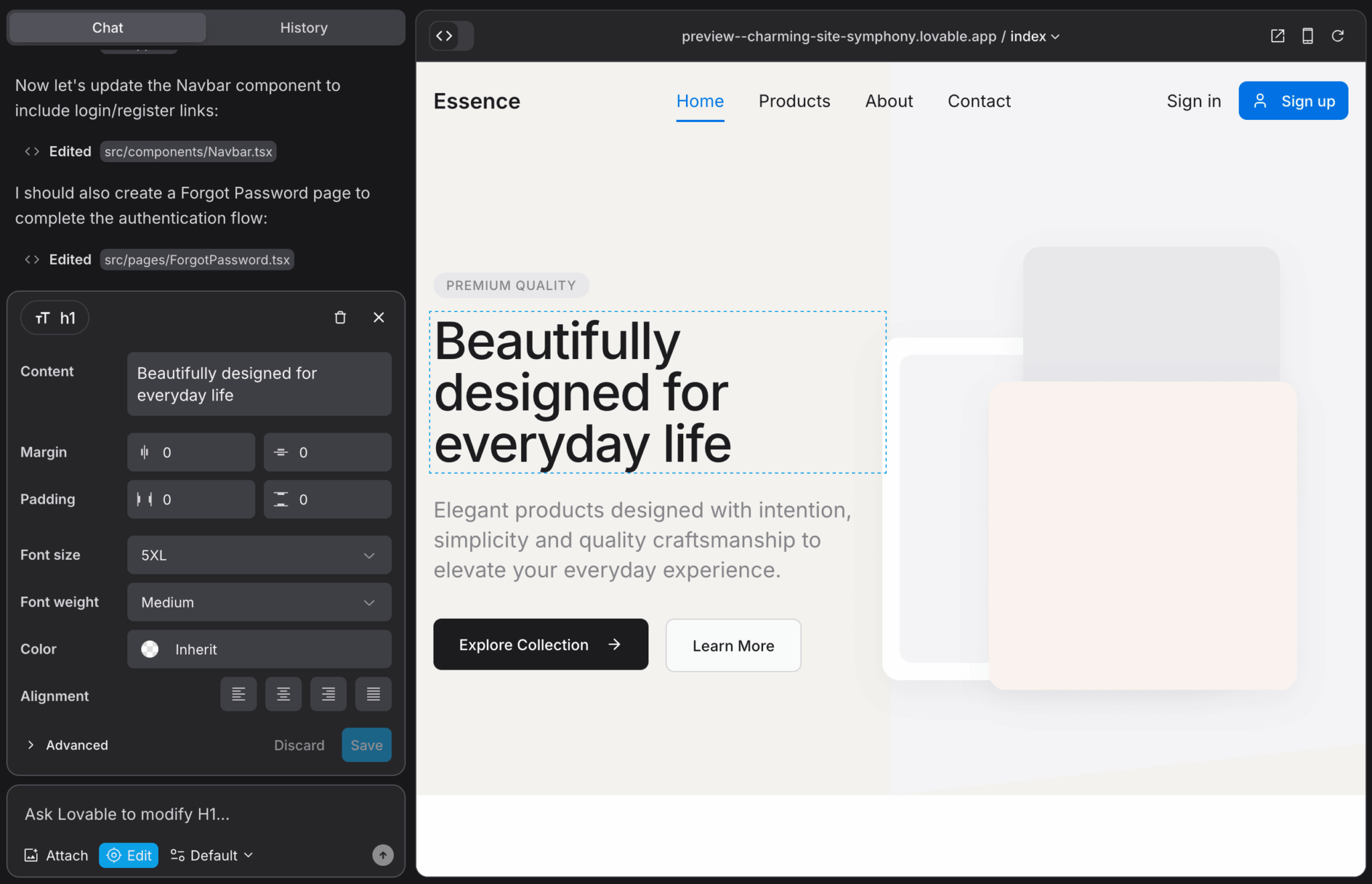
Lovable is the closest thing to "describe your app and ship it" available in 2026. You type what you want in plain English and the platform generates a full React frontend, provisions a Supabase backend with database and auth, wires up Stripe for payments if you ask for it, and deploys everything — all from a single conversation. The output is real code that syncs to GitHub, so you're never locked in.
Key features
- Full-stack app generation: frontend, backend, database, auth, and deployment from one prompt
- Three work modes: Agent Mode (autonomous building), Chat Mode (collaborative planning), and Visual Edits (direct UI manipulation)
- Native integrations with Supabase, Stripe, and GitHub
- Multiplayer collaboration so teams can build together in real time
- Template library to start from a production-ready foundation
Pros
- Polished output that looks production-ready out of the gate
- Beginner-friendly without sacrificing code quality
- Full code export via GitHub means no vendor lock-in
- Backend, auth, and payments are first-class, not afterthoughts
Cons
- Architecture tightly coupled to Supabase — switching backends later means refactoring
- Credit consumption can climb fast on complex projects with heavy iteration
- Backend depth still has limits compared to hand-built systems
Pricing
Free tier includes up to 30 monthly credits. The Pro plan starts at $25/month (or $21/month billed annually) with 100 monthly credits plus 5 daily bonus credits. The Business plan at $50/month adds SSO, restricted projects, design templates, and a data opt-out option. Enterprise pricing is custom.
2. Cursor
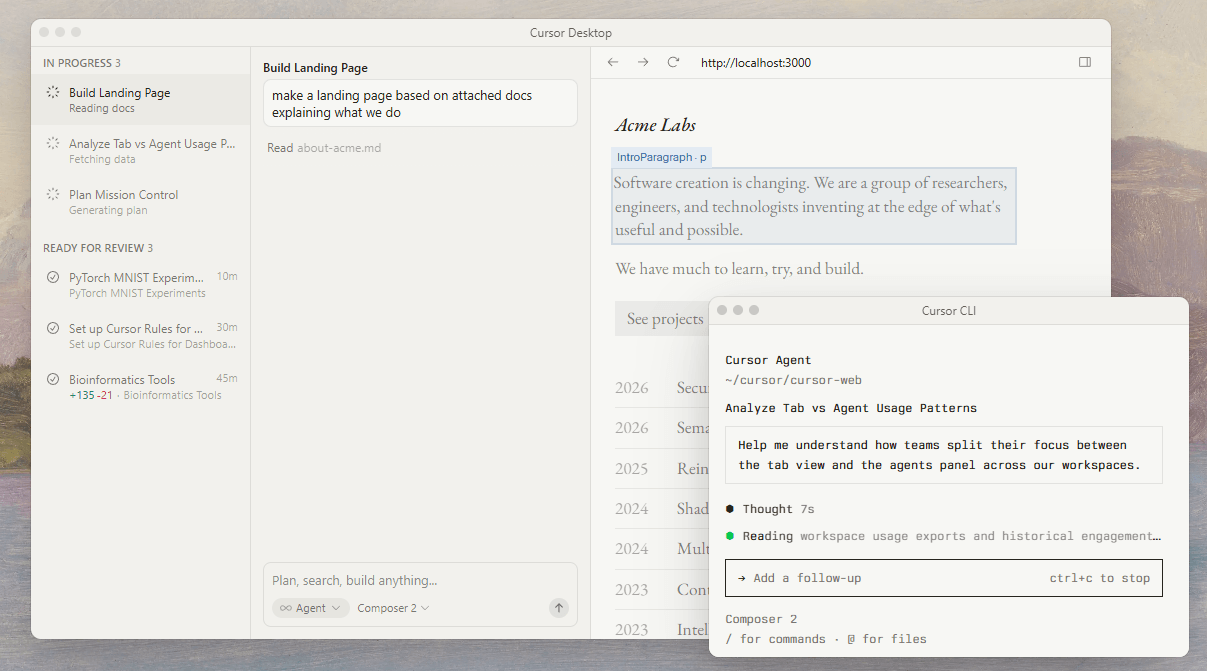
Cursor is a VS Code fork with AI built in at the architecture level. It's not a no-code tool — it's an AI pair programmer that lives inside a professional IDE. You write code, Cursor reads your entire codebase, and the AI proposes edits, refactors, and new features with full project context. For developers who already ship software and want to move faster, it's the strongest option on this list.
Key features
- Codebase-aware AI that understands your entire repository
- Multi-file editing and refactoring through natural language commands
- Background agents that work on tasks autonomously while you do other things
- Choice of frontier AI models (OpenAI, Anthropic Claude, Gemini)
- Tab completion that adapts to your coding style
Pros
- Deep project understanding makes suggestions feel intentional, not generic
- Works with any technology stack or framework
- Full transparency: you own and see all your code
- Native-feeling experience for anyone already comfortable with VS Code
Cons
- Strictly for developers — non-technical users have no visual editor or guided setup
- No bundled hosting, database, or user management
- Heavy usage can run up costs quickly on larger repos
Pricing
Free Hobby tier with limited Agent requests and Tab completions. Pro is $20/month with extended Agent access and background agents. Pro+ at $60/month triples usage limits on premium models. Ultra at $200/month offers 20x usage capacity. Teams is $40/user/month with SSO and role-based access control.
3. Replit
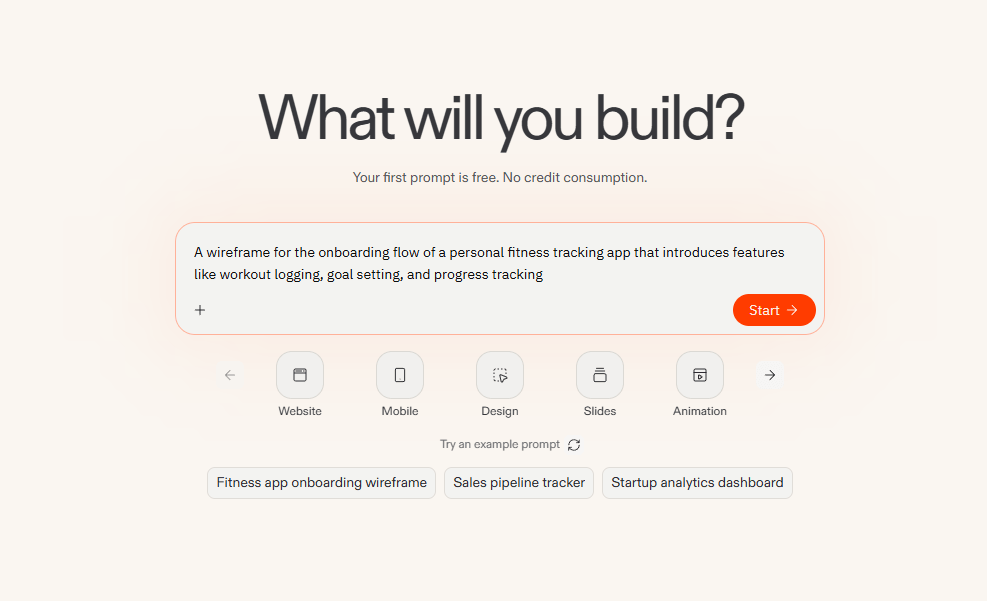
Replit takes a different angle: instead of hiding code from you, it gives you a full browser-based IDE where the AI generates real code that you can inspect, edit, and deploy. The Agent 3 system shipped in 2025 with what InfoQ called "10x more autonomy than previous versions" — it handles autonomous app generation, real-browser testing, and background task automation across 50+ programming languages. Everything runs in the cloud with built-in hosting, database, and version control.
Key features
- AI Agent that builds apps autonomously and tests its own output
- Browser-based IDE with terminal access, version control, and live preview
- Built-in services: database, hosting, authentication out of the box
- Real device testing for mobile apps via Expo Go QR codes
- Multiplayer coding for teams working on the same project
Pros
- Most transparent build process: see exactly what the AI is doing in real time
- Build, run, and deploy entirely in the browser with no local setup
- Real mobile device testing, not just browser simulation
- Projects can sync with GitHub and local IDEs
Cons
- The Agent can introduce changes you didn't ask for or get stuck in loops
- Credit-based pricing is unpredictable on long-running projects
- Interface can feel intimidating for pure non-technical users
Pricing
Free Starter tier with limited Agent credits and one published app. Core at $25/month includes $25 in monthly credits and full Agent access. Pro at around $100/month unlocks Turbo Mode and private deployments. Teams pricing is approximately $40/user/month. Enterprise plans include SSO, SOC 2 compliance, and advanced privacy controls.
4. v0 by Vercel
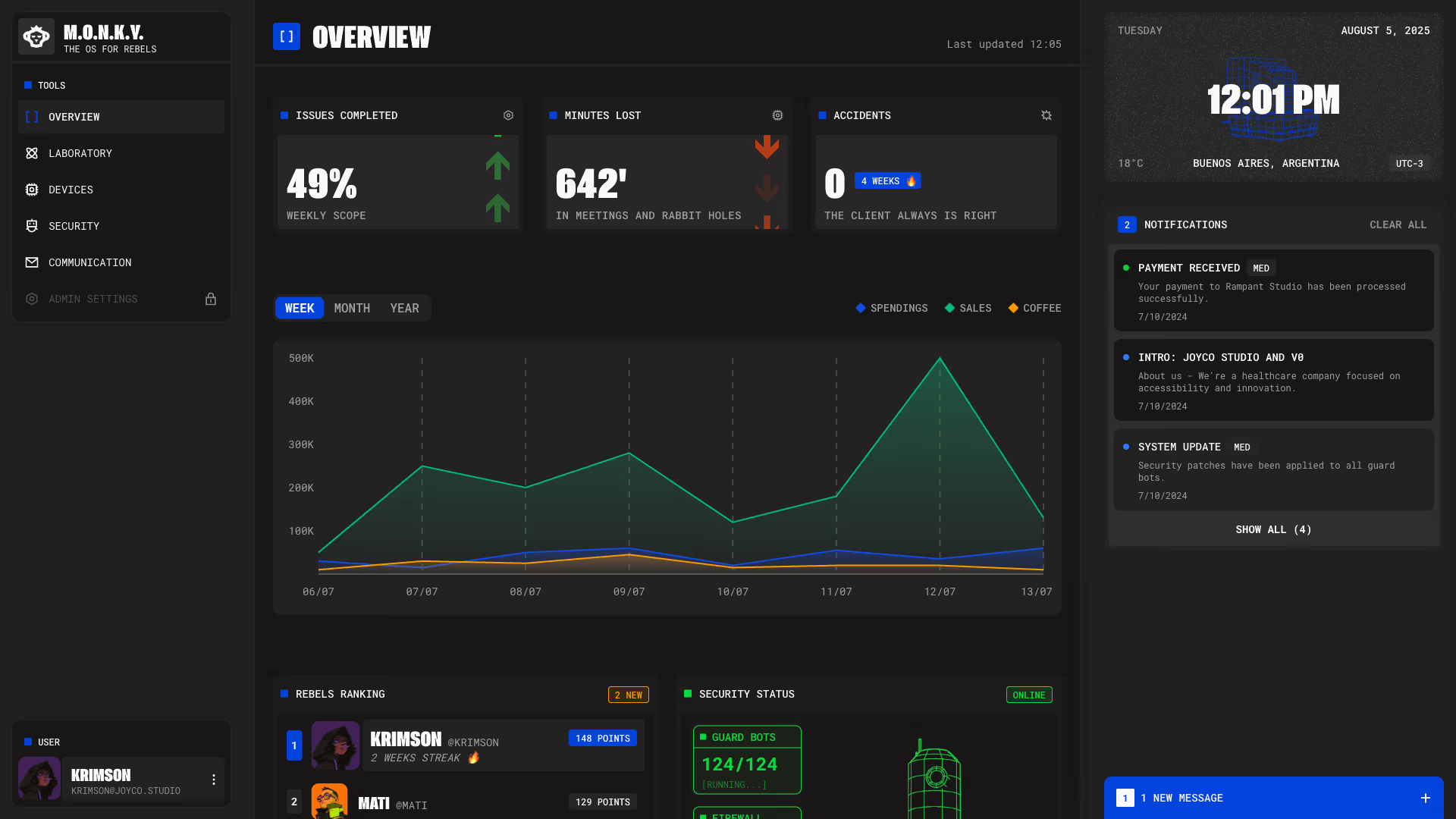
v0 is Vercel's take on AI app generation, built around their deployment platform. It generates production-quality React and Next.js code using shadcn/ui and Tailwind CSS, and every project deploys to Vercel with one click. Originally a UI component generator, v0 rebranded from v0.dev to v0.app in early 2026 with full-stack capabilities. It's the strongest choice for product teams whose engineers will eventually take over and extend the code.
Key features
- Generates clean React, Next.js, and Tailwind code from natural language prompts
- Image-to-code conversion: upload Figma files or screenshots and get matching code
- Automated security scanning for exposed environment variables and insecure API calls
- Native Vercel integration with custom domains and managed databases
- Full GitHub sync for handoff to engineering teams
Pros
- Production-grade code with proper TypeScript types and accessibility features
- Strong fit for teams already on Vercel or planning to deploy there
- Designed for handoff to developers, not lock-in
- Image-to-code is a real shortcut from design to working UI
Cons
- Locked into a Next.js and shadcn/ui stack
- Still leans toward UI generation rather than deep backend logic
- Steeper learning curve for non-developers than tools like Lovable or Base44
Pricing
Free tier offers approximately $5/month worth of credits and v0 Mini model access. Premium at $20/month includes $20 in monthly credits, daily login credits, and v0 Max model access. Team at around $30/user/month adds shared credits and collaboration. Business at $100/user/month adds training opt-out and priority access. Enterprise is custom.
5. Bolt
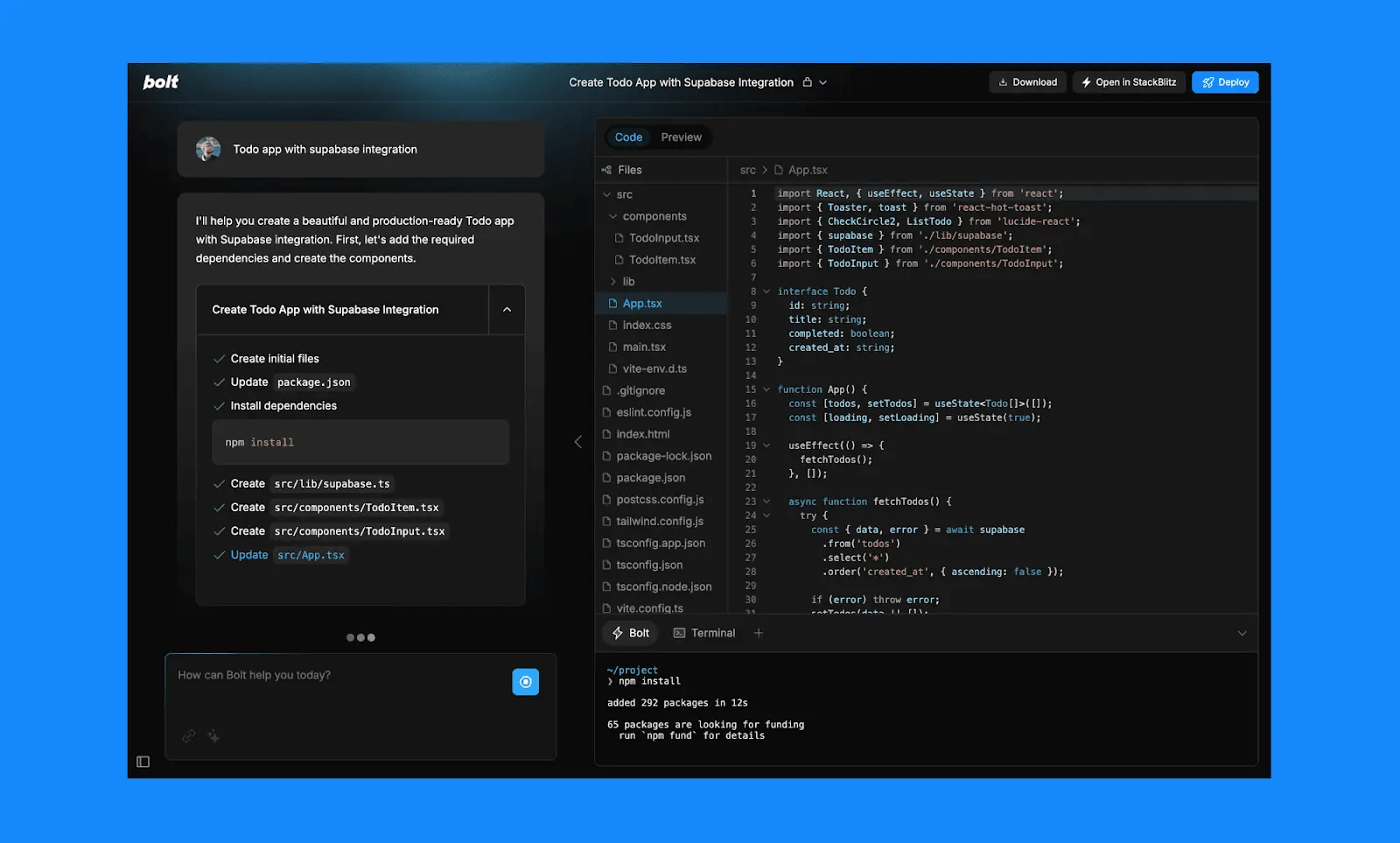
Bolt's identity is speed. The platform focuses on going from prompt to deployable code as fast as possible, with minimal interface clutter and no learning curve to fight through. It's the right choice when you need a shareable demo in an hour for a stakeholder meeting or investor pitch. The 2025 launch of Bolt Cloud added native hosting, databases, user authentication, and SEO configuration, closing the backend gap that previously held the platform back.
Key features
- One-prompt project generation with real, deployable code as output
- Built-in hosting and instant deployment
- Bolt Cloud for native database, auth, and SEO config
- Support for Next.js, React, Tailwind, and other modern frameworks
- Publicly shareable app previews
Pros
- Fastest AI code generation in the category for simple projects
- Clean, distraction-free UI
- Produces real production code, not throwaway prototypes
- Strong fit for technical founders who already know what they're building
Cons
- Bolt Cloud's backend maturity is still less proven than alternatives like Supabase-backed Lovable
- No publicly documented security certifications or compliance details
- Minimal onboarding for non-technical users
Pricing
Free tier includes 1M monthly tokens with a 300K daily cap and Bolt branding on published apps. Pro at $25/month gives 10M monthly tokens, rollover credits, custom domains, and brand removal. Teams at $30/user/month adds centralized billing and private NPM registries. Enterprise is custom with SSO, audit logs, and 24/7 support.
6. Base44
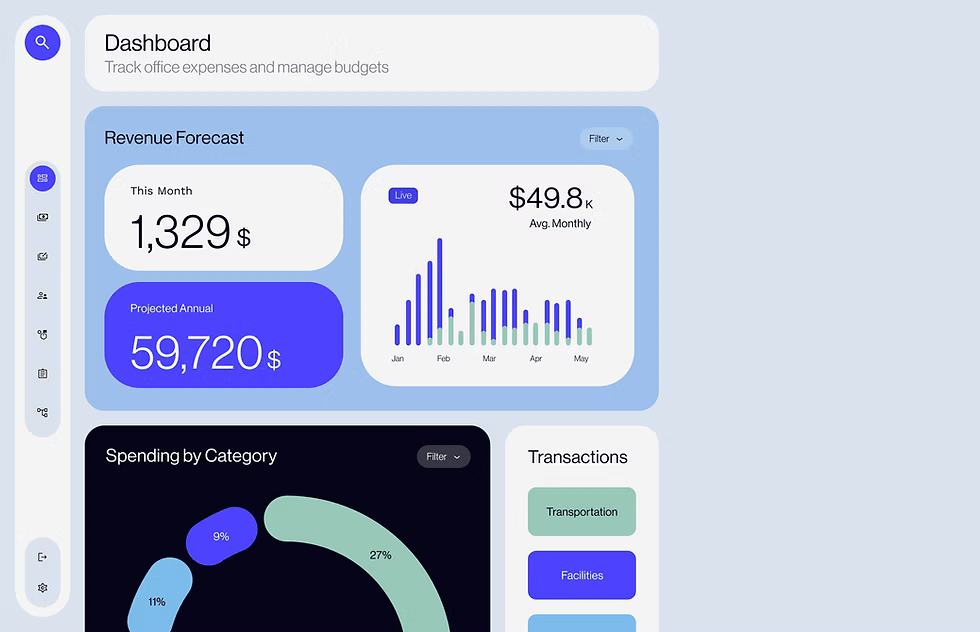
Base44 is the most beginner-friendly option on the list. After being acquired by Wix, it's evolved toward a blend of no-code creation and AI app generation, with a managed backend that handles data, authentication, and hosting automatically. The workflow is iterative — you prompt, review, and ask for refinements in natural language, and the AI edits across multiple pages simultaneously. It won't match the depth of Lovable or the flexibility of Replit, but it delivers exactly what most first-time builders need.
Key features
- One-click app creation from natural language prompts
- Fully managed backend with built-in database, auth, payments, and analytics
- Live mobile preview that updates as the AI iterates
- Wix-backed reliability and hosting infrastructure
- GitHub integration on higher-tier plans
Pros
- Lowest barrier to entry of any platform on this list
- Built-in backend means no separate setup or configuration
- Auto-generated UI matches modern design conventions
- Backed by Wix's hosting infrastructure
Cons
- Less customizable than developer-focused alternatives
- Backend logic depth — complex business rules, scheduling, payment flows — needs validation
- Future product direction unclear after Wix acquisition
Pricing
Free tier with 25 message credits and 100 integration credits. Starter at $20/month adds 100 message credits, 2,000 integration credits, and unlimited apps. Builder at $50/month gives 250 message credits and GitHub integration. Pro at $100/month adds backend functions and beta access. Elite at $200/month includes premium support. Enterprise is custom.
7. Claude Code
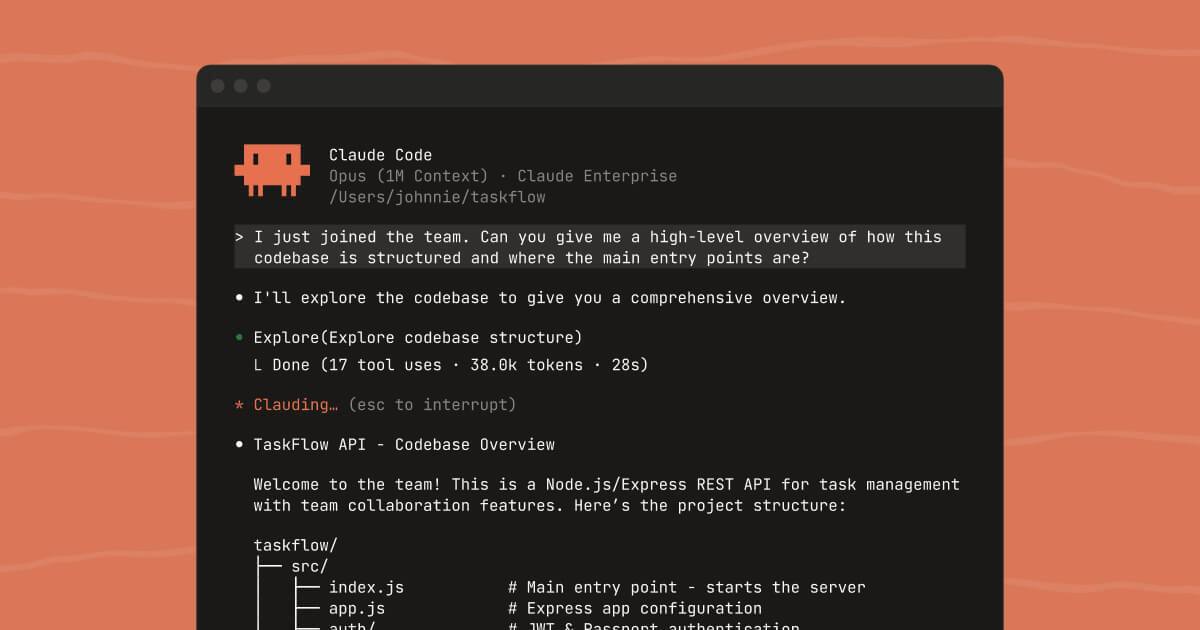
Claude Code is Anthropic's answer to AI pair programming, optimized for conversational, reasoning-heavy work across large codebases. It feels less like autocomplete and more like working with a senior engineer who has read your whole repository. You describe what you want, paste snippets or point it at files, and it proposes clean changes, explains tradeoffs, and helps you refactor safely. It's particularly strong for backend work, API design, and translating specifications into implementation tasks.
Key features
- Large context windows for multi-file edits and project-wide refactors
- Natural language commands for tests, documentation, and code review
- Strong reasoning on complex edge cases and architectural decisions
- Works alongside your existing editor, Git workflow, and CI pipeline
- Integrates with Cursor, JetBrains, VS Code, and other IDEs
Pros
- Excellent at reasoning through complex code changes
- Large context handles entire codebases in one conversation
- Strong companion for specs, tests, documentation, and backend work
- Predictable behavior on multi-step technical tasks
Cons
- Strictly for developers comfortable with code
- No visual builder or guided app generation
- Slower than IDE-first tools on UI-heavy tasks
Pricing
Claude Code is bundled into Anthropic's Claude plans. The Pro plan starts at $20/month with usage limits suitable for individual developers. The Max plan offers higher usage caps for heavier work. Team and Enterprise plans add seat management, admin controls, and enterprise security. Check claude.com for current pricing details.
8. Manus
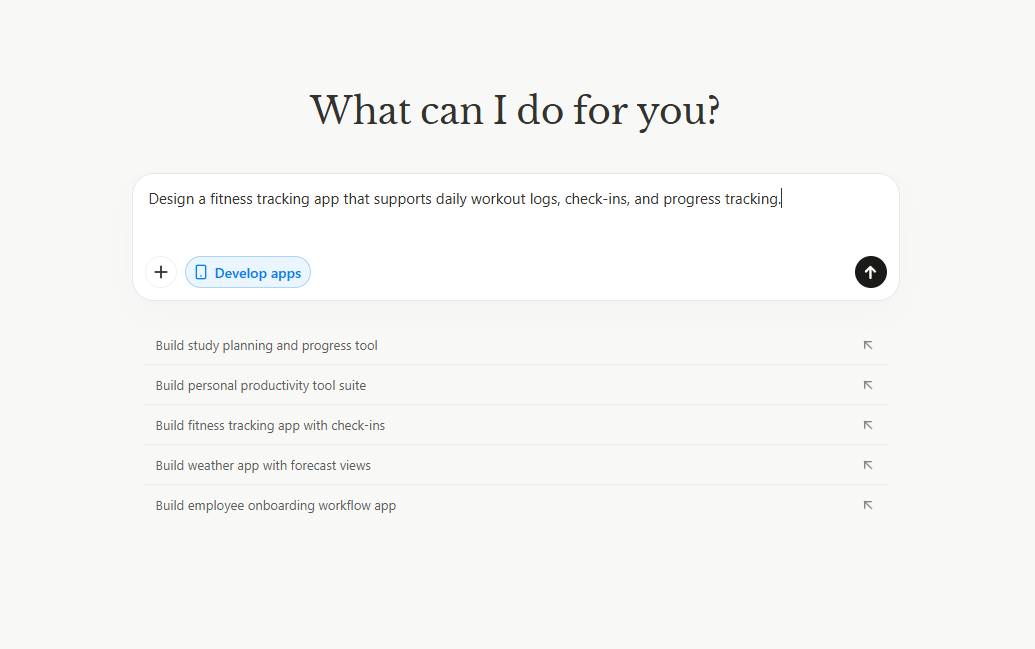
Manus represents a fundamentally different approach to mobile app development. Rather than dragging components onto a canvas or configuring visual workflows, you describe what you want and Manus generates a complete, functional mobile application — frontend, backend, database schema, business logic, and all. It uses AI agents not just for initial generation but for ongoing development, debugging, and optimization. In side-by-side testing against six other platforms on the same complex prompt, Manus delivered nearly every requirement (booking calendar, payments, cancellation policies, admin panel) where most others surfaced them as "next steps."
Key features
- Natural language development for complete full-stack apps
- 4,000+ integrations connecting to business tools and APIs
- AI agent automation for ongoing workflows like customer support and data processing
- Anticipates edge cases and suggests features beyond the original prompt
- Conversational iteration: change cancellation windows, payment flows, or UI copy in plain English
Pros
- Delivers more of a complex prompt from a single conversation than competitors
- Anticipates features you didn't explicitly request (rescheduling logic, revenue dashboards)
- Strong mobile experience on both iOS and Android
- Workflow structured around generate → review → iterate → publish
Cons
- Effective prompting for very complex edge cases still takes practice
- AI-generated code may need refinement for highly specialized use cases
- No free trial — only a free interactive demo
Pricing
Pro plan at $20/month ($17/month billed annually) includes 4,000 credits. Customizable credits plan starts at $40/month ($34 annual) with 8,000 monthly credits and a 7-day free trial. Extended plan at $200/month ($167 annual) offers 40,000 credits. Team plans are custom.
9. Softr
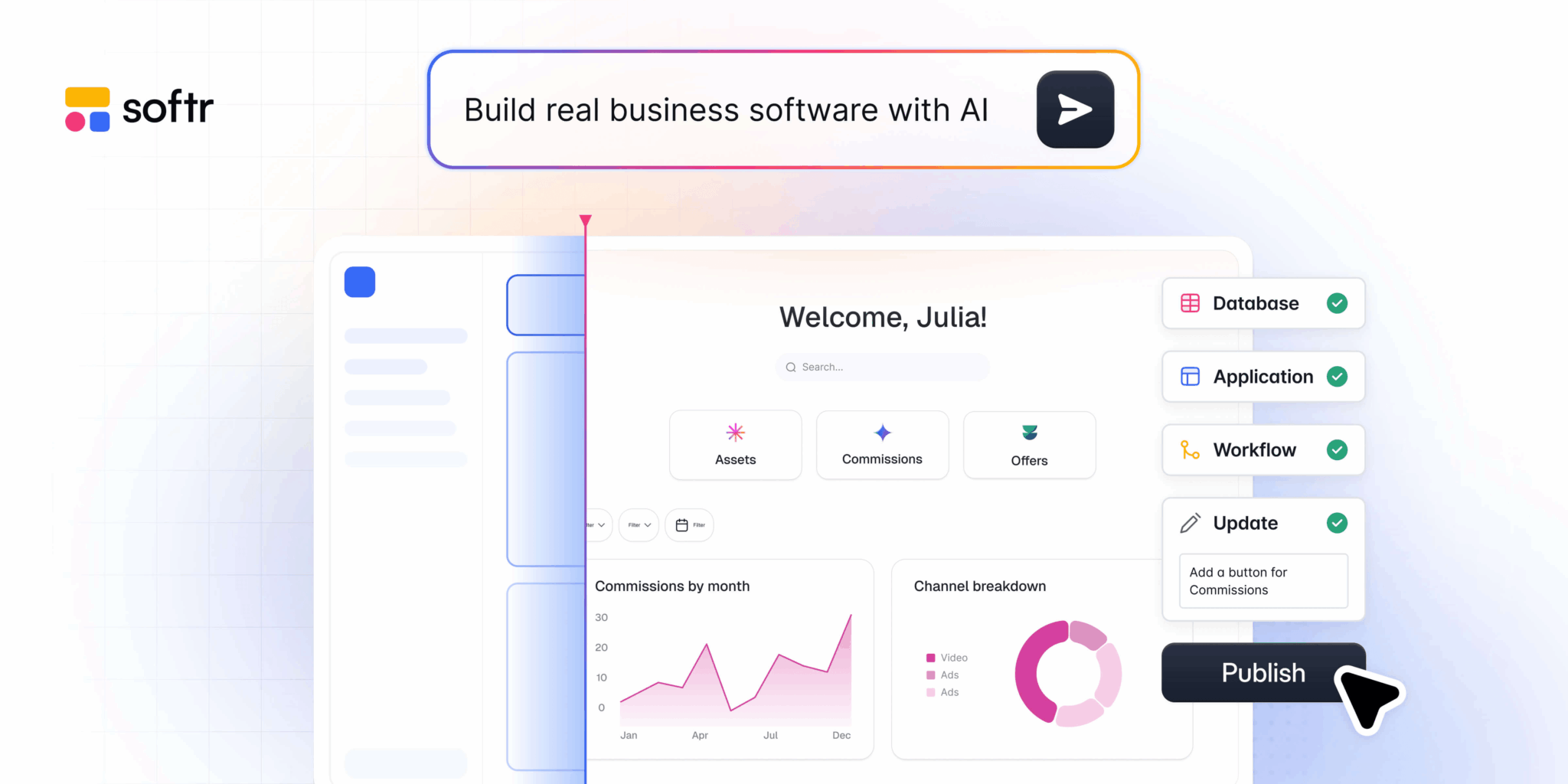
Softr fills a niche that the other tools on this list don't really cover: client portals and internal dashboards built on top of data you already have in Airtable or Google Sheets. It's not for building consumer apps from scratch — it's a data presentation layer with auth, role-based access, and workflow automation. The standout feature is pricing: no per-seat charge for external users. If you build a client portal where 500 people need to log in, Softr doesn't multiply your bill by 500. For consulting firms, agencies, or any service business managing client access, the economics are fundamentally different.
Key features
- Native integrations with Airtable, Google Sheets, and other data sources
- AI Co-Builder for natural language app generation
- Role-based access controls and workflow automation
- No per-seat pricing for external users (clients, members, students)
- PWA support for mobile-friendly experiences
Pros
- Best economics for high-user-count portals and dashboards
- Connects directly to existing data sources without migration
- Fast path from prompt to working portal
- Strong fit for service businesses, agencies, and consultants
Cons
- Cannot build native mobile apps — PWA only
- Limited customization compared to full-code platforms
- Tied to data living in Airtable, Sheets, or similar sources
Pricing
Free tier offers full access to test the platform. Paid plans start at approximately $49/month, with higher tiers adding more apps, custom domains, and white-label options. Enterprise pricing is custom.
10. Bubble
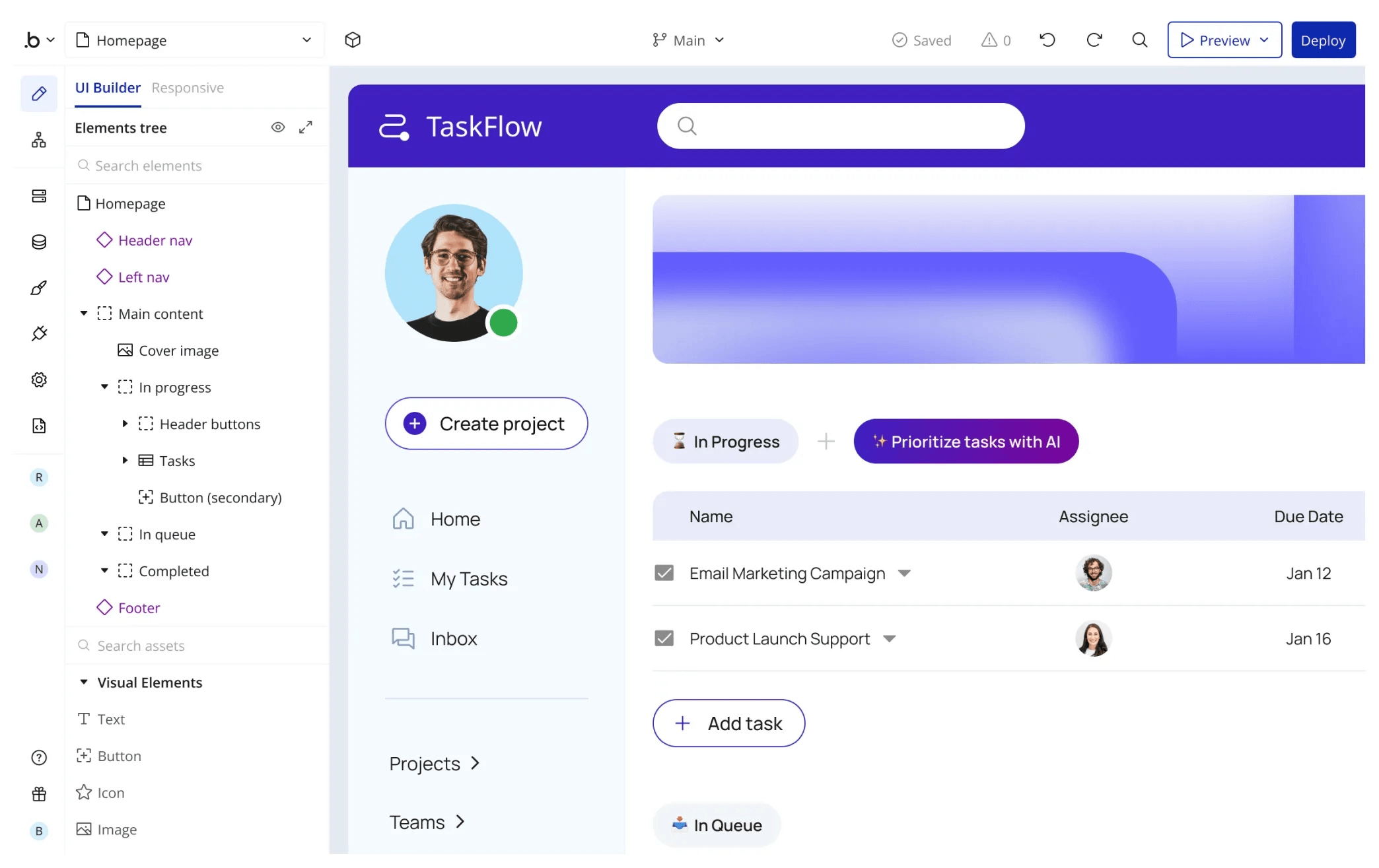
Bubble has been a no-code mainstay for years, and the 2025 addition of an AI Agent (still in beta) brought it into the AI app builder conversation. Where most AI tools generate apps from a prompt and stop, Bubble's strength is its workflow engine — the kind of complex business logic, conditional flows, scheduled tasks, and recursive processes that simpler platforms can't handle. The AI Agent assists with explanation and modifications, but the platform's real value is what you can build manually with the visual editor. If your app has unusual business rules or requires a full relational database with privacy rules, Bubble can handle it where lighter tools can't.
Key features
- Advanced workflow engine for conditional logic, scheduled tasks, and recursive processes
- Full relational database with privacy rules and advanced queries
- AI Agent (beta) for explanations and visual modifications
- Responsive web apps that work in mobile browsers
- Marketplace of plugins, templates, and integrations
Pros
- Most powerful workflow engine of any no-code platform
- Handles complex business logic that simpler tools can't
- Mature ecosystem with extensive documentation and community
- Suitable for production apps with real-world complexity
Cons
- Editor is cluttered with overlapping panels — overwhelming for beginners
- AI Agent still in beta and not reliable for complex logic without manual oversight
- Generates responsive web apps, not native mobile apps
- Higher pricing than most alternatives
Pricing
Free tier supports development and testing but not deployment. Starter at $29/month ($69 monthly billing) adds custom domains and removes Bubble branding. Growth at $209/month ($249 monthly) adds capacity and priority support. Team at $549/month ($649 monthly) includes collaboration features and higher performance. Enterprise is custom.
What AI app builders don't solve: monetization
Here's the gap nobody talks about. Every AI app builder on this list can ship a working app in minutes. None of them solve the problem of getting paid — at least not for mobile.
If you're building a web app, Stripe integration is usually a checkbox. For mobile, it's a completely different category of problem. Apple and Google require digital goods to go through their billing systems, which means configuring products in App Store Connect and Google Play Console, integrating StoreKit and Play Billing, implementing receipt validation, managing subscription state, handling refunds and renewals, and building paywalls that convert. For more on what this involves, see our guide on what in-app purchases are and how they work.
The paywall in particular is where most teams lose money they should be keeping. Industry data shows that paywall A/B testing can lift conversions by 25% or more, and apps that run experiments earn nearly 40x more revenue than apps that don't. But running those experiments traditionally requires creating new test builds, submitting them for review, and waiting weeks — which is why most apps never test their paywalls properly.
AI for paywall generation
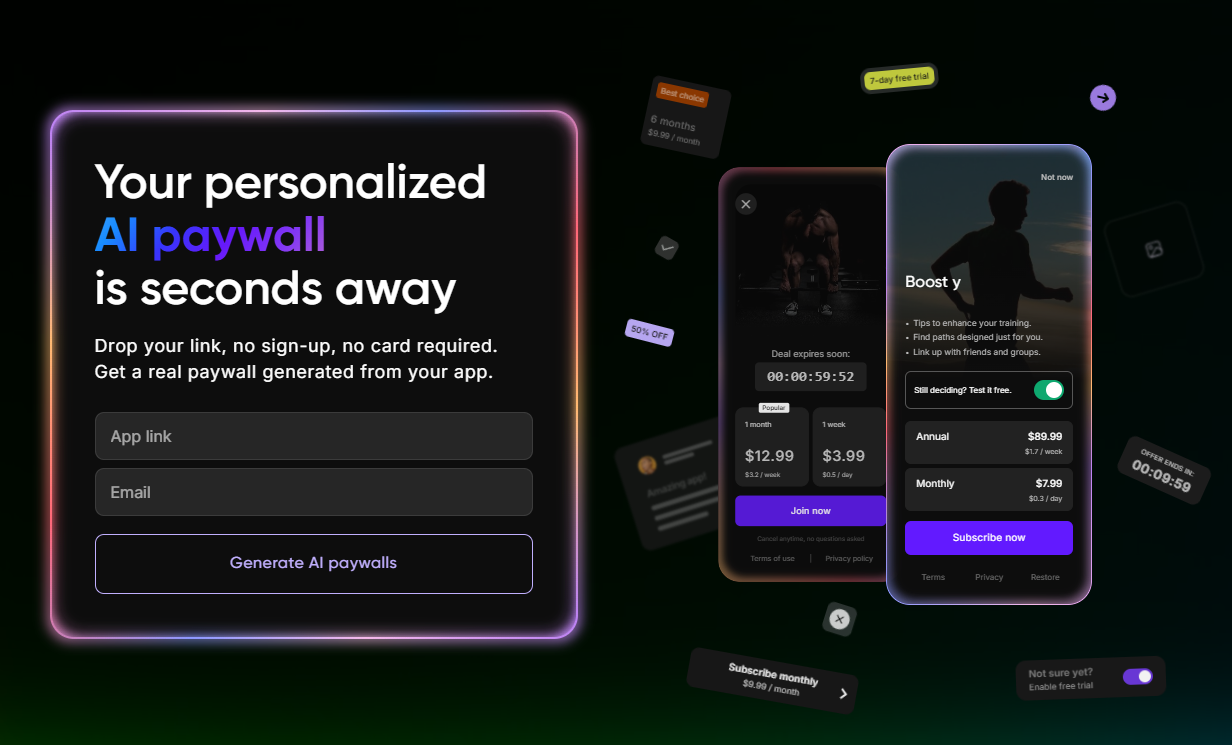
The same AI generation pattern that produces app code can produce paywalls. Adapty's AI Paywall Generator takes your App Store or Google Play link, extracts your app's design language, copy, and metadata, and generates five branded paywall variants in under 30 seconds — no design tools, no code, no release cycle. You can keep regenerating until something fits, then push the winning paywall live in your Adapty workspace without an app update.
This matters because paywall design is one of the highest-leverage decisions in mobile monetization. The same app can succeed or fail depending on how its paywall is structured, and tweaking pricing, layout, trial messaging, and visual hierarchy takes constant iteration. AI generation makes that iteration loop fast enough to actually run.
The other piece is that paywalls generated this way follow Apple's compliance rules out of the box — required disclosures, subscription terms, restore-purchase buttons, and the layout patterns reviewers expect. For more on the specifics of what makes a paywall work, see our guide on how to design a paywall for a mobile app.
How Adapty supports developers building mobile apps with AI
An AI app builder gets you to a working app. Adapty handles everything that happens after — the subscription infrastructure, the paywall logic, the experiments that compound revenue over time.
Specifically, Adapty gives mobile developers:
- SDKs for every major stack — iOS, Android, React Native, Flutter, Expo, Unity, Kotlin Multiplatform, Capacitor, and FlutterFlow. The SDK handles receipt validation, subscription state, refunds, renewals, and cross-platform restoration so you don't have to build any of it. If you're working with React Native specifically, our React Native in-app purchases tutorial walks through the full integration.
- No-code paywall builder — a visual editor for designing and publishing paywalls without app releases. Combined with the AI Paywall Generator, you can go from a prompt to a live paywall in minutes.
- Paywall A/B testing — run experiments on pricing, layout, trial structure, and copy without shipping new builds. Adapty's AI prediction model forecasts long-term revenue from A/B test data so you can pick winners in days instead of months.
- Revenue analytics — cohort analysis, LTV prediction, refund tracking, and the metrics that actually tell you how your subscription business is performing.
- Autopilot — automated pricing experiments across geographies, paywall design recommendations, and competitor benchmarking that runs in the background.
The combination — AI app builder for the product, Adapty for the monetization — closes the loop. You ship faster, you monetize sooner, and you can iterate on both layers without engineering cycles for every change. For a deeper view of what works in mobile monetization today, our mobile app monetization in 2026 report covers the data behind the strategies.
Adapty is now free for apps earning under $5,000/month, which means small teams can build with AI and ship with Adapty without paying anything until the revenue justifies it.